
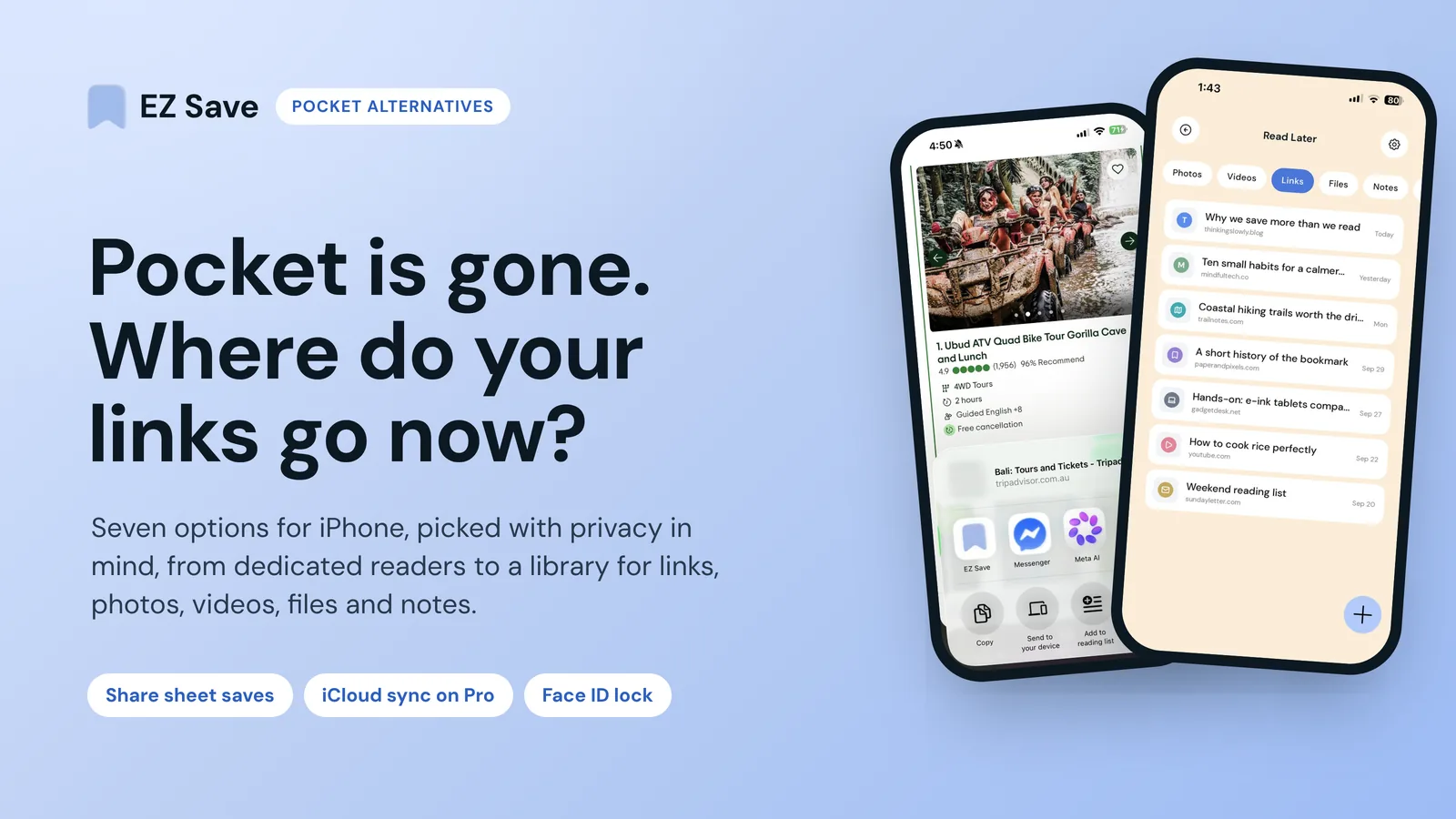
The best Pocket alternative, and the best read-it-later app for most iPhone readers, is Instapaper if you just want a clean reader, or Readwise Reader if you read seriously and will pay for it. If what you really used Pocket for was a junk drawer of links, screenshots and files, a private save-anything app like EZ Save (which I build) fits better, but it is not a reader app.
I make EZ Save, so treat this as a builder's view rather than a neutral review. I haven't run a long hands-on test of every app here, so I'm not going to pretend I have. Everything below about the other apps comes from their own pricing pages, help docs and App Store listings, which I checked in November 2026. Prices change, so check the current listing before you subscribe.
What happened to Pocket, and can you still export your saves?
Mozilla pulled Pocket from the app stores on 22 May 2025 and shut the service down on 8 July 2025. According to Mozilla's Pocket shutdown page, the web app then ran in export-only mode, and on 12 November 2025 export and the Pocket API were switched off and all user data was queued for permanent deletion. Mozilla's announcement post explains the reasoning.
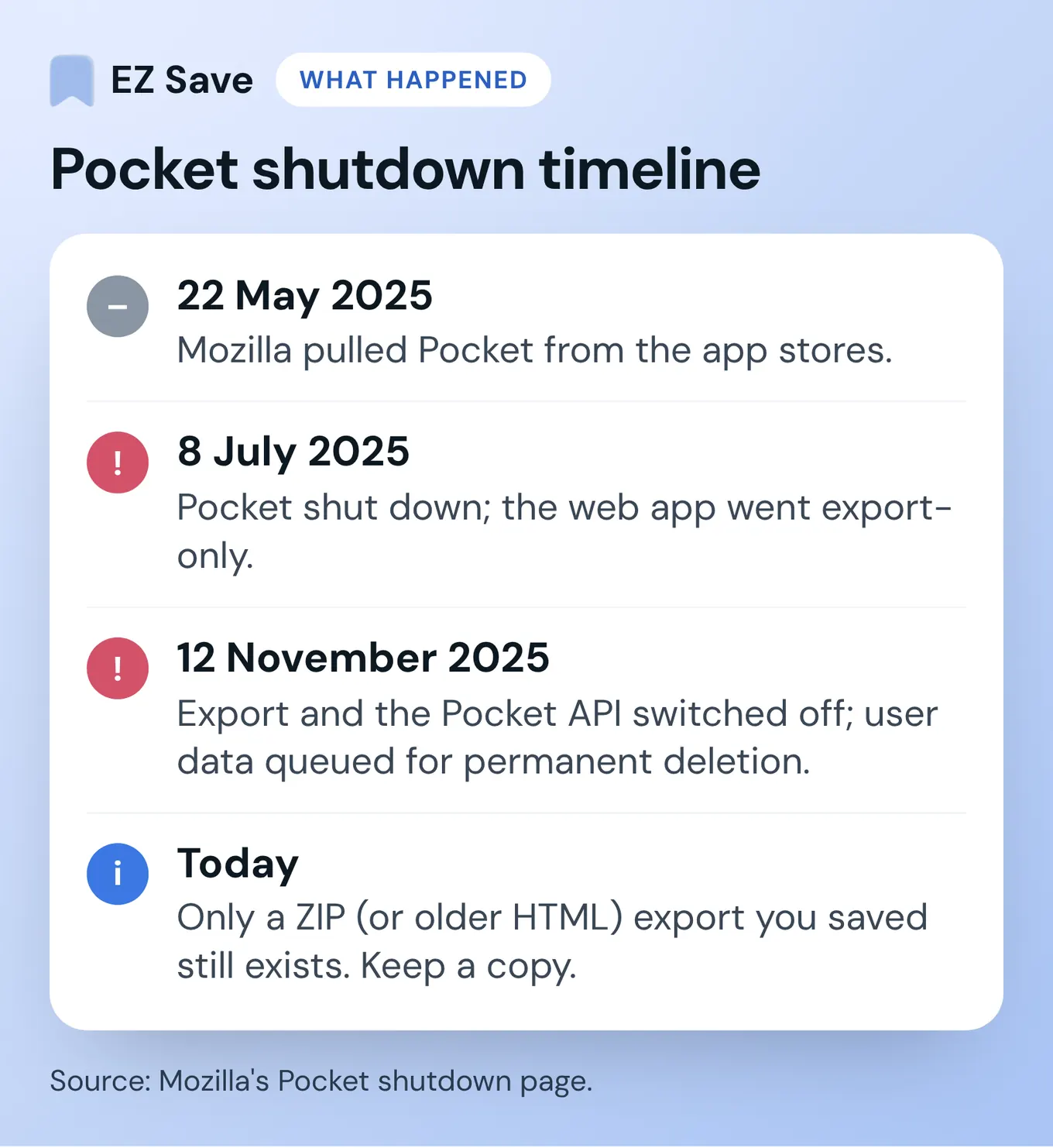
So if you didn't export in time, there is nothing left to download. If you did, you'll have a ZIP file (or the older HTML export), and that file is now the only thing that matters. Keep a copy somewhere safe before you try any importer. Any "Import from Pocket" button that logs into your Pocket account will no longer work, because it relied on that API.
Do you need a read-it-later app, or somewhere to keep things?
Before you pick a replacement, work out what you actually used Pocket for. Pocket users tend to fall into three groups:
- Readers who want the same clean article view and an offline queue.
- Highlighters who have years of marks and want an export that keeps working.
- Collectors who used Pocket as a junk drawer for links they might never read.
The first two belong in a read-it-later app. Collectors often don't: they need folders, search across file types, and a share sheet that also takes PDFs and photos. Expecting one app to fix all three is how you end up with three half-used subscriptions.
Reader signals: you open saves on the train, you care about typography and offline text, you highlight sentences, you listen to articles. Saver signals: your list is full of PDFs, maps, tickets and random URLs, you already think in folders ("tax", "trip", "recipes"), and you want the share sheet to catch photos too.
What should you look for in a Pocket app alternative?
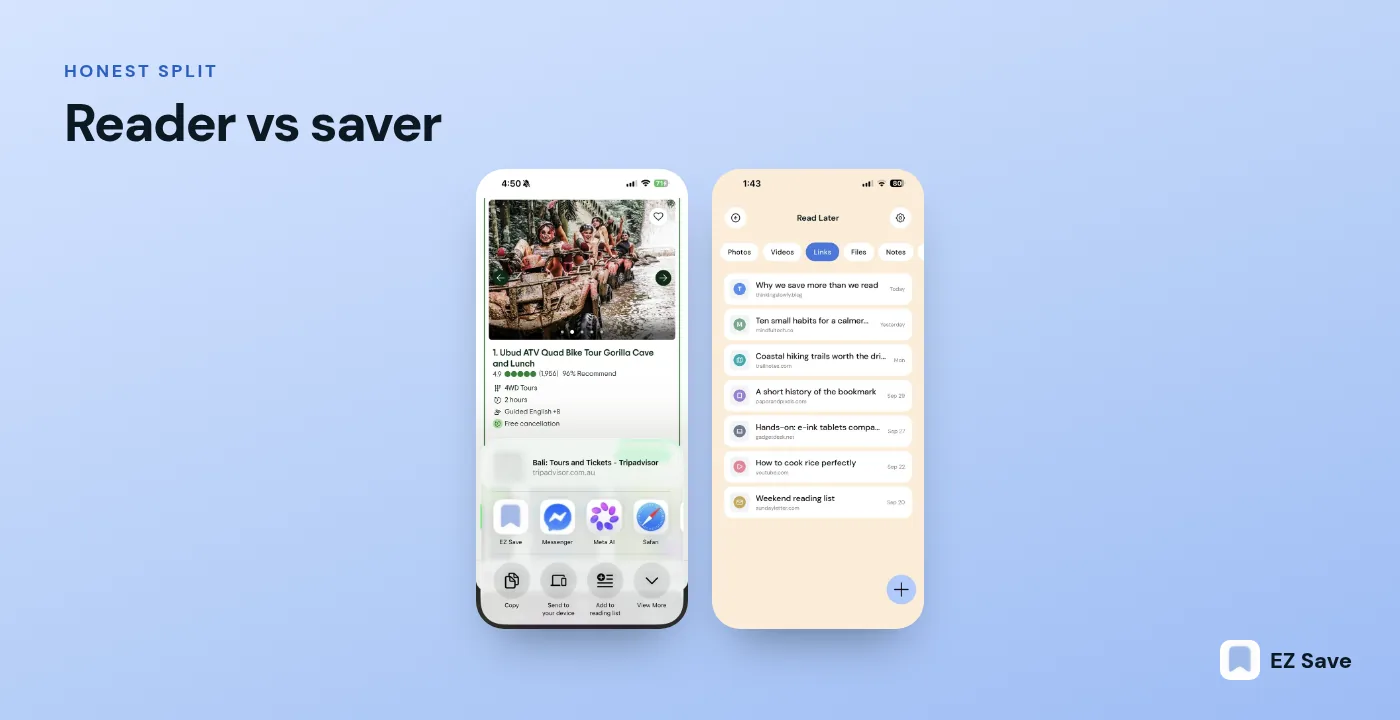
- Reader view. Pocket's best trick was turning a messy web page into clean text. If that's what you miss, you want a dedicated reader (Instapaper, Matter, Readwise Reader).
- Tags and folders. Pocket used tags. Some replacements use folders, collections or both.
- Where your data lives. On the company's servers, on a server you run, or in your own Apple account. This is the privacy question that actually matters.
- Price. Most have a free tier. The useful features (full-text search, highlights, text-to-speech) are often paid.
- Platforms. If you also use Android or Windows, that rules some options out quickly.
- Import. Whether it can read your Pocket ZIP file, now that the API route is gone.
Which 7 Pocket alternatives are worth a look on iPhone?
1. Instapaper: best for a simple, familiar reader
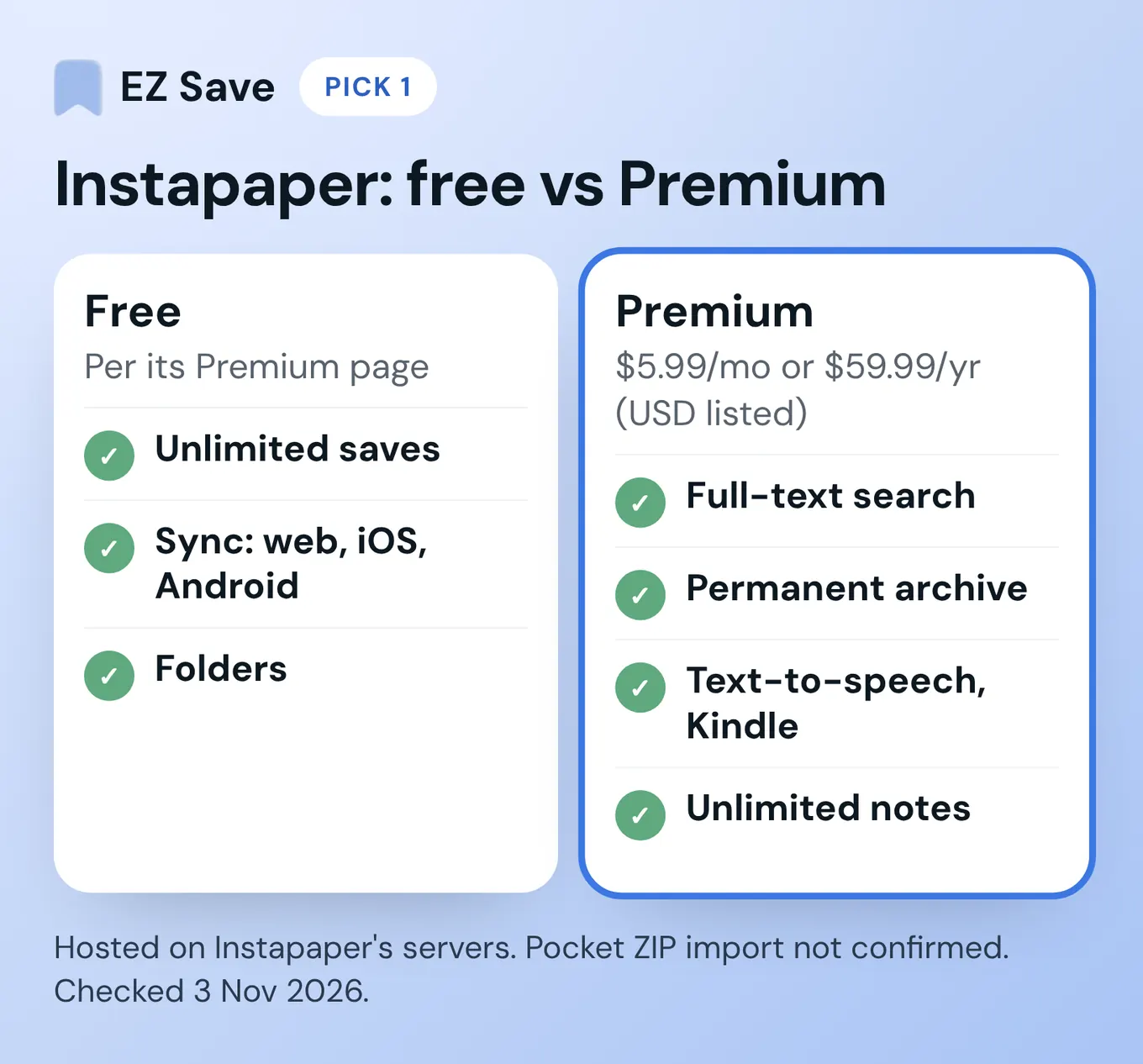
Instapaper is the closest thing to "Pocket, but still running". Its Premium page lists a free plan with unlimited saves, sync across web, iOS and Android, and folders. Premium is listed at $5.99 a month or $59.99 a year (shown in US dollars when I checked; your App Store price may differ) and adds full-text search, a permanent archive, unlimited notes, text-to-speech, Kindle sending and an ad-free website.
- Privacy: a hosted account on Instapaper's servers. Its privacy policy says it can share non-identifying and aggregate information with advertisers and publishers.
- Platforms: web, iPhone, iPad, Android.
- Pocket import: I couldn't confirm a Pocket ZIP importer on Instapaper's site, so check its settings before relying on it.
2. Matter: best for reading plus listening
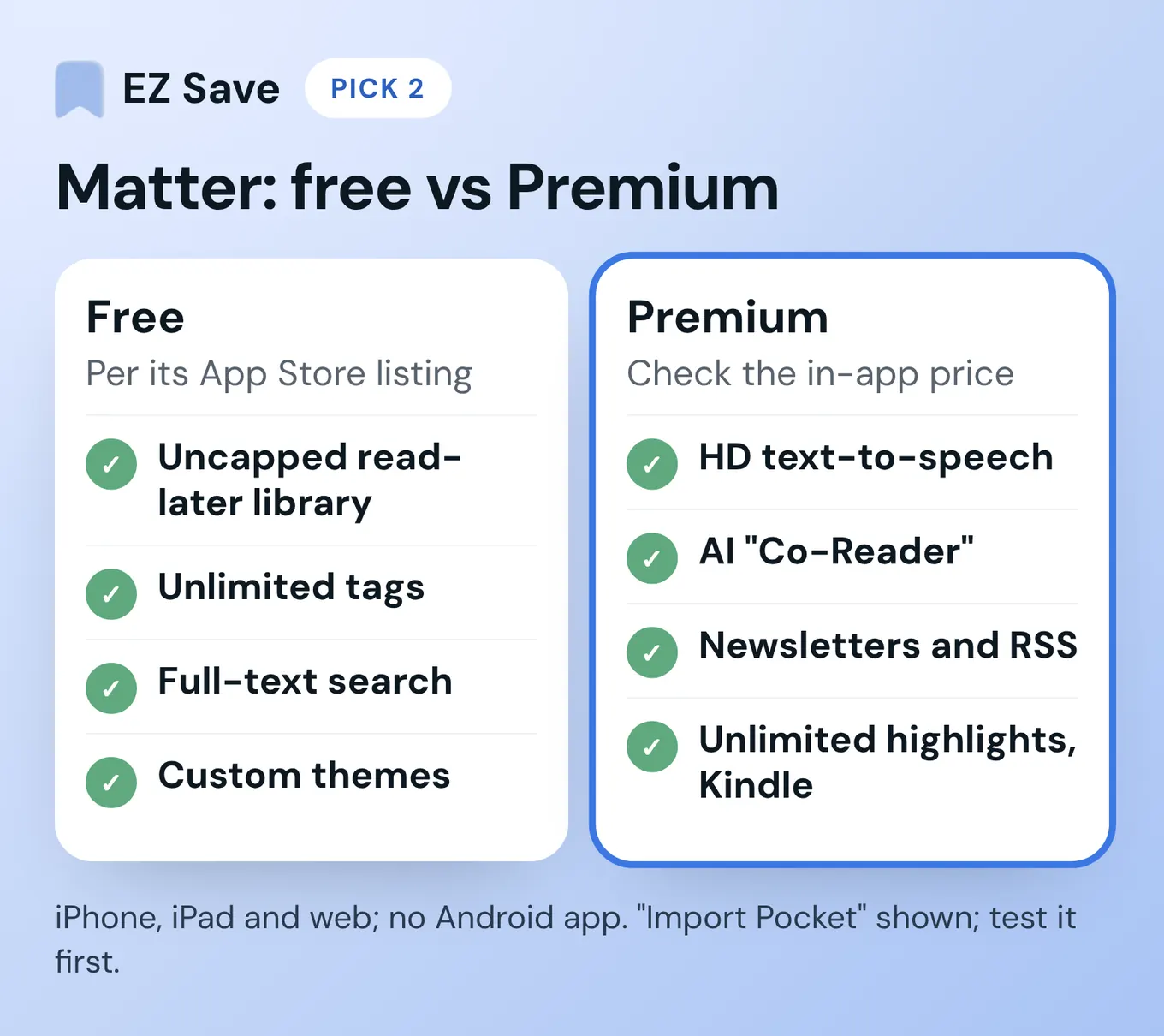
Matter is the most polished-feeling reader of the bunch. Its App Store listing says the free version includes an uncapped read-later library, unlimited tags, full-text search and custom themes. Premium adds HD text-to-speech, an AI "Co-Reader", newsletters and RSS, unlimited highlights and Send to Kindle. I couldn't find a Premium price on Matter's website; its US App Store listing showed US$7.99 a month or US$79.99 a year in November 2026, so check the in-app price on your device.
- Privacy: a hosted account. Read its privacy policy if you'll connect Gmail for newsletters.
- Platforms: iPhone, iPad and web. There is no Android app.
- Pocket import: Matter's Pocket page still shows an "Import Pocket" option. Since Pocket's API closed, test it before you count on it.
3. Readwise Reader: best for heavy readers who highlight everything
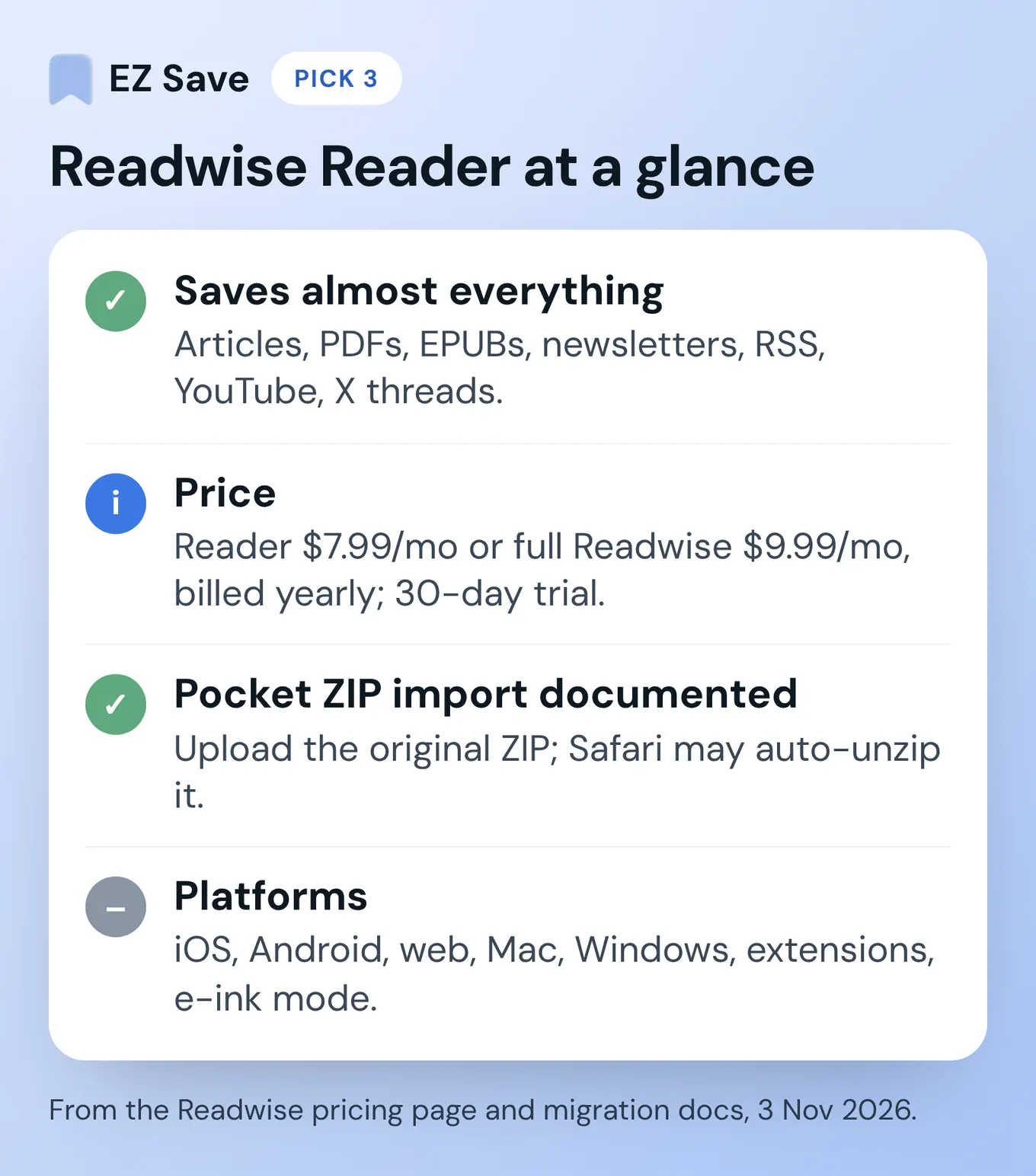
Reader saves articles, PDFs, EPUBs, newsletters, RSS feeds, YouTube videos and X threads into one place, with highlighting and text-to-speech. According to the Readwise pricing page, a Reader-only plan is $7.99 a month billed yearly and full Readwise is $9.99 a month billed yearly, with a 30-day free trial. I didn't see an ongoing free plan. If you already pay for Readwise highlights, Reader is the natural upgrade; if you don't, full Readwise is a lot to pay just to replace Pocket's basic queue.
- Privacy: a hosted account, synced across devices.
- Platforms: iOS, Android, web, Mac and Windows apps, browser extensions, plus an e-ink mode.
- Pocket import: the clearest of the lot. Readwise's migration docs say you can upload the original Pocket ZIP file on its Integrations page. They warn that Safari may auto-unzip the download, so upload the original ZIP.
4. Raindrop.io: best for bookmarks across every device
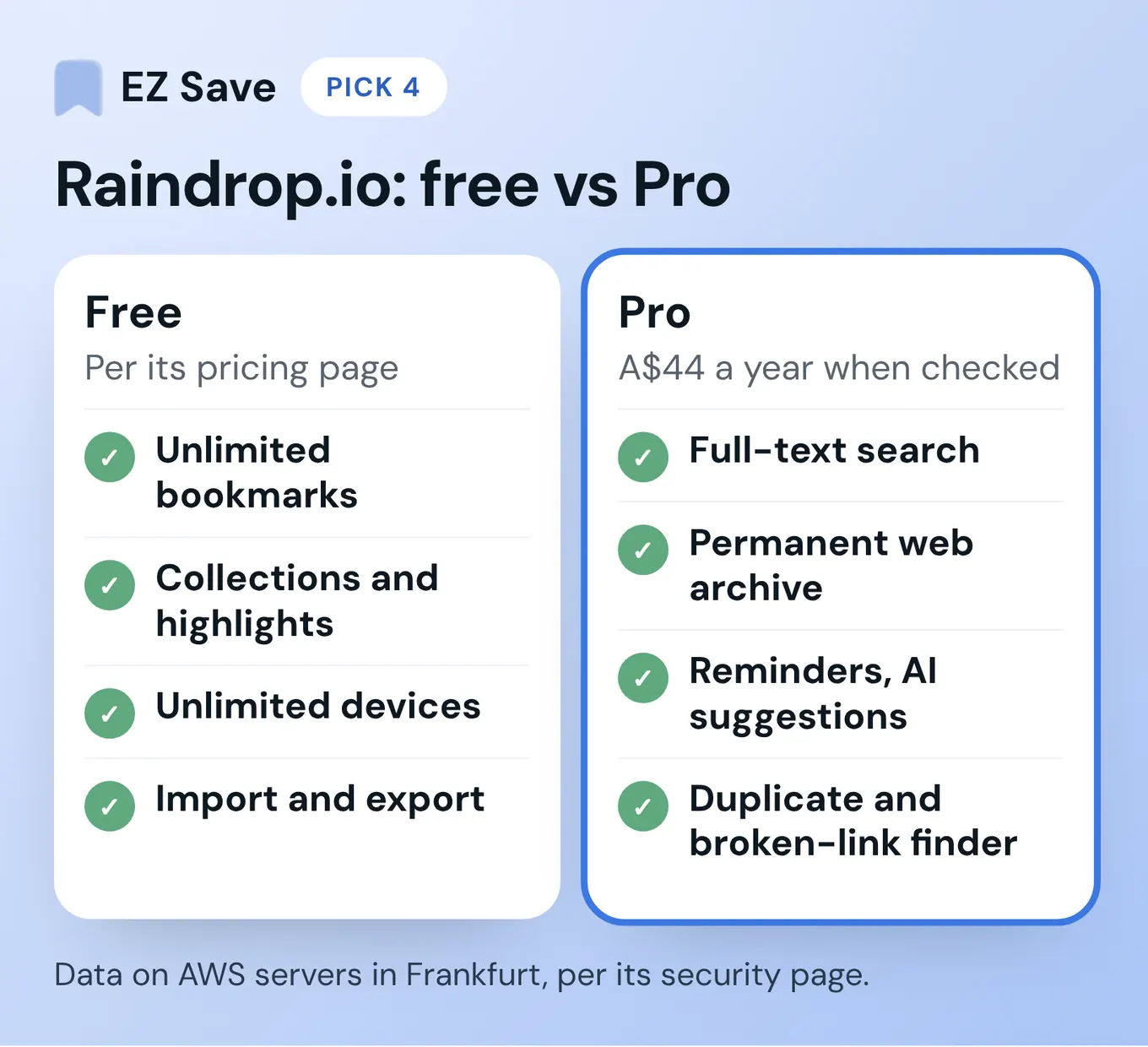
Raindrop is a bookmark manager more than a reader. Its pricing page lists a free plan with unlimited bookmarks, collections, highlights and devices, plus import and export. Pro was A$44 a year when I checked (shown in Australian dollars for me) and adds full-text search, a permanent web archive, reminders, AI suggestions and a duplicate and broken-link finder.
- Privacy: Raindrop's security page says data is stored on AWS servers in Frankfurt, it runs on paid subscriptions with "no ads, no tracking, no selling your data", and its apps are open source.
- Platforms: iOS, Android, Mac, web and the major browsers.
- Pocket import: its import help covers bookmark files from browsers and other apps. I didn't see Pocket named, so check before you rely on it. I've also written EZ Save vs Raindrop.io.
5. Safari Reading List: best free option you already have
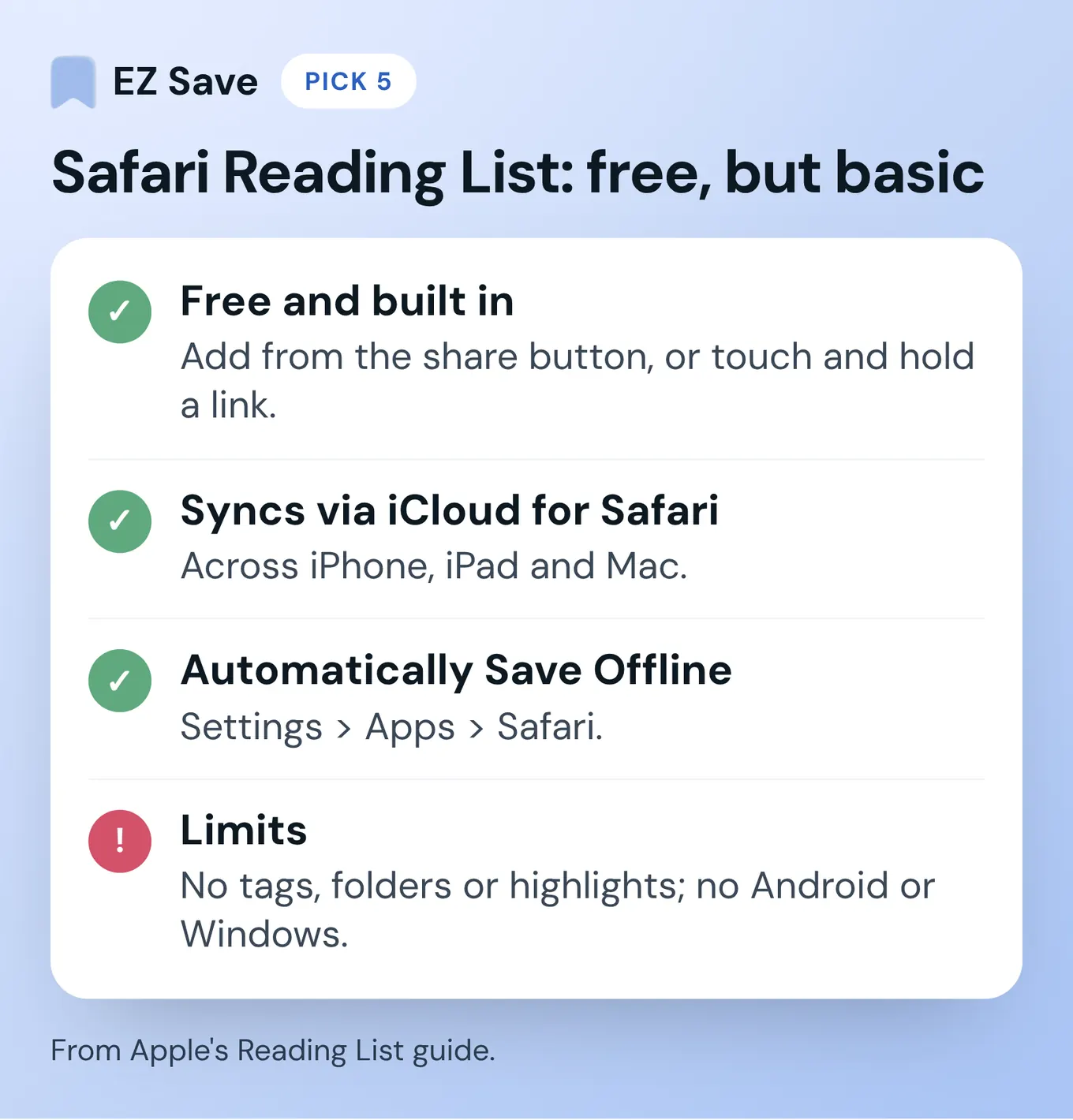
If you only ever saved articles from Safari and read them on Apple devices, you may not need a new app at all. Apple's Reading List guide shows how to add a page from the share button (or touch and hold a link), and you can turn on Automatically Save Offline in Settings > Apps > Safari. Reading List syncs across your iPhone, iPad and Mac through iCloud for Safari.
- Privacy: it's tied to your Apple Account, like the rest of Safari.
- Price: free.
- Limits: no tags, no folders, no highlights, and it doesn't help you on Android or Windows. Saving from other apps depends on them offering a Safari-style share option.
6. wallabag: best if you want to own the server
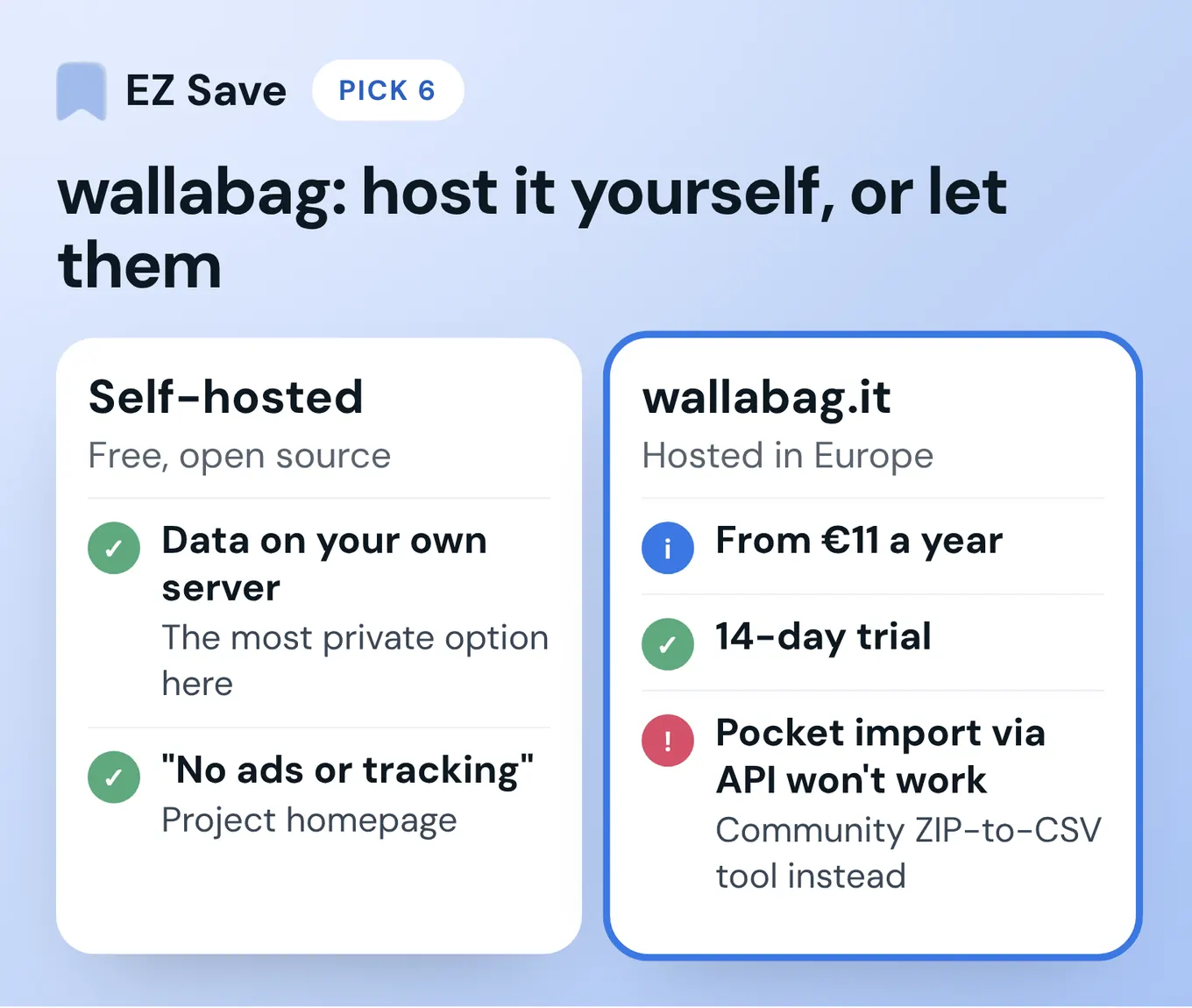
wallabag is free, open-source read-later software that you can host yourself. If self-hosting sounds like a weekend you'd rather not lose, wallabag.it runs it for you from €11 a year, hosted in Europe, with a 14-day trial. The project's homepage says "no ads or tracking".
- Privacy: the best on this list if you host it yourself, because the data sits on your own server.
- Platforms: web, browser extensions, an Android app and an iOS app, plus RSS readers and e-readers through community tools.
- Pocket import: the wallabag docs describe an API-based Pocket import, which won't work now. They also point to a community tool that converts a Pocket ZIP to CSV for wallabag's Instapaper importer.
The brief for this post called this slot "Omnivore-style". Omnivore's hosted service shut down in late 2024 when its team joined ElevenLabs, so wallabag is the self-hosted option I could verify today.
7. EZ Save: best if Pocket was your everything drawer
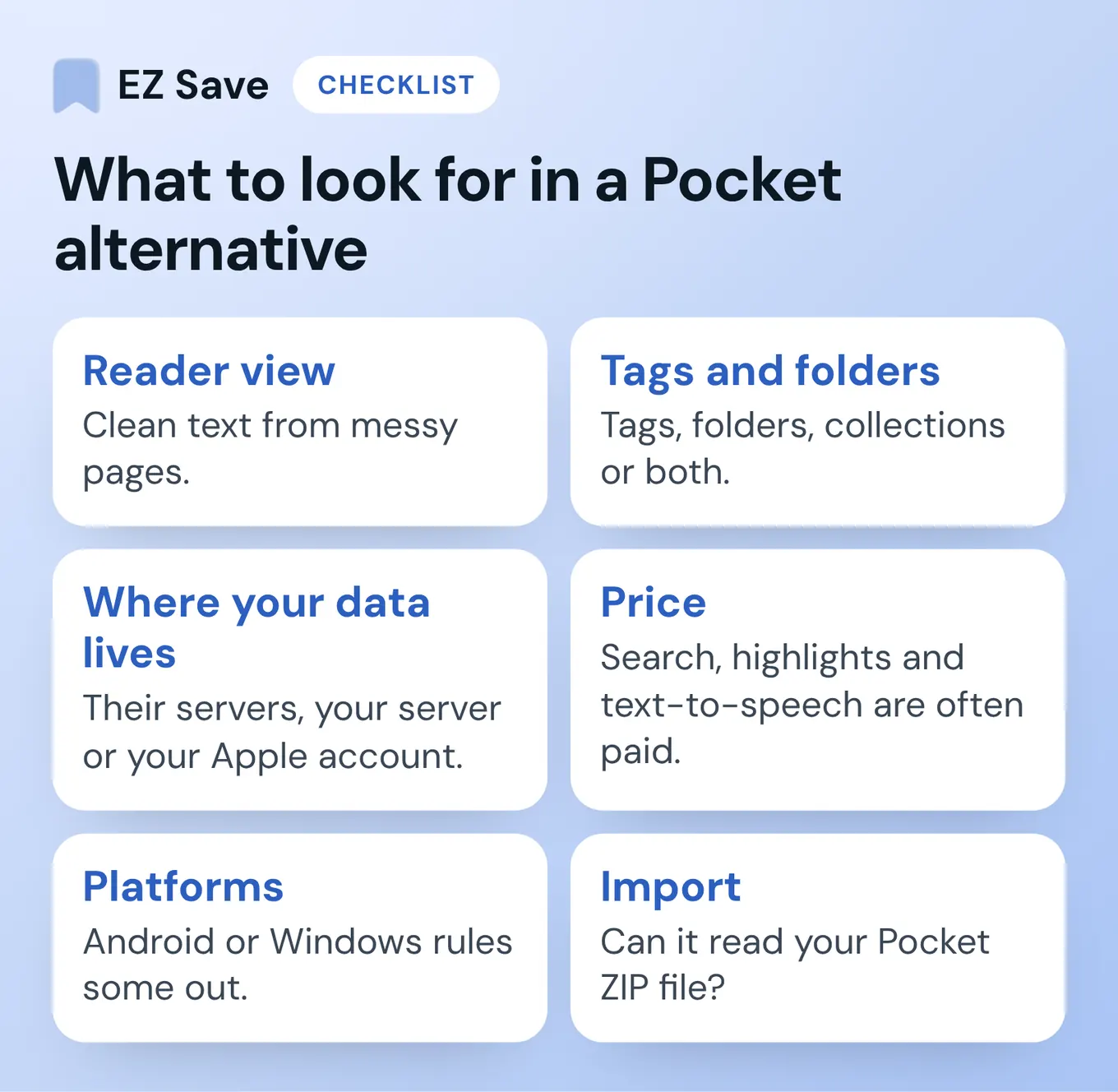
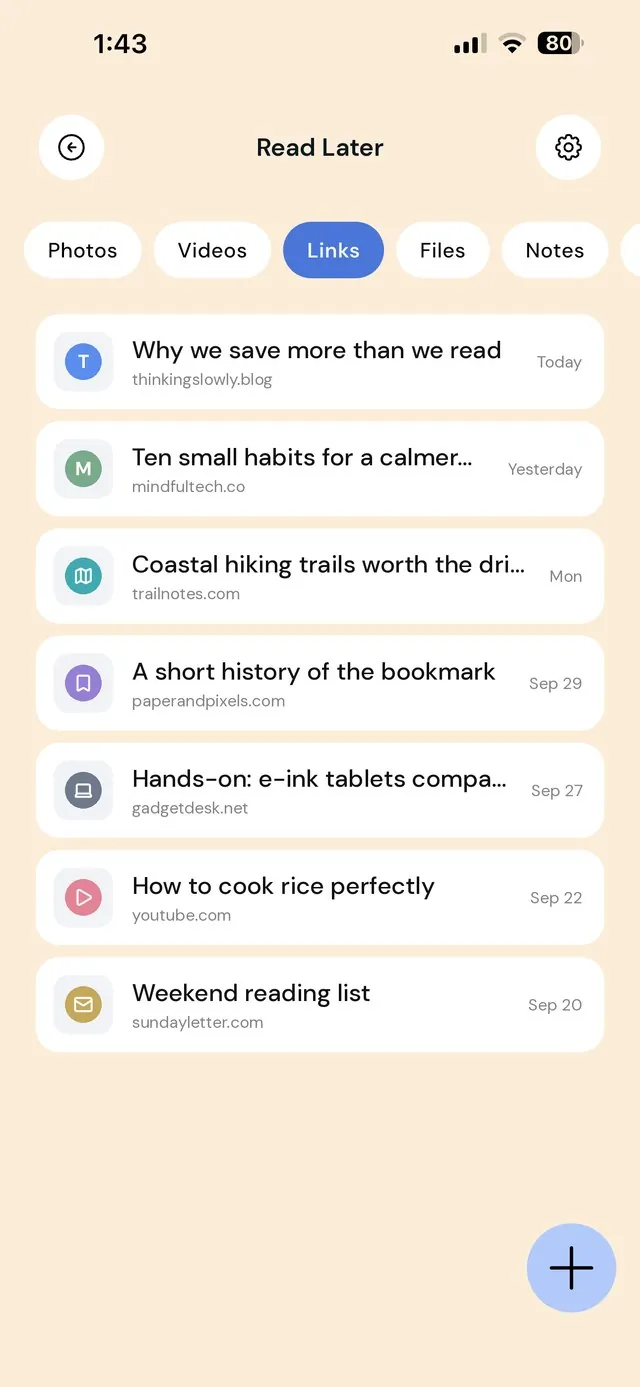
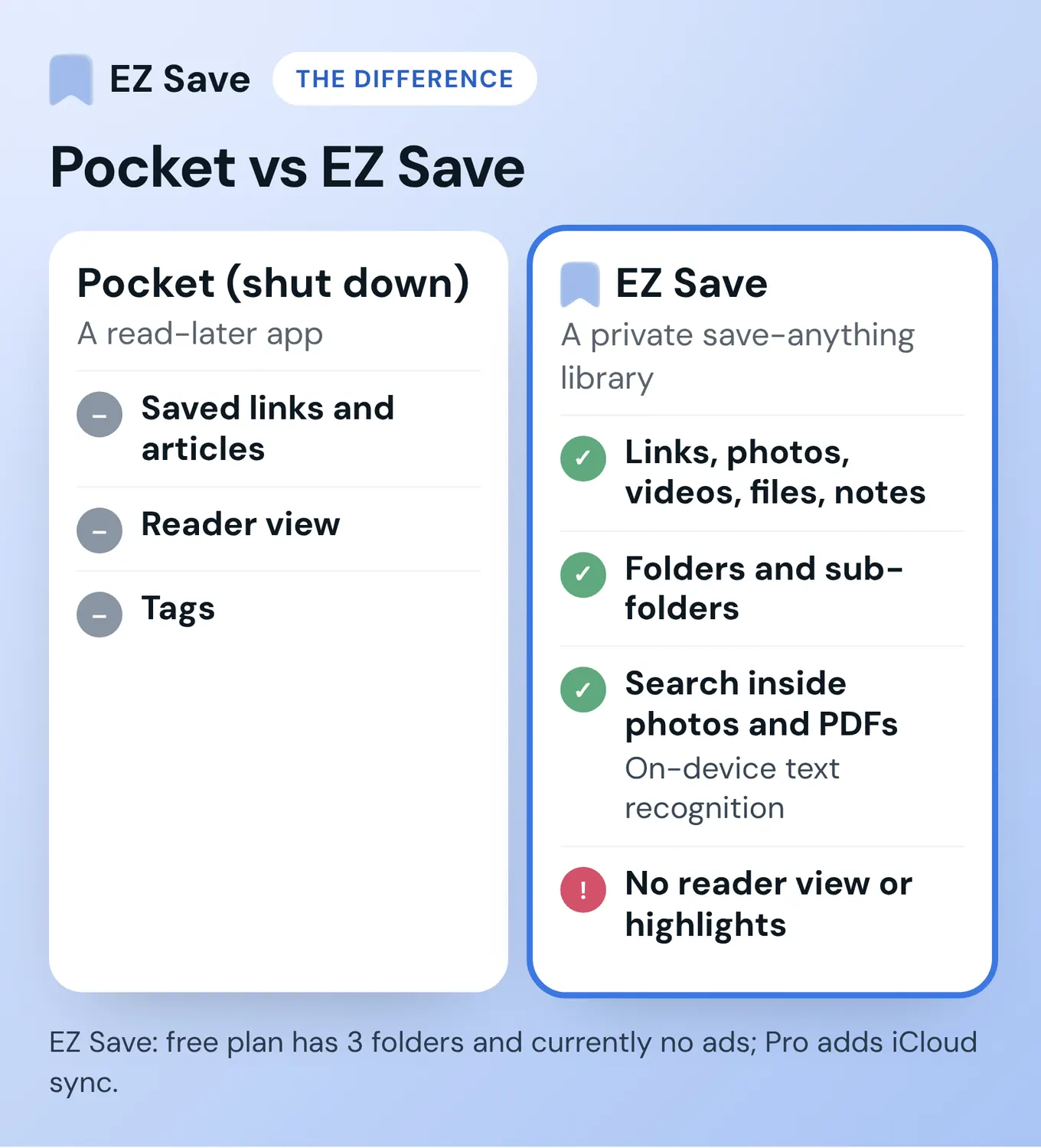
This is mine, so weigh it accordingly. EZ Save isn't a reader. It's a private library for links, photos, videos, files and notes, sorted into folders and sub-folders. You save from the iOS share sheet in two taps (Safari, Instagram, TikTok, YouTube, Photos, Mail, Files), and each folder has tabs for the five content types. Search also finds words inside your photos, screenshots and PDFs, using on-device text recognition.
- Privacy: no account is needed. Your library is encrypted on your device, and with Pro it syncs through your own iCloud (Apple's private CloudKit database), so there's no Digital Sauce server holding your saves. Face ID lock is on every plan.
- Price: free to download. The free plan covers all five content types, up to 3 folders, Face ID and bill splitting, and there are currently no ads on the free version. Pro is a paid upgrade at US$2.99 a month or US$14.99 a year (prices in US dollars) and adds unlimited folders, iCloud sync and an app PIN.
- Platforms: iPhone, iPad, Mac and Android.
- Where it doesn't fit: no reader view, no highlights, no text-to-speech and no Pocket importer. If you mostly read long articles, pick one of the first three.
Also worth a look: GoodLinks, if you're Apple-only
GoodLinks is a classic reader for iPhone, iPad and Mac, with offline reading and highlights. It was a US$9.99 one-time purchase on the US App Store when checked in November 2026 (later features may need an optional upgrade), and it syncs through iCloud with no separate account. There's no free plan and no Android app, and I couldn't confirm a Pocket ZIP importer.
How do the Pocket alternatives and read-it-later apps compare?
| App | Reader view | Free option | Paid from (Nov 2026) | Where data lives | Pocket ZIP import |
|---|---|---|---|---|---|
| Instapaper | ✓ | ✓ | $5.99/mo (USD listed) | Instapaper's servers | Not confirmed |
| Matter | ✓ | ✓ | US$7.99/mo (US App Store) | Matter's servers | Button shown; test it |
| Readwise Reader | ✓ | 30-day trial | $7.99/mo, billed yearly | Readwise's servers | ✓ Documented |
| Raindrop.io | Not its focus | ✓ | A$44/yr | AWS, Frankfurt | Not confirmed |
| Safari Reading List | Safari's reader mode | ✓ | Free | Your Apple Account | ✗ |
| wallabag | ✓ | Free to self-host | €11/yr hosted | Your server, or EU hosting | Via a community converter |
| GoodLinks | ✓ | ✗ Paid upfront | US$9.99 once (US App Store) | Your iCloud | Not confirmed |
| EZ Save | ✗ | 3 folders, currently no ads | US$2.99/mo or US$14.99/yr | Your device; your own iCloud with Pro sync | ✗ |
Android: Instapaper, Readwise Reader, Raindrop.io, wallabag and EZ Save have Android apps; Matter, Safari Reading List and GoodLinks don't. Prices and features come from each app's own site or App Store listing in November 2026, in the currency each site showed me. Check the current listing before you buy.
Why did I build EZ Save instead of just using a Pocket replacement?
I built EZ Save because I just kept losing things. I'd watch something of interest, save it or send it to myself, and never see it again. Then I had to search my screenshots for the things I'd saved. I ended up never visiting my saves. I just needed a quick way, something easy to do and synced across my devices, like Apple's ecosystem. So that's what EZ Save is built around: a quick save in two taps from the share sheet into a folder, kept on your device and, with Pro, synced across your iPhone, iPad and Mac through your own iCloud. Sometimes my AirDrop doesn't work, and the app is very helpful then too.
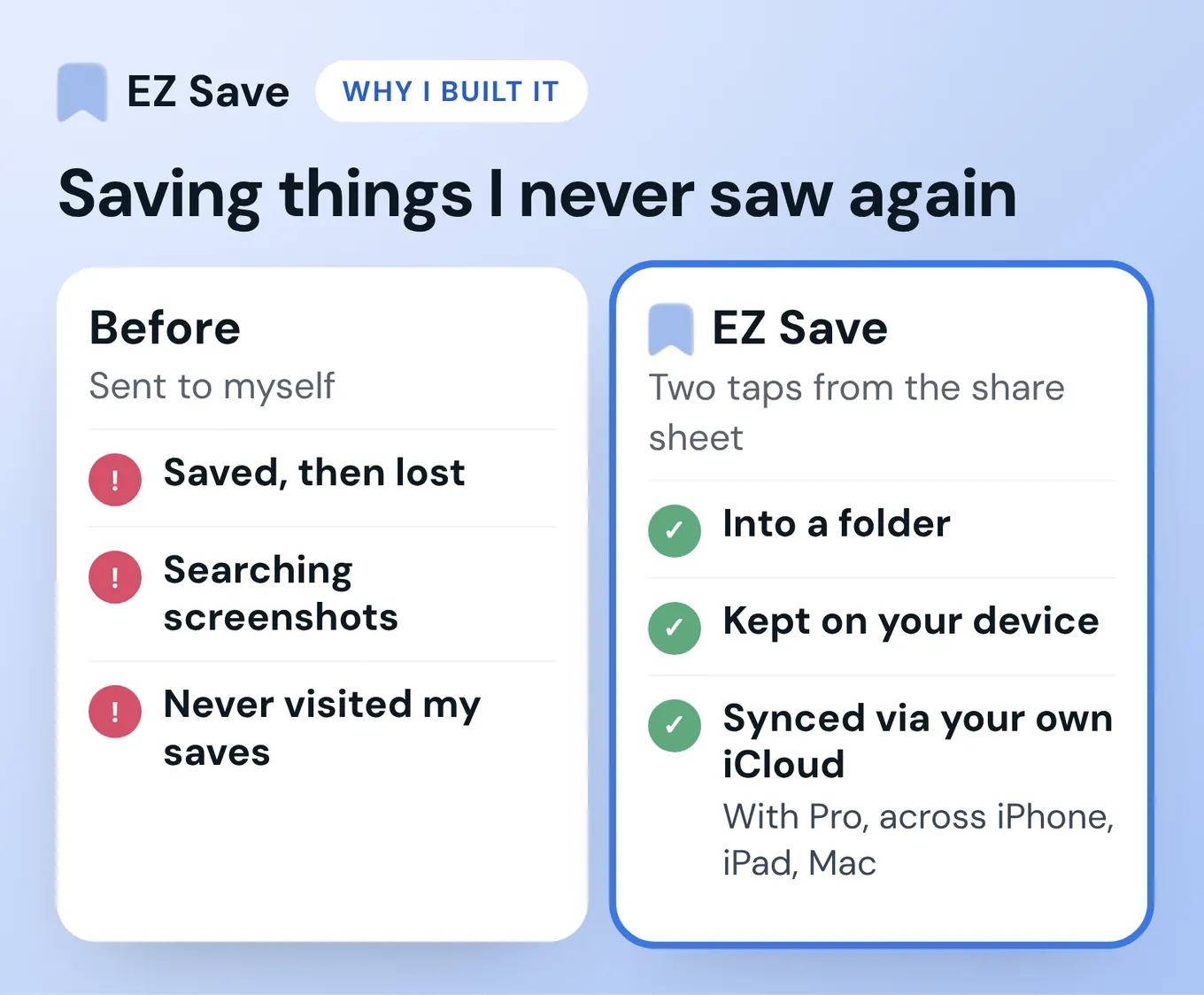
That's also why I'm not going to tell you EZ Save is the best reader. It isn't one. It's the drawer the reading apps never were.
How do you move your Pocket links into EZ Save?
EZ Save has no Pocket importer, so there's no one-tap migration. Here's the honest workflow:
- Find your export. Open the Pocket ZIP you downloaded before 12 November 2025. It contains a list of your saved URLs.
- Keep only what you still want. Most of us saved far more than we read. Skim the list and pick the links worth keeping. Twenty good links beat 2,000 stale ones.
- Make a folder. In EZ Save, create a folder such as "Read Later" (and sub-folders if you like). Remember the free plan allows 3 folders.
- Open each link and share it. Open the link in Safari, tap Share, pick EZ Save, choose the folder. It lands on that folder's Links tab.
- Going forward, just use the share sheet from whatever app you're in, the same way you used Pocket's button.
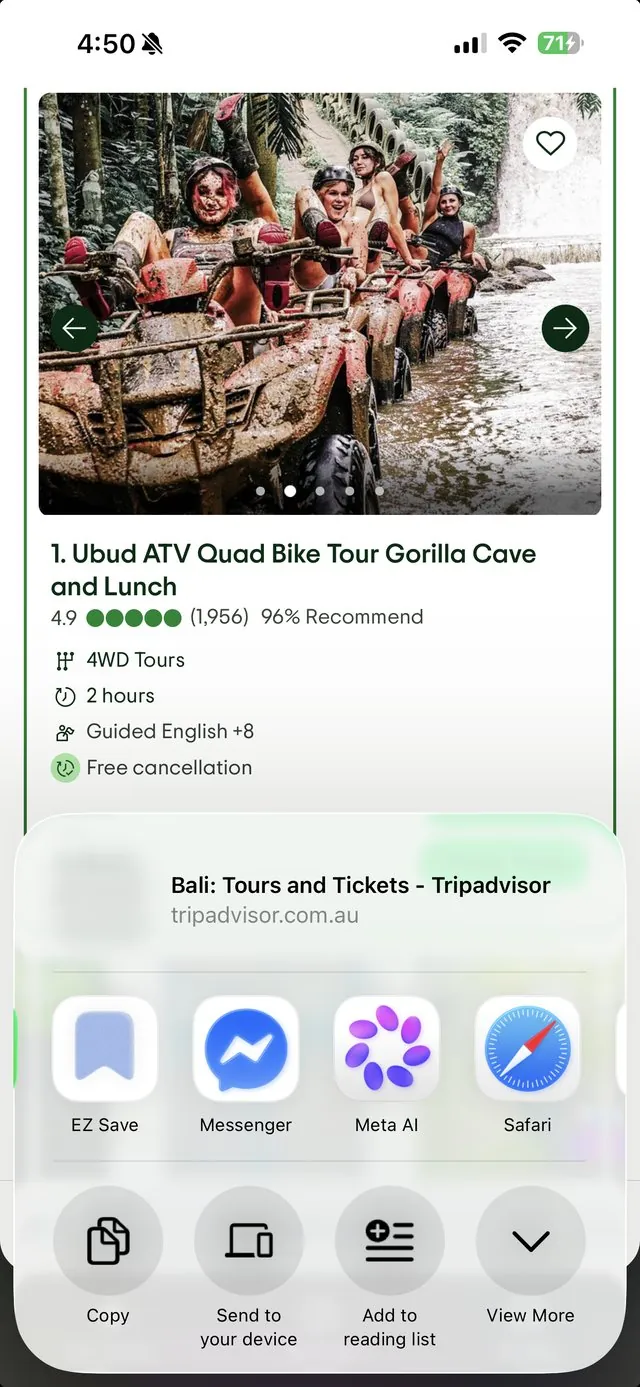
If you have hundreds of links you want to keep searchable and readable, Readwise Reader's ZIP import is the faster route. You can always use EZ Save alongside it for the photos and files.
How do you actually get through a read-it-later list?
Cap the queue, schedule one short reading block, and delete without guilt. A read-it-later app can't create time; it can only stop the tab from disappearing.
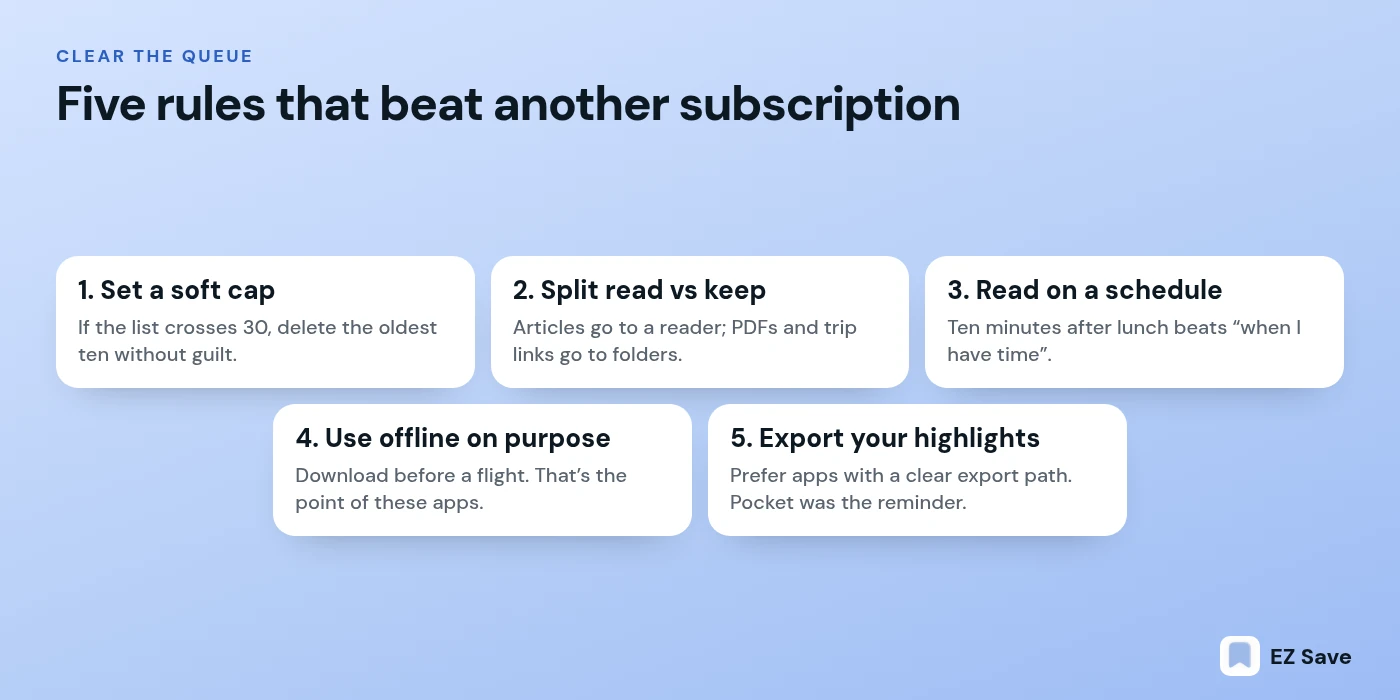
- Set a soft cap. If the list passes 30 unread articles, archive or delete the oldest ten without reading them. Your future self won't miss them.
- Separate "read" from "keep". Articles go to your reader. Reference PDFs and trip links go to folders (Files or EZ Save). Mixing both in one queue is how Pocket lists died.
- Read on a schedule, not in leftover seconds. Ten minutes after lunch beats "when I have time".
- Use offline on purpose. Download before a flight. Surviving bad reception is the whole point of these apps.
- Check the export path first. Before you commit years of highlights to an app, make sure you can get them out. Pocket's shutdown was the reminder.
Which Pocket alternative should you pick?
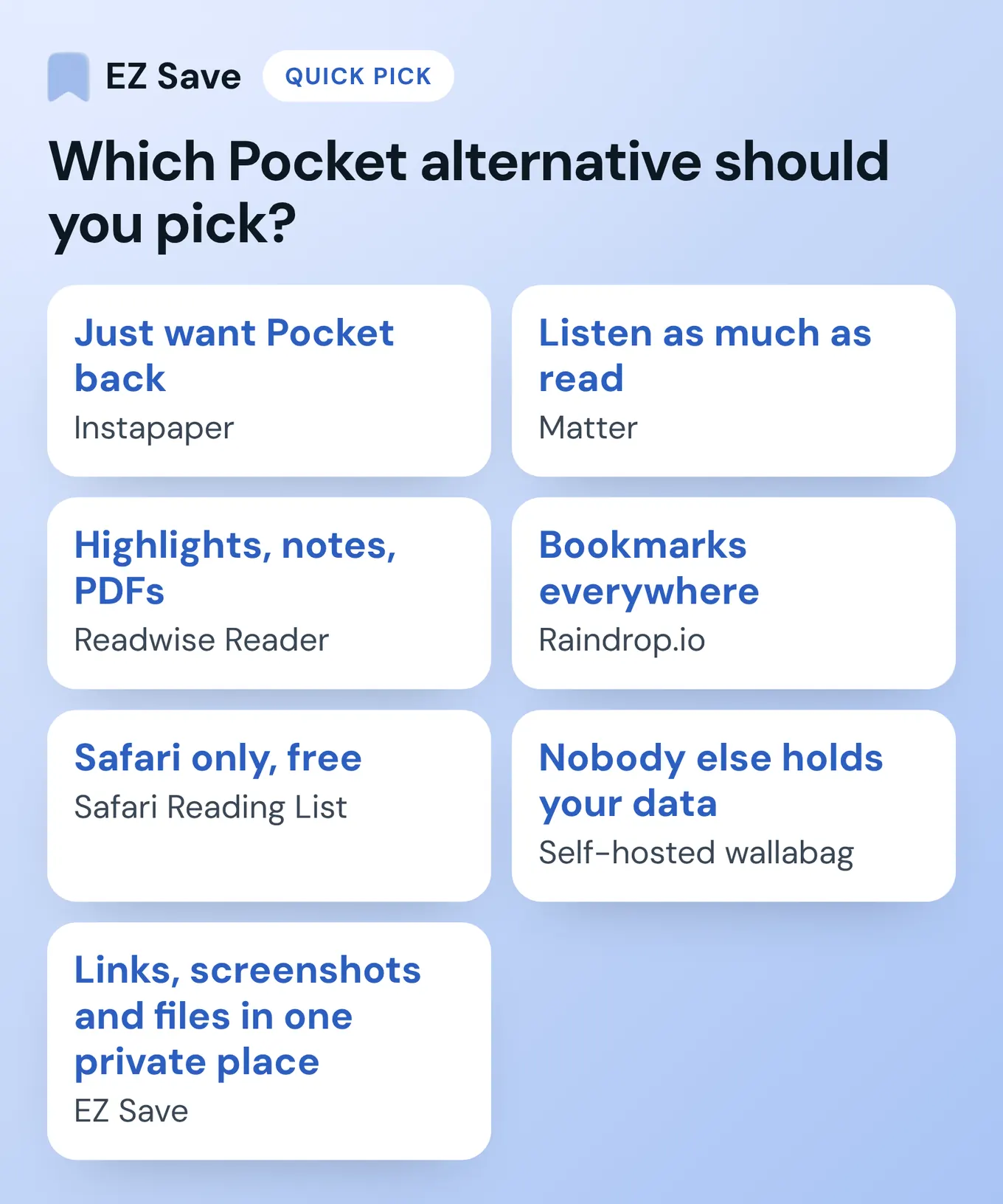
- You just want Pocket back: Instapaper.
- You listen as much as you read: Matter (iPhone and web only).
- You highlight, export notes and read PDFs: Readwise Reader.
- You save hundreds of bookmarks across Android, Windows and Mac: Raindrop.io.
- You only use Safari on Apple devices and want free: Safari Reading List.
- You want nobody else holding your data: self-hosted wallabag.
- You saved links, screenshots and files and want them in one private place: EZ Save.
What do people ask about Pocket alternatives and read-it-later apps?
Is there a free Pocket alternative or read-it-later app?
What replaced Pocket?
Which Pocket alternative is the most private?
Does Safari Reading List sync between devices?
Can I still export my Pocket data?
Can EZ Save import my Pocket export?
Is EZ Save a read-it-later app like Pocket?
Save anything, privately
EZ Save keeps your links, photos, videos, files and notes in folders on your device, with iCloud sync on Pro. Free to start, no account needed.
Questions or corrections? Email development@digitalsauce.io.