
I'm Sanket. I make EZ Save, a private bookmarks-and-folders app for iPhone, iPad, Mac and Android. I still use Apple’s Files app every day. This guide leads with Files and Safari because that is the correct first answer for “how to save PDFs on iPhone”. EZ Save shows up later as an option when your problem is organisation across file types — not as a fake replacement for Files.
How do you save a PDF from Safari on iPhone?
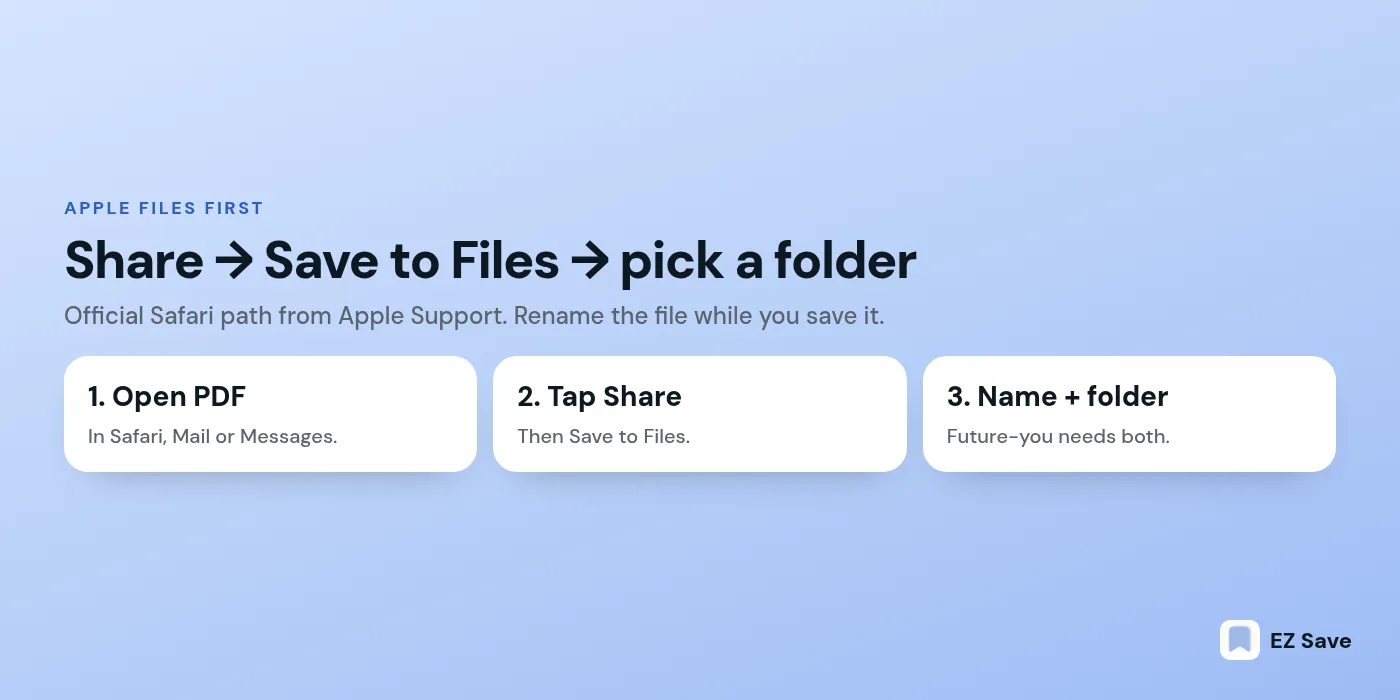
Open the PDF in Safari, tap Share, tap Save to Files, name it, choose a location, then tap Save. Apple documents this in Download a PDF from Safari.
Step by step (labels can shift slightly between iOS versions — if a control moved, check Apple’s guide for your version):
- Open Safari and go to the PDF (or tap a PDF link so it opens in Safari).
- Tap Share.
- Tap Save to Files.
- Enter a clear name (include a date or project word).
- Choose iCloud Drive or On My iPhone (or another provider you have added to Files).
- Tap Save.
If Safari downloads the file instead of previewing it, open the Downloads list from the address bar, open the PDF, then use Share → Save to Files from there.
Save a whole webpage as a PDF
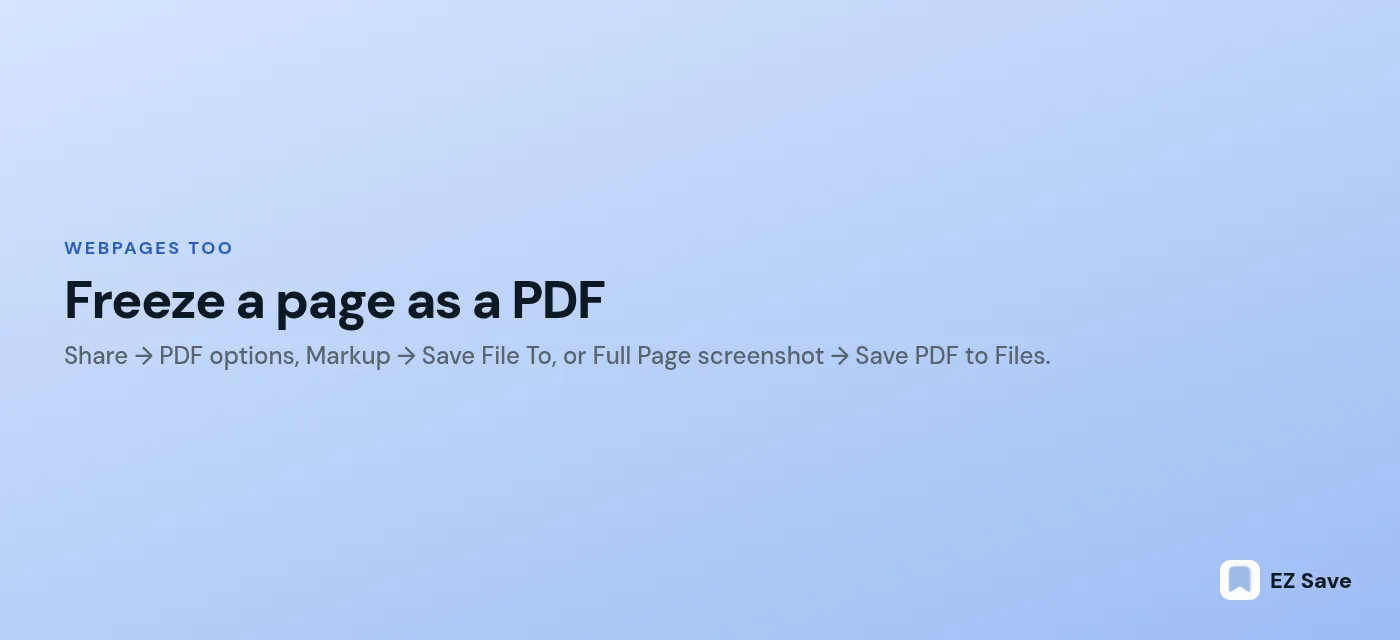
Sometimes the “PDF” you want is really a webpage (order confirmation, recipe, terms you agreed to). Apple’s guide Annotate and save a webpage as a PDF covers Markup → Save File To. You can also use Share → Options → PDF (wording varies by iOS) → Save to Files, or a Full Page screenshot → Done → Save PDF to Files.
How do you save a PDF from Mail, Messages or Files?
From Mail or Messages, open the attachment, tap Share, then Save to Files. Inside Files, use the folder menu to move or copy into a better home.
Practical patterns:
- Mail: open the PDF attachment → Share → Save to Files → pick the folder for that project (tax, insurance, school).
- Messages / WhatsApp / etc.: open the attachment → Share → Save to Files. If Share offers “Save to Downloads” only, still open Files afterward and move it.
- Already in Files: touch and hold the PDF → Move → choose the destination folder. Or open it → Share → Save to Files to duplicate into another location.
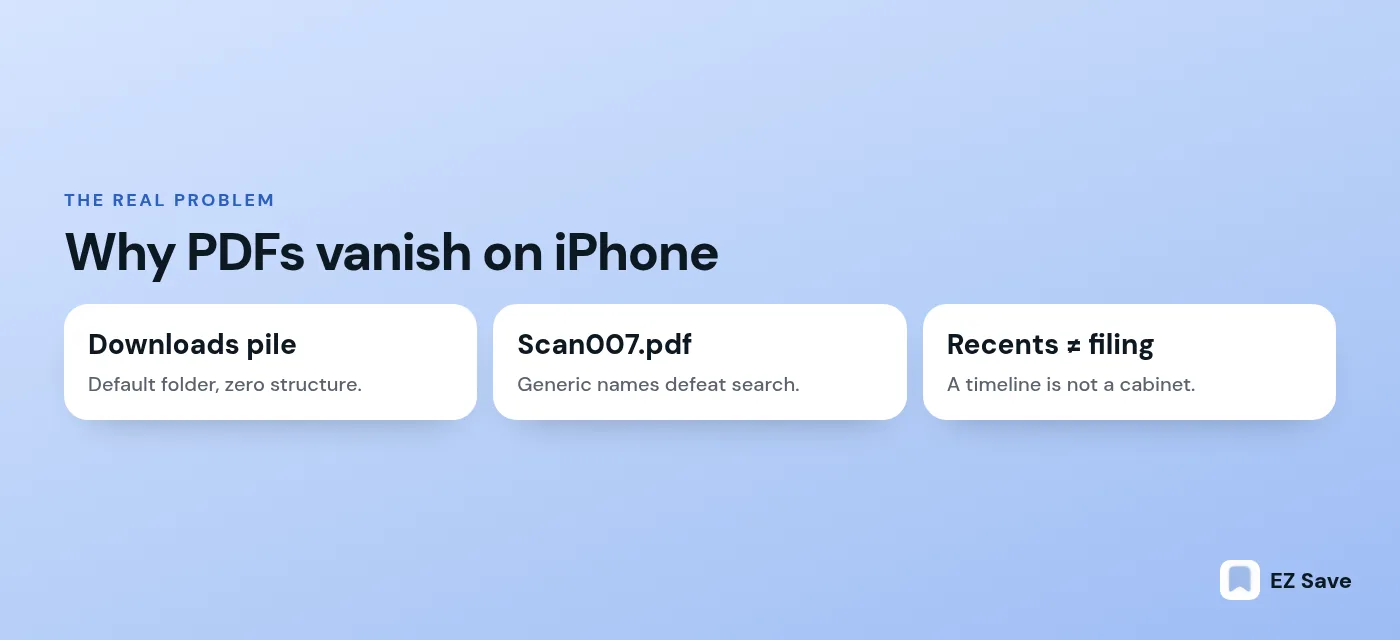
Rename aggressively. Scan007.pdf is how PDFs go missing. 2026-11-insurance-claim.pdf is how they get found.
Mail and Messages gotchas
Mail sometimes opens a PDF in a quick look preview that disappears when you leave the message. Save to Files before you archive the email. In Messages, large PDFs may download first — wait for the download to finish, then Share. If a chat app offers only “Save Image”, that is the wrong tool for a PDF; look for Open in… or Share → Save to Files.
Corporate email with encryption or device-management rules may block saving. That is an IT policy issue, not an iPhone bug. Use the workstation workflow your employer provides for those files.
Scanner apps vs Files
Scanner apps (including Notes’ document scanner and third-party scanners) are perfect when the “PDF” starts as paper. Scan to Files or share into EZ Save afterward. Do not keep the only copy inside a scanner app you might delete later. Two locations beat one: Files for the archive, project folder for the working set.
Search tips that actually work
- Put the vendor or school name in the filename.
- Use the same spelling every time (
invoicenotinv). - In Files search, try the month (
2026-11) if you remember when it arrived. - Inside EZ Save, on-device search across photos and PDFs helps when the text is in the scan — still rename the file when you can; search is a backup, not a filing system.
Where do downloaded PDFs go, and why are they hard to find later?
They usually land in the Files location you picked — often Downloads, iCloud Drive or On My iPhone — and then disappear into Recents noise. They are hard to find because the name is generic and the folder is wrong.
Apple’s Files app has Recents and Browse. Recents is a time line, not a filing cabinet. If you always tap Save without navigating into a folder, everything piles into the same default. Six weeks later you search “invoice” and get forty results with the same thumbnail energy.
Fixes that do not require a new app:
- Create a short list of top-level folders: Admin, Travel, Health, School, Work.
- Inside each, use year or project subfolders.
- Turn on tags for urgent items if you use them.
- Search by the unique word you put in the filename.
How do you file PDFs into folders you will actually open again?
Name the file for future-you, put it in a folder named for the job, and keep related links or photos beside it when the project spans more than one file type.
A filing rule I use:
- Filename:
YYYY-MM-topic-source.pdf - Folder: the life area, not the app that created it
- Sibling files: if the PDF belongs with a booking link and a boarding-pass photo, keep them together
Apple Files can do all of that. The limit shows up when your “project” is not only PDFs — recipes saved as links, screenshots of confirmations, voice notes, and the PDF receipt. Files handles files. It is less interested in being a mixed bookmark library.
When is a folder-first saver more useful than Files alone?
Use a folder-first saver when the same project mixes links, photos, videos, notes and PDFs, and you want one share-sheet destination. Keep using Files for system documents, large archives and anything that must open in specialised PDF editors.
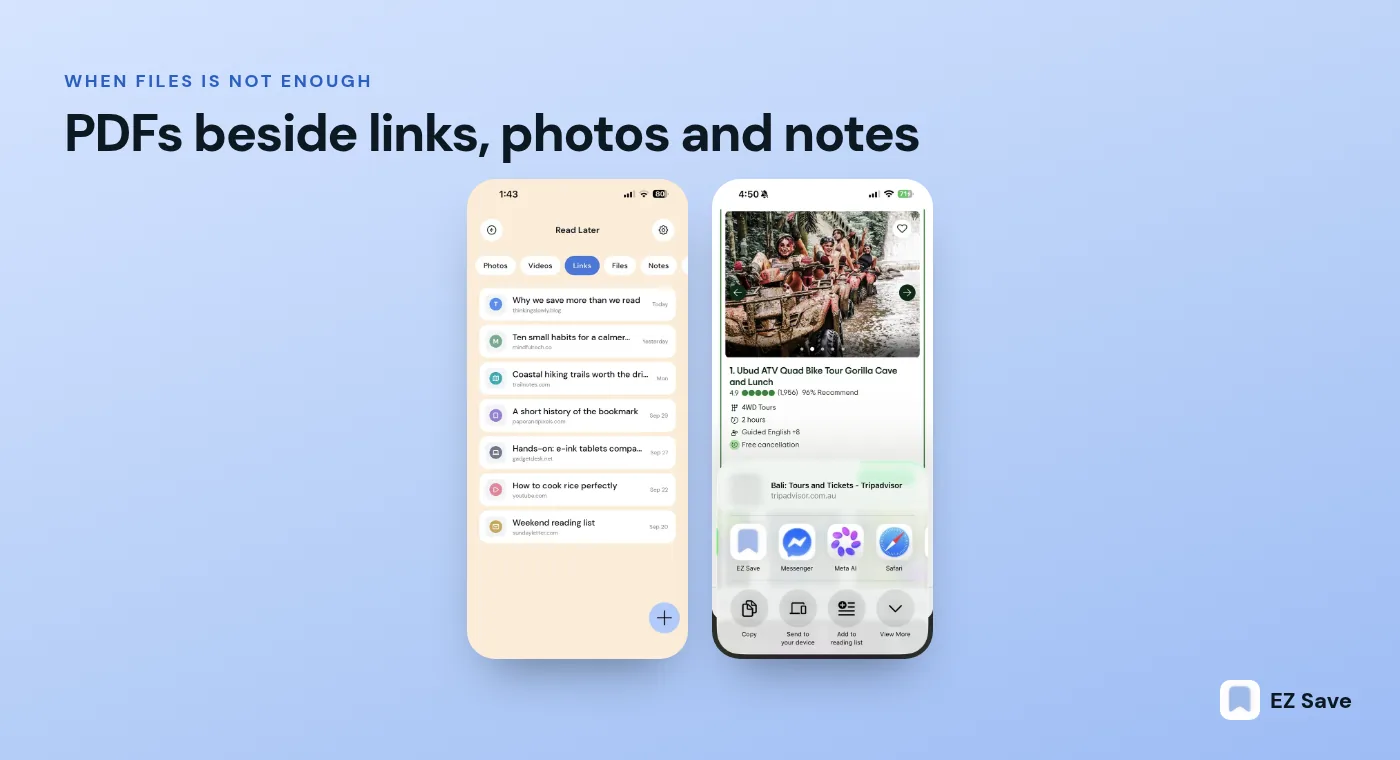
That is the niche EZ Save is built for. You save links, photos, videos, documents and notes into folders and sub-folders. Content types sit in one library. Search can look inside photos and PDFs using on-device text recognition. Storage is on your device and, with Pro, in your own iCloud, encrypted on device before sync — there is no developer server holding your files, and you do not need an account to start. Free plan has no ads. Pro is US$2.99 a month or US$14.99 a year. iCloud sync across your own devices is part of Pro.
EZ Save does not replace Files for every PDF workflow. It will not be your CAD viewer or your markup suite. It shines when “save this PDF next to the email link and the screenshot” is the real sentence.
Privacy note before you pick any saver
Apple Files keeps documents in iCloud Drive or On My iPhone under your Apple account rules. Third-party savers each have their own model — read the privacy policy. EZ Save’s model is “your device / your iCloud, encrypted on device, no developer content server”. Other bookmark apps may upload to their own cloud. If that difference matters to you, it should decide the tool before features do.
A simple weekly tidy
- Open Files → Recents.
- Move anything still sitting in Downloads into a real folder.
- Rename the worst three filenames.
- Delete obvious duplicates.
- If a project spans apps, gather its pieces into one EZ Save folder via the share sheet.
Ten minutes on Sunday beats an hour of panic before tax time.
iPad and Mac, same idea
On iPad the Share → Save to Files path is the same. On Mac, Safari’s File menu or the share sheet can save a PDF into a Finder folder that syncs with iCloud Drive — which then appears in Files on iPhone. EZ Save’s Mac app adds a notch drop target if you want the same folder library as your phone. Pick one filing scheme and use it on every device; the worst outcome is three clever systems that do not talk.
Frequently asked questions
Can I save a webpage as a PDF on iPhone?
How do I move a PDF from Files into a folder?
Can EZ Save store PDFs without creating an account?
Does EZ Save upload my files to a company server?
Try EZ Save
Free to start on iPhone, iPad, Mac and Android. Pro is US$2.99/mo or US$14.99/yr. No ads on the free plan.