
Receipts and invoices, sorted as you go
Stop dreading tax time. Snap receipts, save invoices and file statements into folders the moment they arrive — privately, in your own iCloud.
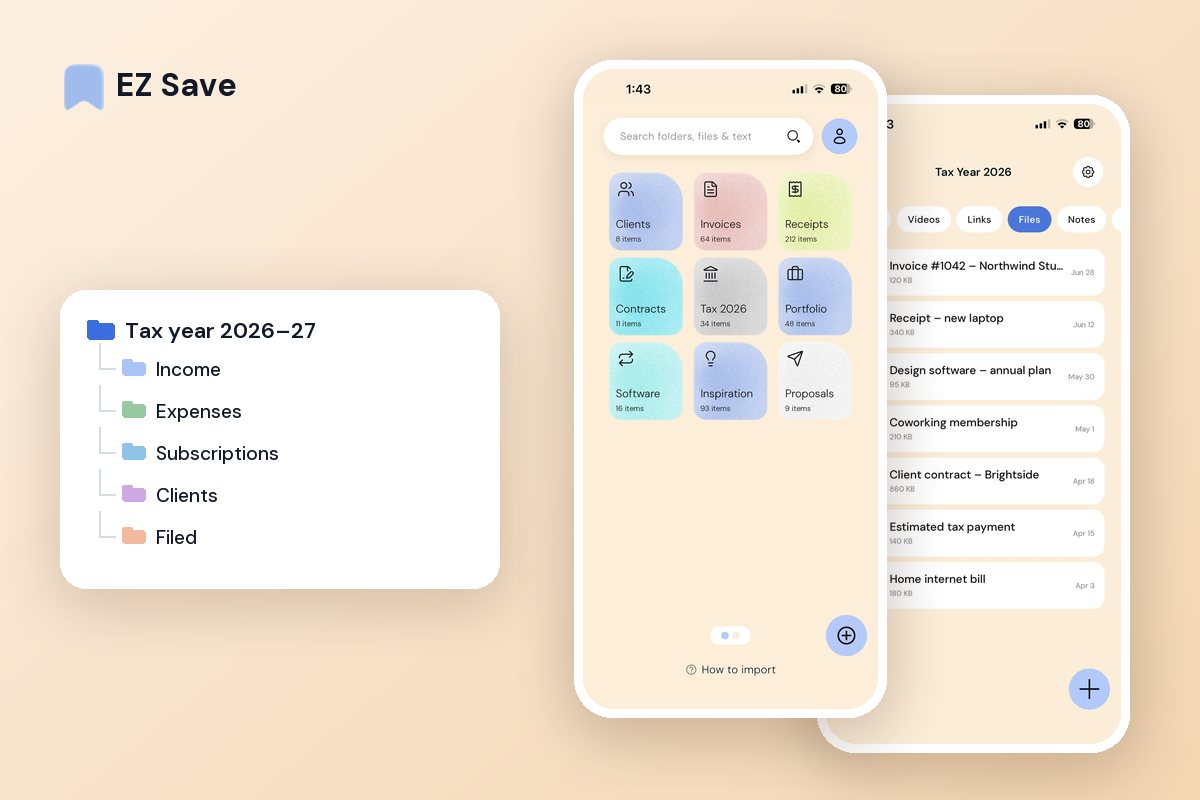
Tax time should not be a scramble
- Receipts fade in your wallet or vanish from your camera roll
- Invoices and statements are scattered across email and apps
- Tax time means a frantic hunt through a year of clutter
- Sensitive financial documents sit in your general photo library
- You are never quite sure you have kept everything
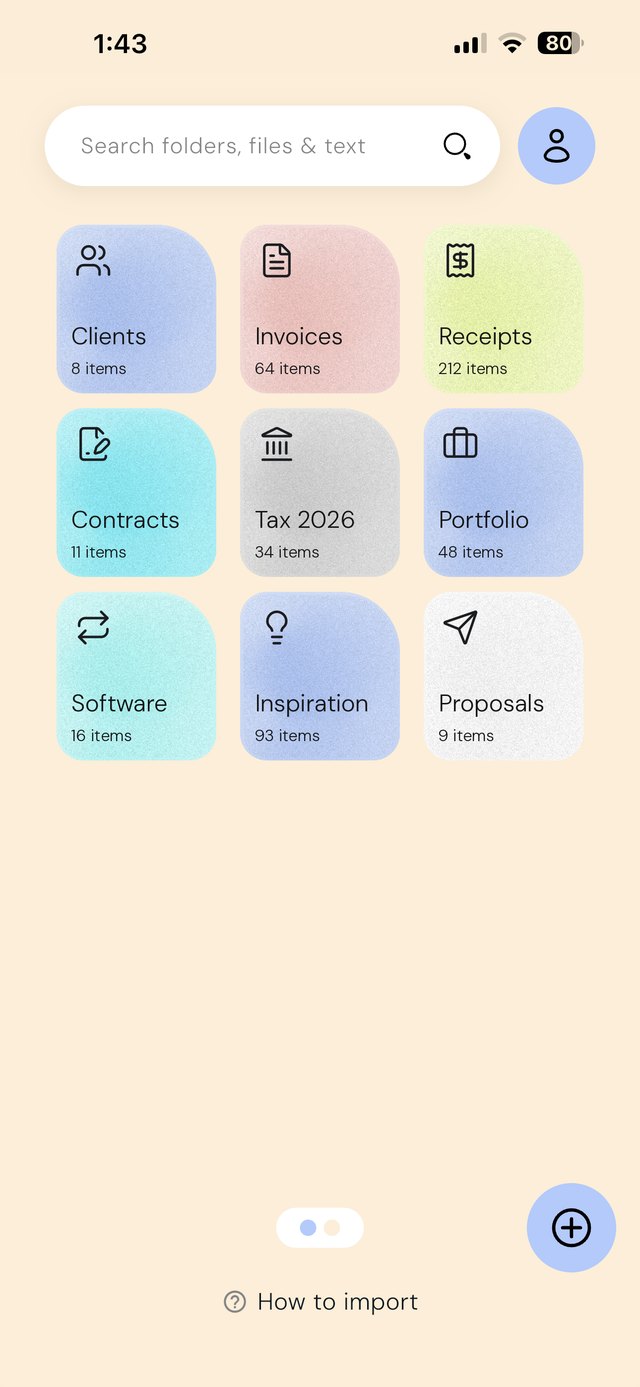
A folder for every client and every year
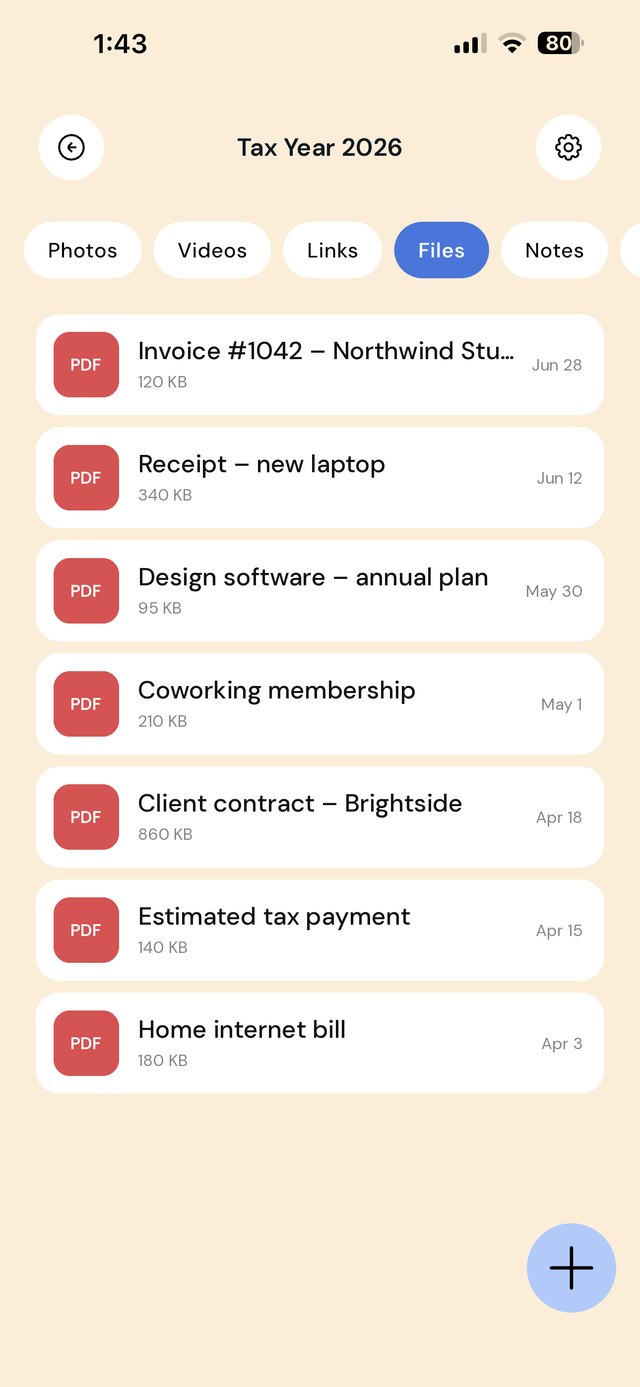
Keep income, expenses, receipts and filed returns in tidy folders. Snap a receipt straight into Expenses the moment you pay, and hand your accountant a clean set at year end.
A folder structure for a tax year
Set it up once in July (or January, depending where you are), then feed it all year. The work is in the feeding, not the filing.
The habits that make tax time boring
| When this happens | Do this |
|---|---|
| You pay for something deductible | Photograph the receipt before you leave the counter and save it to Expenses / this month |
| You send an invoice | Save your copy of the PDF into Income — not just in your invoicing tool |
| A software renewal email arrives | Save it into Subscriptions; these are the deductions people most often forget |
| You take on a new client | Create Clients / Name and drop the signed contract in first |
| End of each month | Two minutes: skim the month's expense folder and add a note to anything whose purpose you'd forget |
| End of the year | Hand your accountant one folder instead of a shoebox |
Mistakes that cost freelancers money
Trusting thermal receipts. Petrol and café receipts fade to blank within months. A photo taken on the day is the only version that survives.
Mixing personal and business. If a folder holds both, someone has to separate them later — usually you, at the worst time.
Not recording why. A receipt for $180 means nothing in ten months. A one-line note ("client lunch — project brief") is what makes it defensible.
Forgetting the invoice you sent. People keep what they paid and lose what they billed.
Not tax advice. Record-keeping rules, what counts as deductible and how long you must keep records differ by country and change over time. Check the current rules with your accountant or your tax authority — in Australia the ATO, in the US the IRS, in the UK HMRC. EZ Save is a place to keep documents, not an accounting tool.
On a MacBook? EZ Save has a native Mac app. Drag an invoice PDF or client brief up to the notch, pick a folder from the panel that drops down, and it’s saved to the same library as your iPhone. Free, on MacBooks with a notch. See it in action →
Questions people ask
How do I organize receipts for taxes on my phone?
Do photos of receipts count as records?
How do I keep client contracts and receipts in the same place?
Is it safe to keep financial documents in an app?
Why freelancers love EZ Save
- Photograph receipts and file them in seconds
- Keep invoices, statements and contracts in one place
- Private by design — stored in your own iCloud
- Lock financial documents behind Face ID
- Smart folder suggestions keep things sorted (Pro)
Make next tax time easy
Start collecting receipts and invoices the tidy way with EZ Save, free to try.