
Every source and note, in one library
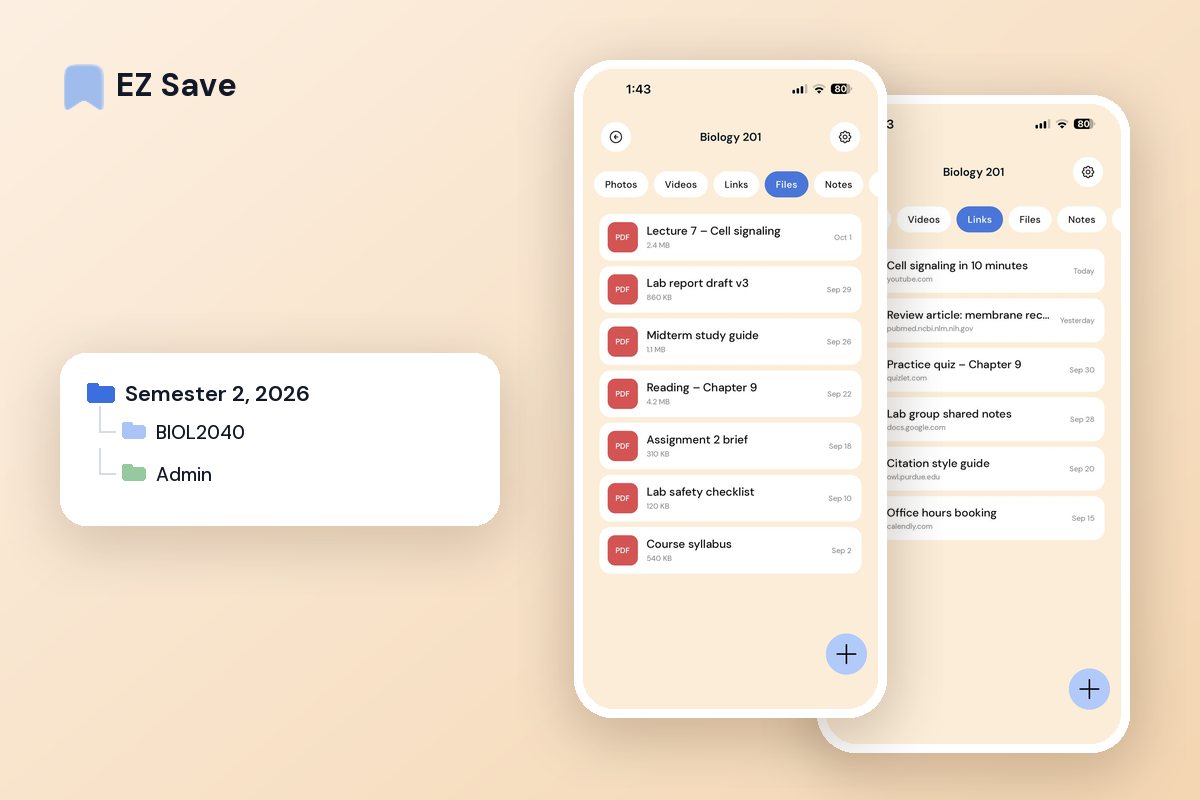
Readings, links, lecture slides and screenshots — collect everything for a subject in one place, so you are never hunting for that one source again.
Study material ends up everywhere
- Readings and links are lost in 30 open tabs
- Lecture PDFs are buried in Downloads
- Screenshots of slides disappear into the camera roll
- You saved the perfect source and now cannot find it
- Every subject is spread across five different apps
A folder per subject or project
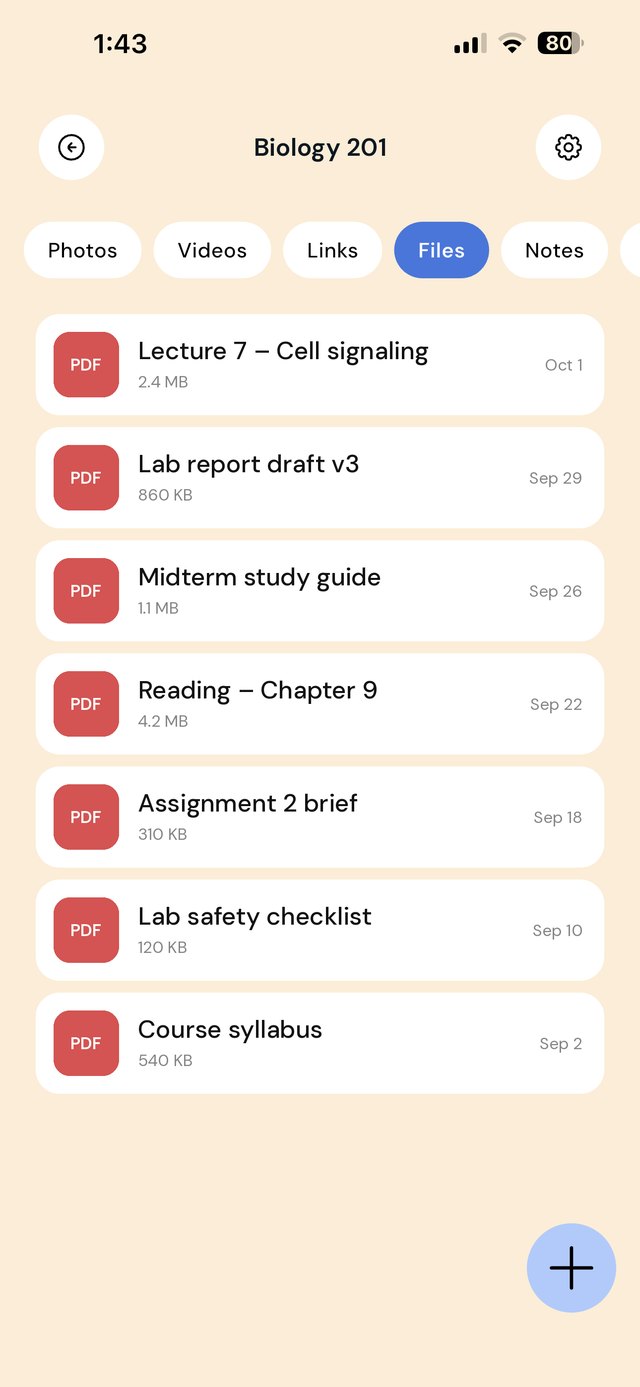
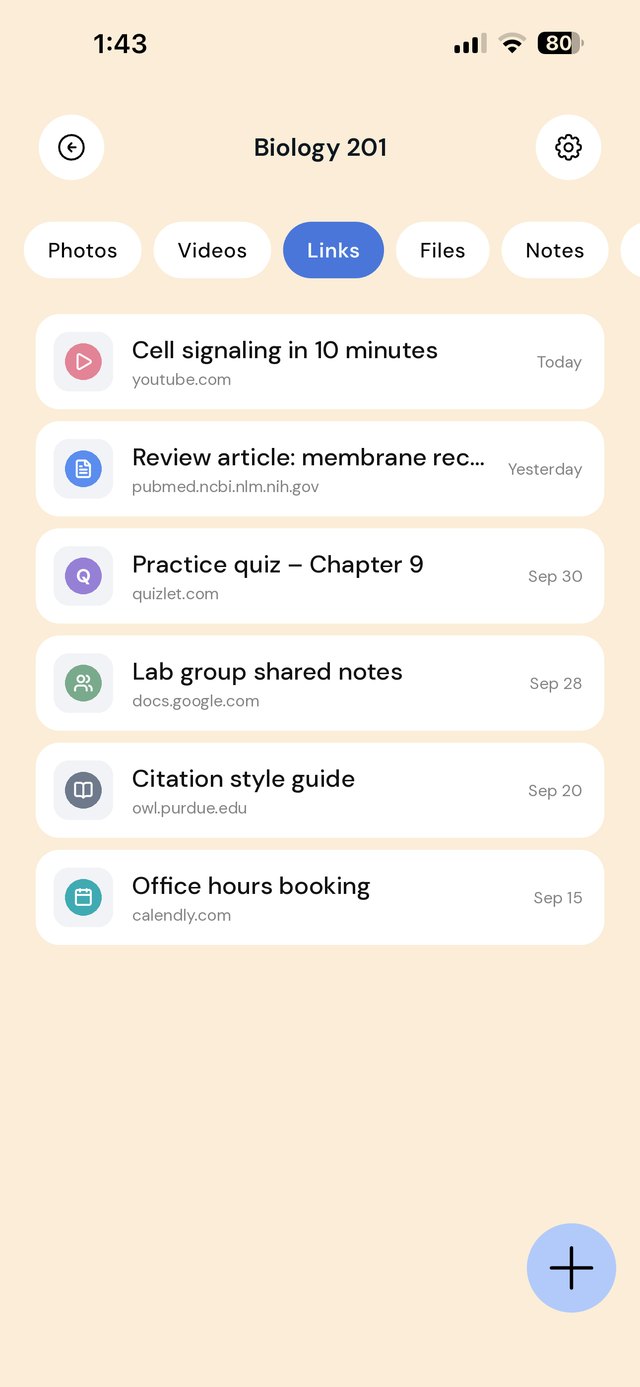
Group readings, links, PDFs and images by course or assignment. Save straight from your browser or Files, and everything you need for an essay is in one place when you sit down to write.
A folder structure for a semester
Organize by subject, then by what the material is for. The assignment sub-folder is the one that saves you: when you sit down to write, everything you need is already in one place.
The source-capture habit
The expensive mistake at university is not losing a source. It's finding one, saving it, and later having no idea why you thought it mattered.
| When this happens | Do this |
|---|---|
| You find a useful paper | Save the PDF into Readings — and add a one-line note saying what it argues and where you'd cite it |
| A lecturer posts slides | Save the deck into Lectures the same day; links to course portals expire |
| You photograph the whiteboard | Into Lectures, not the camera roll, where it's gone by Friday |
| You start an assignment | Create the assignment sub-folder first, then move the three or four sources you'll actually use into it |
| You read something quotable | Note the quote and the page number immediately — hunting for a page number later costs more than reading it did |
Mistakes that cost you at 2am
Saving sources without saying why. Forty PDFs with no notes is not research, it's a reading list you'll never reread.
One folder called "Uni". Fine in week one, unusable by week eight.
Leaving it all in browser tabs. Tabs vanish on restart, and a phone will restart before your deadline.
Losing the citation. Save the link alongside the PDF, so you can rebuild the reference without re-finding the paper.
Questions people ask
How do I organize research for an essay on my phone?
How do I keep track of where a source came from?
Can I save lecture slides and readings in the same place?
Does EZ Save generate citations or bibliographies?
Why students love EZ Save
- Save links, PDFs, images and videos together
- Organize by subject, module or assignment
- Find any source in seconds with search
- Keep it private and locked behind Face ID
- Stored in your own iCloud across iPhone, iPad and Mac
Keep every source in one place
Build a tidy, private study library with EZ Save, free on the App Store.