
Every recipe, in one cookbook
Recipe links, reels, screenshots and your own notes — collect them into one tidy cookbook, sorted by meal, so dinner is never a scramble.
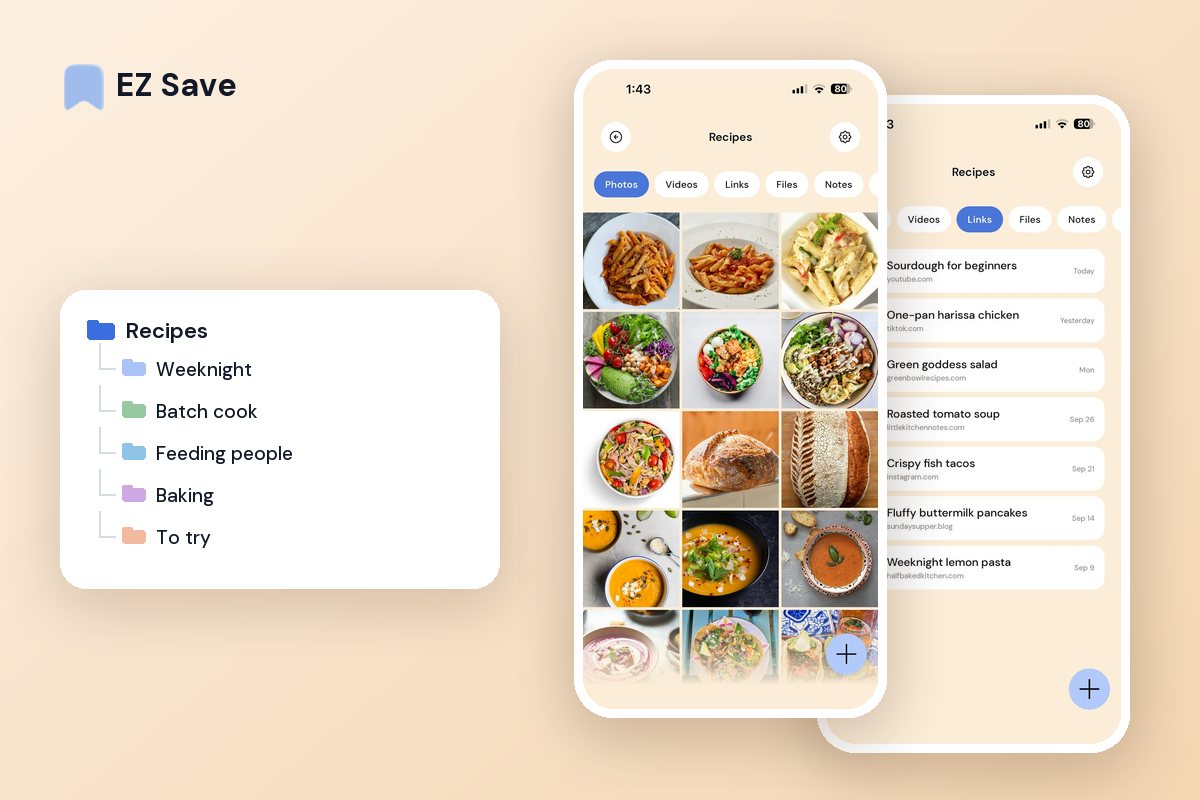
Your recipes are scattered everywhere
- Saved recipe reels disappear into your feed
- Screenshots of recipes fill your camera roll
- Bookmarked recipes are lost among a hundred tabs
- The recipe you loved last month is nowhere to be found
- Your shopping list lives apart from the recipes
Sort by meal, not by app
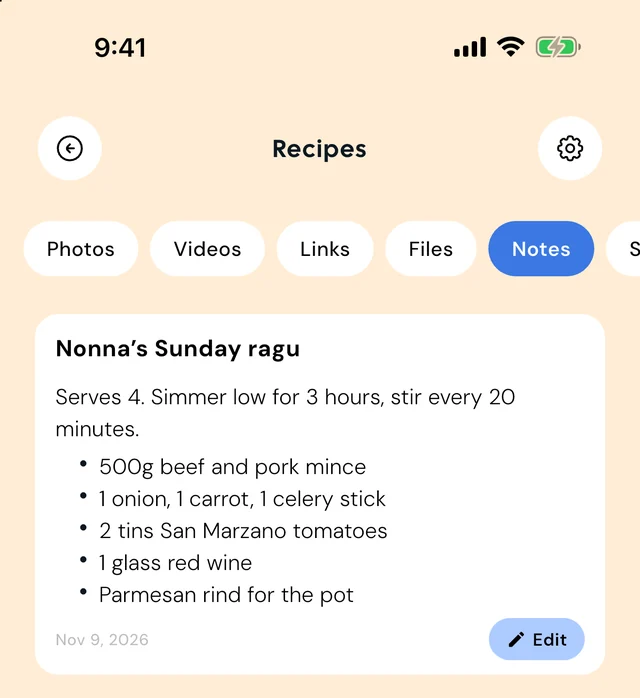
Keep breakfasts, dinners, bakes and drinks in their own folders. Save a recipe from a reel, a blog or a screenshot, and add your own notes on what to tweak next time.
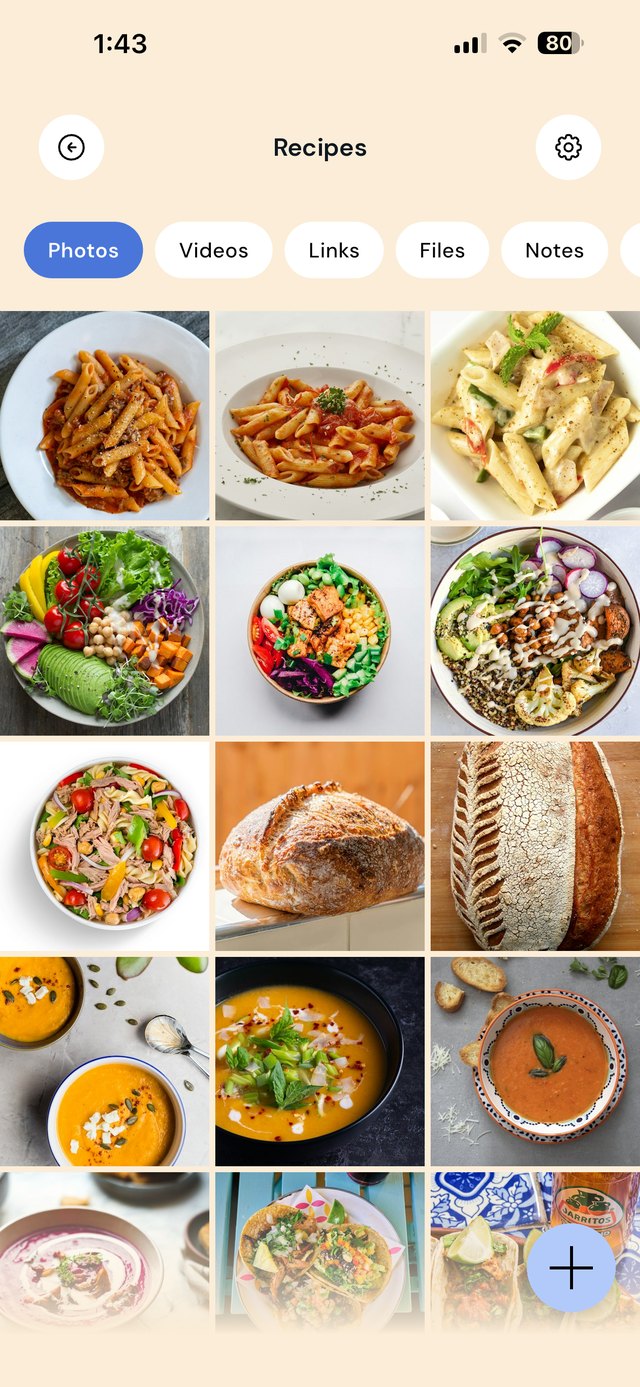
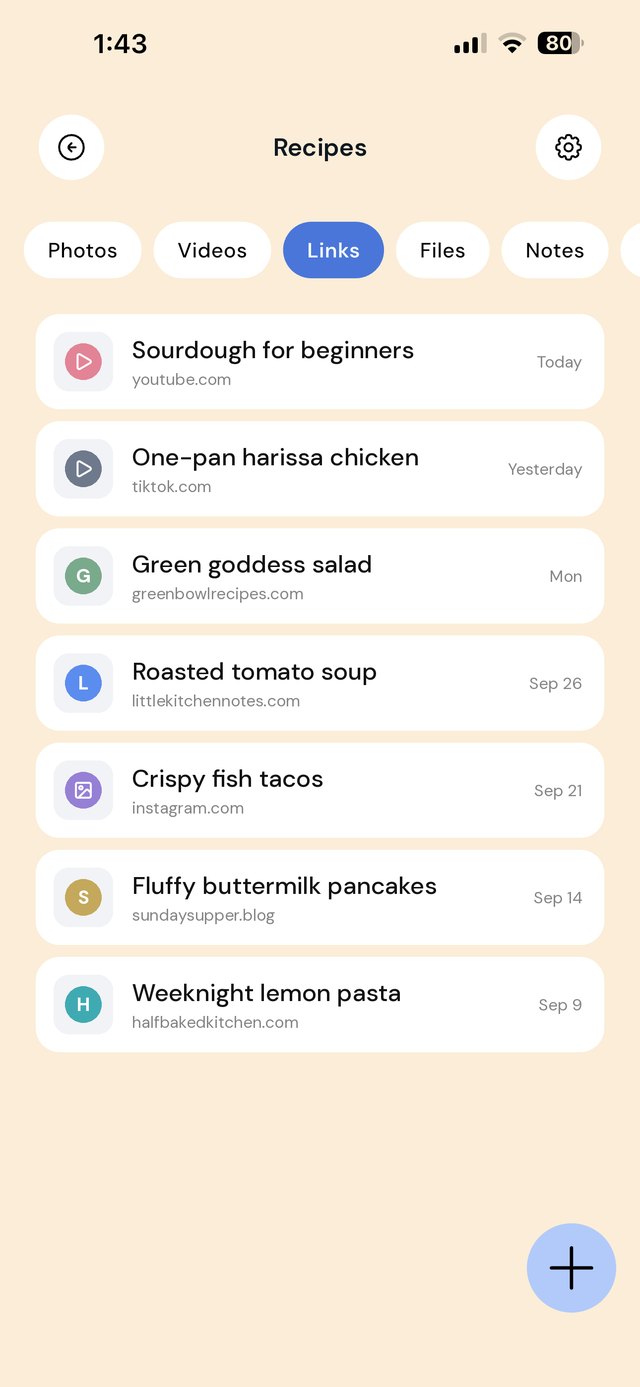
How to save recipes from TikTok and Instagram
A recipe reel is easy to save and hard to cook from. The ingredients are in the caption or the video, TikTok favorites and Instagram collections never sit side by side, and if the creator deletes the post it vanishes from your saves. The fix is keeping the link and the ingredients together, in a folder you actually open in the kitchen.
- In TikTok or Instagram, tap Share and choose EZ Save, then pick your Recipes folder. New saves go in To try (more on that below).
- If the ingredients are in the caption, screenshot the caption and save it to the same folder, or copy the text into a note.
- If the creator links a full recipe on their website, save that link too. Website recipes have the exact quantities.
Save the link rather than downloading the video: it keeps you within each platform's terms and still credits the creator. Your own cooking videos are yours to save as files.
Sort by when you'd cook it, not by cuisine
Cuisine folders feel tidy and never get used, because nobody stands in the kitchen at 6pm thinking "Italian". They think "twenty minutes and I'm tired".
The "to try" and "keepers" split
This is the single change that makes a saved-recipe collection useful. Everything lands in To try. It only earns a place in Keepers after you've cooked it — and when it moves, you add a note.
| When this happens | Do this |
|---|---|
| A recipe reel comes up | Share the link into To try before you scroll past — in-app saves are a black hole |
| You cook it and it works | Move it to Keepers and add a note: what you changed, what to double, how long it really took |
| You cook it and it doesn't | Delete it. A collection you don't trust is a collection you stop opening |
| You're at the shops | Open the recipe's folder — the photo of the ingredients list is right there with it |
| Planning the week | Pull four from Keepers, one from To try. Enough novelty, no 6pm decisions |
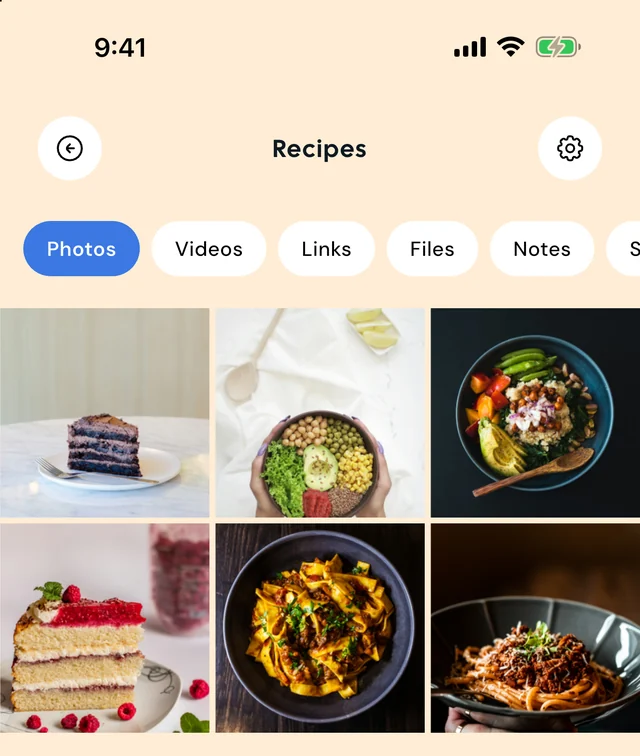
Why your saved recipes disappear
Instagram and TikTok saves are not a recipe box. One undated list, no folders, no search that works, and no way to see them next to anything else.
No notes on what you changed. You halved the chilli and added a lemon, it was perfect, and in four months you won't remember either.
Screenshots of recipes with the method cut off. Save the link as well, so the full method survives.
Never deleting anything. Two hundred untested recipes is the same as none.
Recipe app or EZ Save?
If you want ingredients and steps extracted automatically, recipe scaling, meal plans and shopping lists, a dedicated recipe app such as Paprika or Mela is the better tool. They can import from many recipe websites, and some also try to import from social video links; check each app's current listing.
If recipes are one of many things you save, EZ Save keeps recipe reels, recipe sites, photos and notes together with the rest of your saves, in one private library. And if you only keep a few favorites, Instagram collections or TikTok favorites may be enough. We would rather you pick the right tool than the wrong one.
Questions people ask
How do I save recipes from Instagram or TikTok so I can find them again?
What's the best way to organize saved recipes?
Can I add my own notes to a saved recipe?
How do I get to a recipe while I'm cooking or shopping?
Does EZ Save turn reels into recipe cards?
What happens if the recipe video gets deleted?
Why home cooks love EZ Save
- Save recipe links, reels, photos and notes together
- Organize by meal, cuisine or occasion
- Find any recipe fast while you are at the shops
- Works on your iPhone, iPad and Mac in the kitchen
- Private and stored in your own iCloud
Build your digital cookbook
Collect every recipe worth keeping with EZ Save, free to start.