
Inspiration, never lost again
Reels, references, palettes and brand assets — collect every spark of inspiration into folders you can actually find later, saved from any app.
Inspiration is everywhere and nowhere
- Saved reels vanish into an endless liked feed
- Screenshots of references clog your camera roll
- Brand assets and logos are scattered across apps
- You remember the perfect example, but not where it was
- Every project starts by rebuilding your references
A moodboard for every project
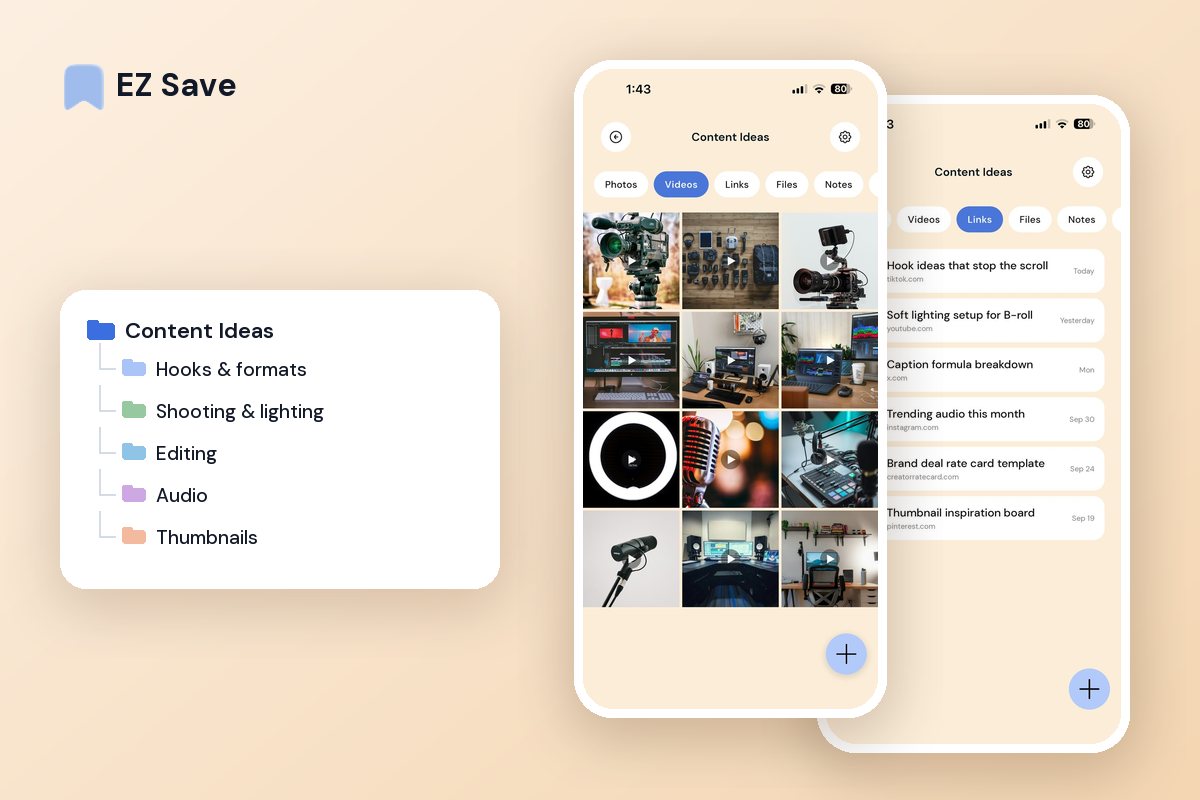
Group references, palettes, images and links by project or client. Save a reel, a site or a screenshot straight into the right folder, and your inspiration is ready when you sit down to create.
A reference library that outlives the algorithm
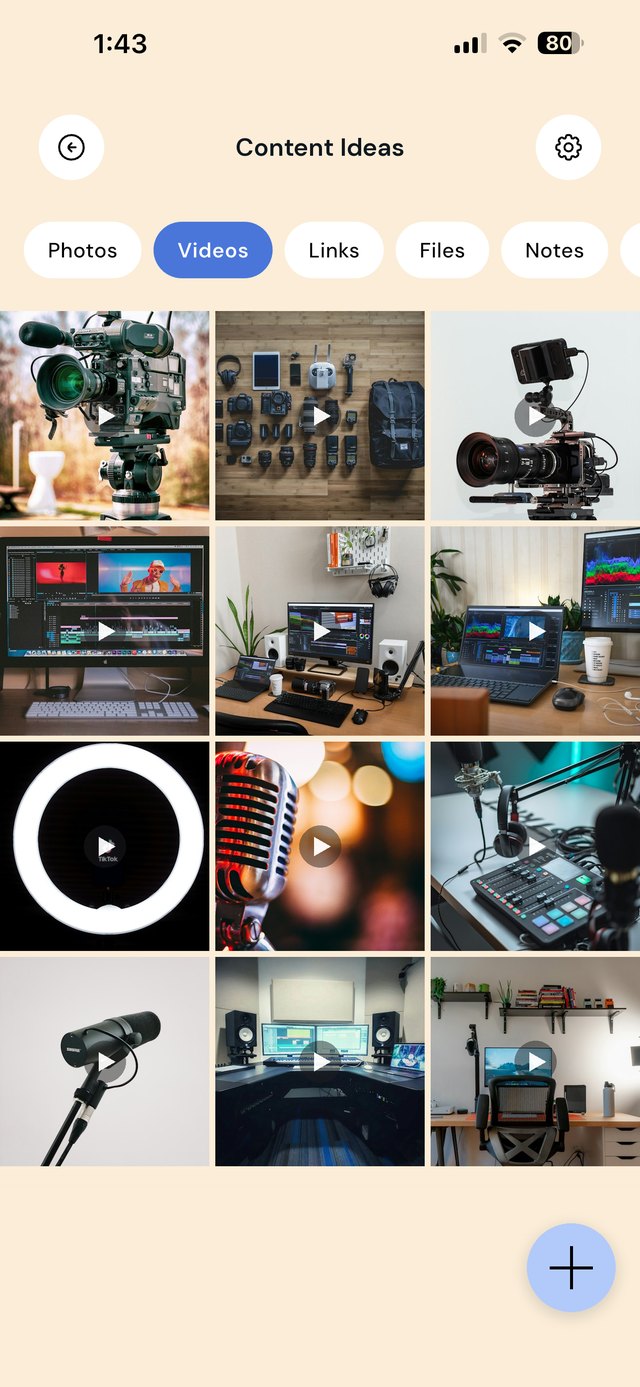
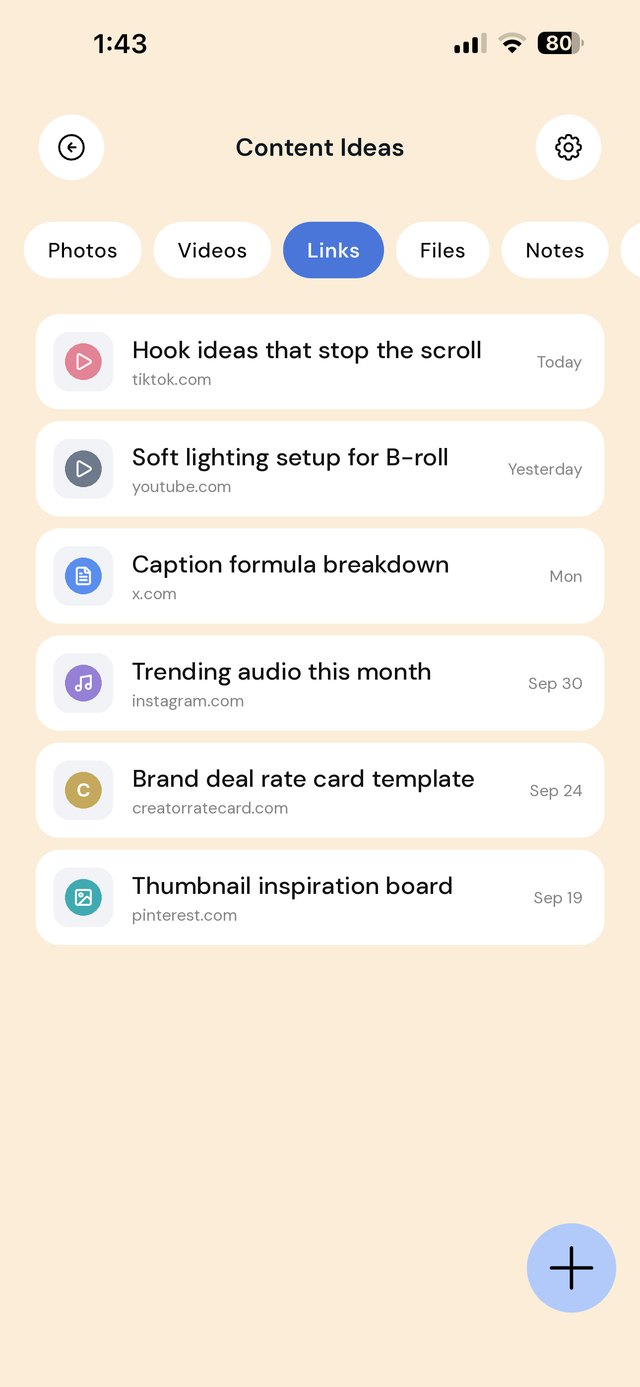
A saved post inside Instagram or TikTok is only as permanent as the account that posted it, and it sits in one endless list. Creators need references grouped by the job they are for: the hook you want to try, the lighting setup you want to copy, the brand kit you need for a client. Give each kind of reference its own folder and each live project its own folder.
Add a note to each reference folder saying why you saved things there: "hooks under 2 seconds", "warm key light, no ring light". Six months later, the note is what makes the folder useful.
A workflow from scroll to shoot
| When this happens | Do this in EZ Save |
|---|---|
| A reel or TikTok gives you an idea | Share the link to Hooks & formats or the matching folder, not to your in-app saves. |
| You see a setup you want to copy | Screenshot the frame and save it to Shooting & lighting with the link to the original. |
| A brand sends a brief | Create a client folder. Save the brief PDF, contract and any assets they send, then add deadlines to the folder note. |
| You export a final cut | Save the approved version to the client folder so you can find it when they ask for a re-edit. |
| Your stats change | Update the screenshots in Rate card & media kit so your pitch is ready when a brand asks. |
| You start a new video | Open the folders for the format and style you want before you script, not after. |
Mistakes creators make with references
Relying on in-app saves. Saved collections live inside each platform and disappear if a post is deleted. Keep the link in a library you control.
Screenshots with no source. A screenshot without the link means you cannot credit, re-watch or find the creator again.
One huge "inspo" folder. Hundreds of mixed references are as hard to use as none. Split them by what you will use them for.
Client files mixed with personal ones. Keep every brand deal in its own folder, so contracts and approvals are easy to find if there is ever a dispute.
Questions people ask
Can I download TikTok or Instagram videos into EZ Save?
Can I share a moodboard with my editor?
Does EZ Save work on Mac for editing sessions?
Will brands or platforms see what I save?
Why creators love EZ Save
- Save links, images, videos and reels together
- Organize references by project, client or mood
- Find any reference in seconds with search
- Keep unreleased work private behind Face ID
- Stored in your own iCloud across iPhone, iPad and Mac
Collect your next idea
Give your inspiration one private home with EZ Save, free on the App Store.