
Your whole home search, in one place
Listings, floor plans, documents and decor inspiration — keep everything about your move in one private folder, so nothing slips through the cracks.
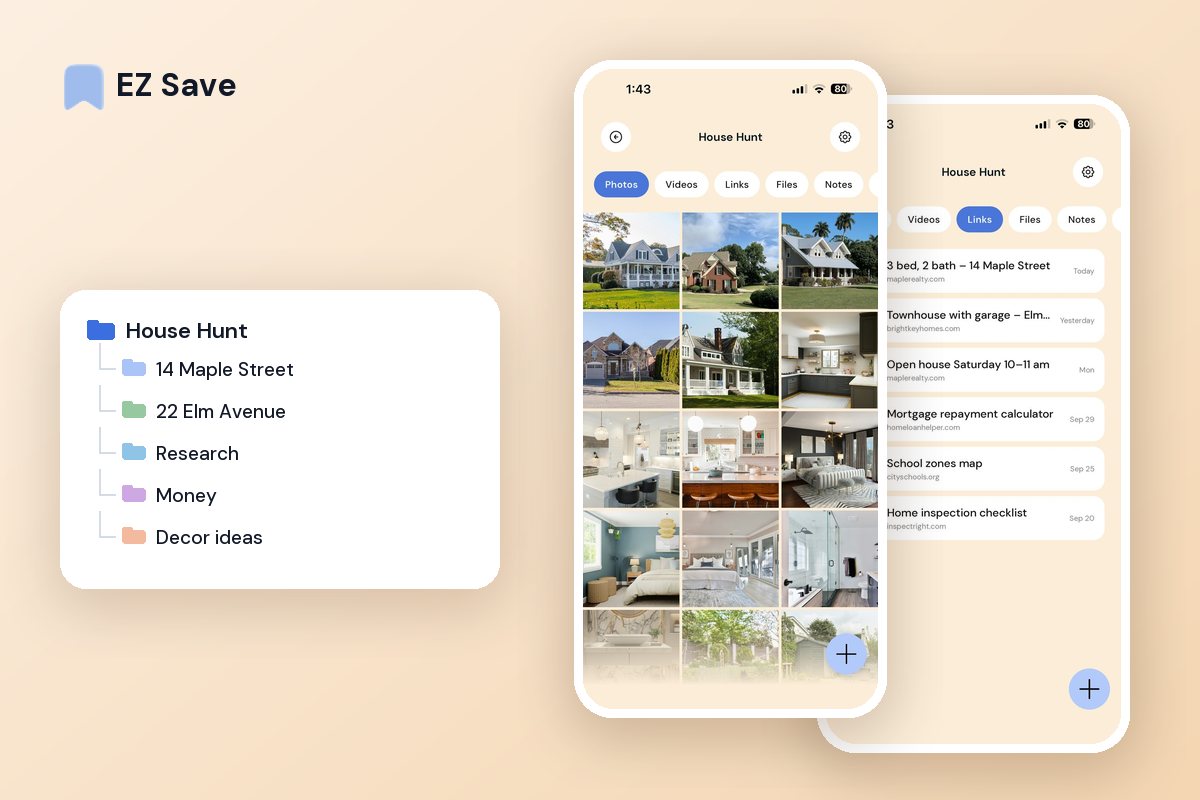
Buying or renting means a mountain of stuff
- Listings are spread across a dozen browser tabs
- Floor plans and photos are lost in your camera roll
- Important documents are buried in email
- Decor ideas are scattered across reels and screenshots
- You cannot compare places side by side
A folder per place, plus one for the move
Save each listing with its photos, floor plan and notes so you can compare properly. Keep a separate folder for contracts, references and moving admin — all private, all in one place.
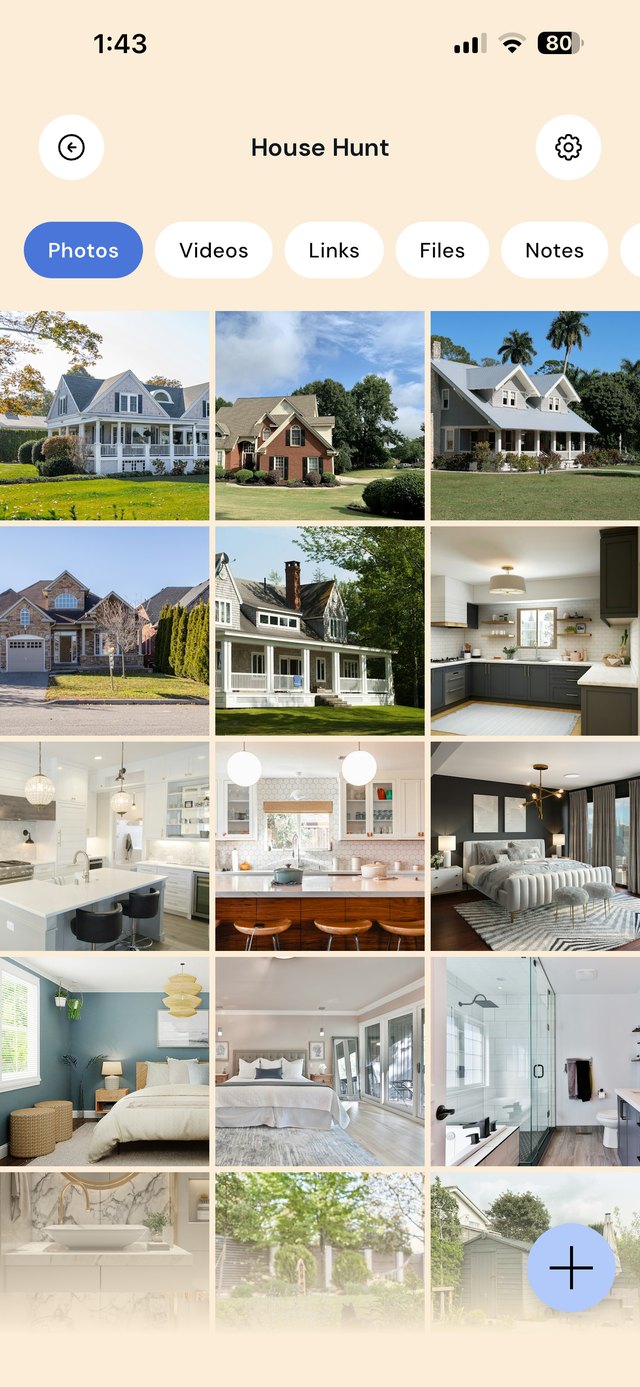
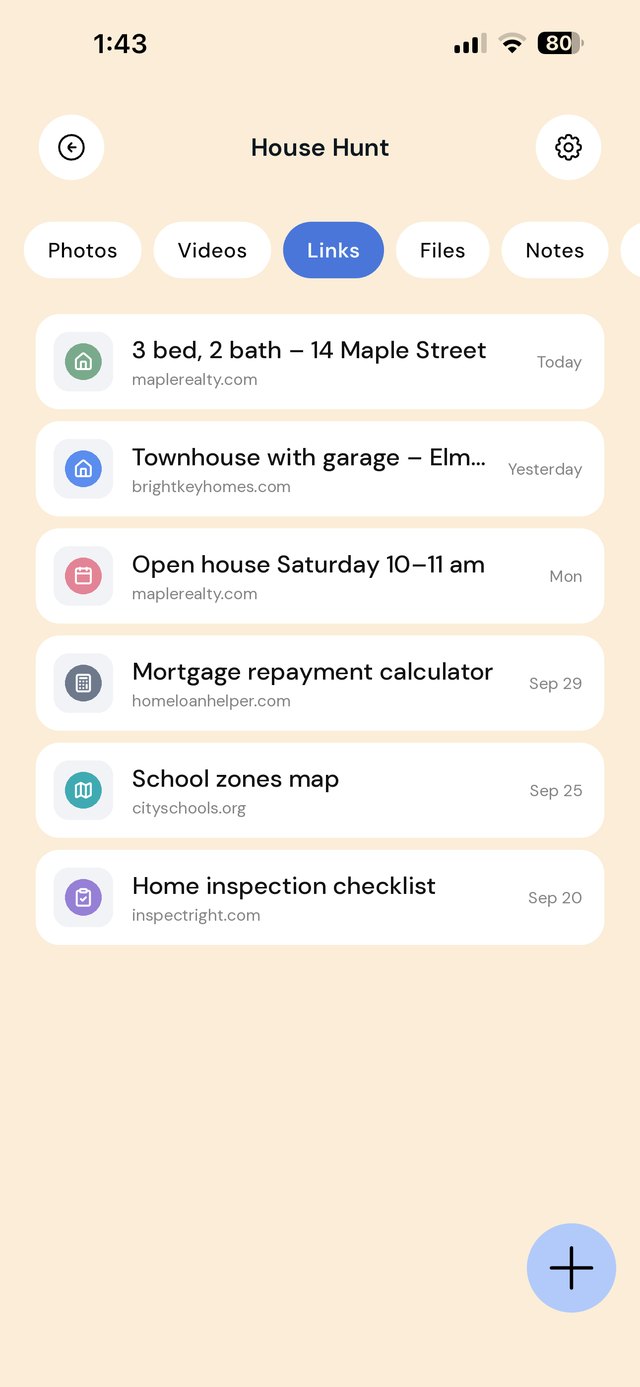
A folder per property, plus one for the move
Every place you look at produces a listing link, photos you took at the inspection, a floor plan, and later a pile of documents. If those land in different apps, comparing places means scrolling back through your camera roll. Give each serious property its own folder, and keep shared research in folders of its own.
Use each property's folder note for the facts you will compare: price, bedrooms, the commute time you actually tested, and what you did not like. Photos jog your memory; the note is what settles the decision.
A workflow from first listing to moving day
| When this happens | Do this in EZ Save |
|---|---|
| You find a listing you like | Share it from the listing site or app into a new folder named after the address. |
| You go to an open house | Take photos of every room, the windows, the storage and any damage, and save them to that property's folder with a quick note. |
| An agent emails a floor plan or contract | Share the PDF from Mail straight into the property folder. |
| You get finance pre-approval or quotes | Save them to Money, with expiry dates in the folder note. |
| You make an offer or sign a lease | Move the winning folder's documents into Contracts & lease and archive the rest. |
| You book movers and utilities | Keep every quote and confirmation in The move so moving week has one checklist. |
Not financial or legal advice. EZ Save keeps your property documents organized. For loans, contracts and inspections, rely on a licensed professional in your area.
Mistakes house hunters make
Only saving the listing. Listings are taken down once a property sells or leases. Save the photos and floor plan too, not just the link.
Mixing photos from different places. After five inspections, every kitchen looks the same. File photos into the right folder the same day.
Losing track of deadlines. Offer, finance and settlement dates matter. Write them in the folder note as soon as you know them.
Leaving signed documents in email. You will need the lease or contract again at move-out or sale. Keep a copy in your own library.
On a MacBook? EZ Save has a native Mac app. Drag a listing link or floor plan up to the notch, pick a folder from the panel that drops down, and it’s saved to the same library as your iPhone. Free, on MacBooks with a notch. See it in action →
Questions people ask
Can my partner see the same house hunting folders?
Will saved listings still work after a property sells?
Can I compare properties side by side?
Is it safe to keep a lease or contract in EZ Save?
Why house hunters love EZ Save
- Save listings, photos, floor plans and PDFs together
- A folder per property makes comparing easy
- Keep sensitive documents locked behind Face ID
- Decor inspiration lives beside the practical stuff
- Stored in your own iCloud, not our servers
Move with everything in order
Keep your whole home search tidy with EZ Save, free on the App Store.