
Private files that stay private
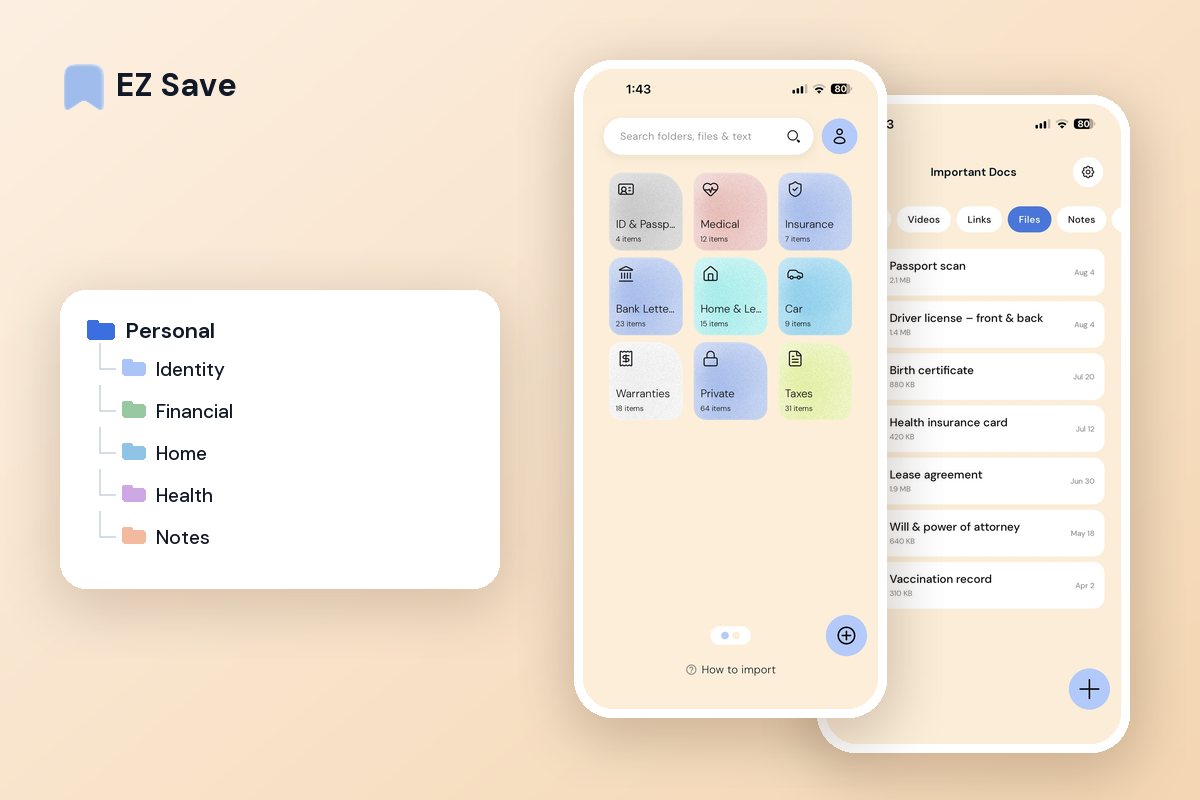
Keep sensitive documents and photos in a library only you can open — locked behind Face ID and stored in your own iCloud, where no company server can reach them.
Most private is not really private
- “Hidden” photos are still one tap from view
- Sensitive scans sit in your general camera roll
- Vault apps often upload your files to their servers
- You do not really know who can read what you saved
- Losing your phone can mean exposing everything on it
Locked to you, stored in your account
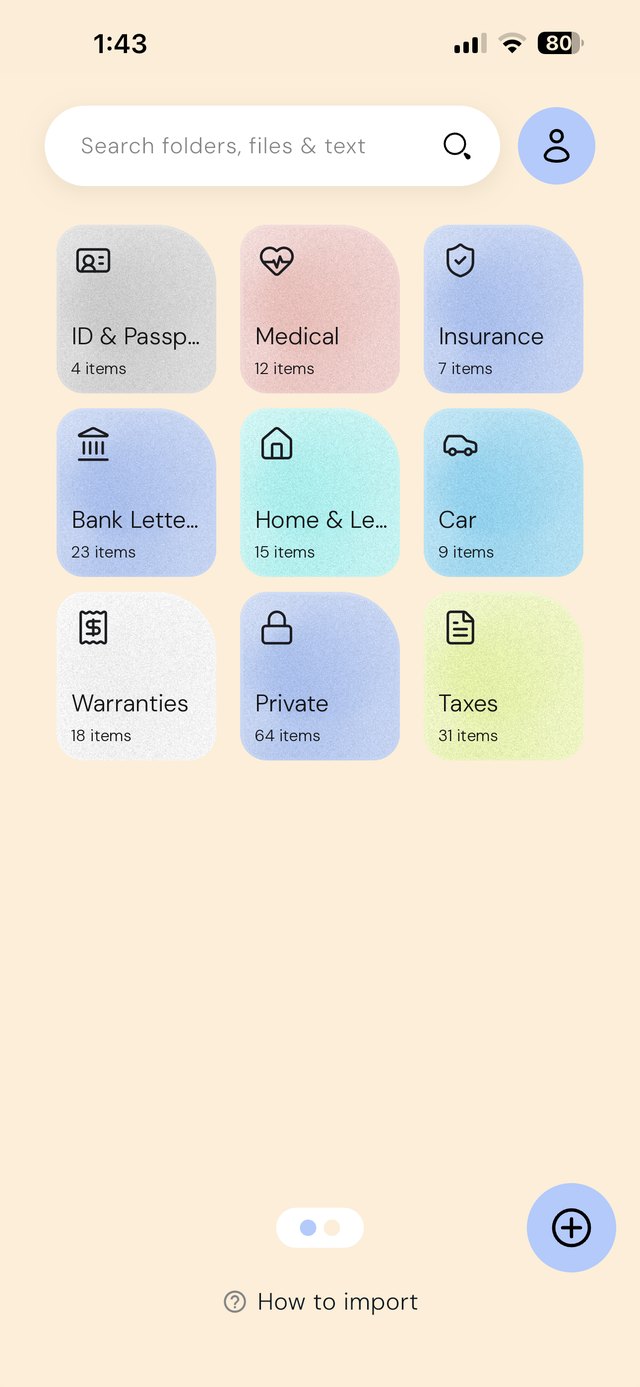
EZ Save locks your whole library behind Face ID or a PIN, encrypts your items on-device, and keeps every file in your own iCloud — Apple's private CloudKit database. There is no EZ Save server holding your data, so there is nothing for us to read.
A structure for the documents that matter
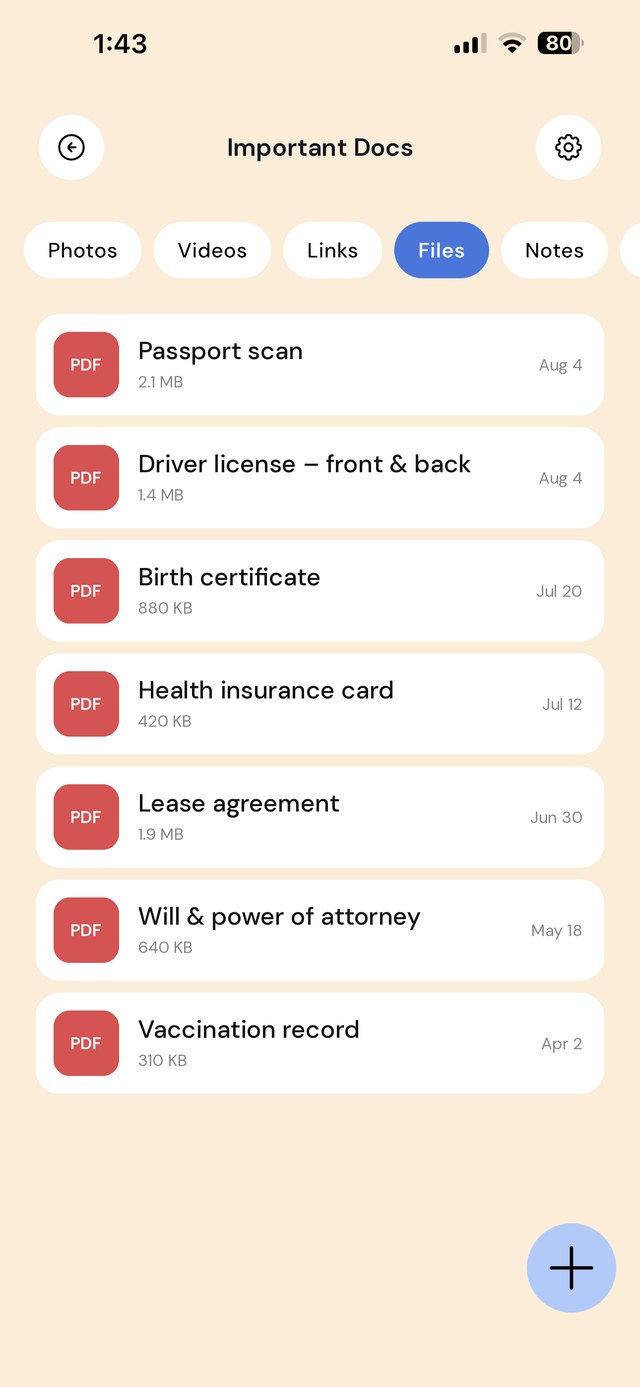
Most people don't need a vault for everything — they need one place for the twenty or so documents that would genuinely hurt to lose or leak.
Set it up once, properly
| When this happens | Do this |
|---|---|
| First, before saving anything | Turn on the app lock. An unlocked folder of documents is worse than no folder, because you'll trust it |
| A document arrives by email | Save the PDF straight from Mail rather than screenshotting it — the file stays readable and searchable |
| You photograph a physical document | Check the photo is legible, then delete it from the camera roll once it's saved |
| You're asked for ID at short notice | Open the folder instead of digging through Photos in front of someone |
| Every few months | Skim the folders and delete what you no longer need. The safest document is one you aren't storing |
What not to put in any save app — including this one
Passwords and recovery codes. Use a password manager. It's built for secrets, fills them for you, and doesn't leave them sitting in a document.
Full card numbers. There's no version of storing these in a notes or files app that's a good idea.
Other people's sensitive documents, unless they've asked you to hold them.
Anything you'd need if your phone died and iCloud was unreachable. Keep a second copy of the truly irreplaceable somewhere independent.
The question worth asking about any "private" app
Not "is it locked?" but "where do the files actually go?". A PIN on the front door means little if the app uploads your documents to the company's own servers, where their staff, their security and their policies now apply. Read the privacy policy and look for a developer-owned database.
EZ Save keeps your library in your own iCloud — Apple's private CloudKit database, tied to your Apple ID — and encrypts content on your device before it syncs. There's no EZ Save server holding your files, which is the reason we can say we never see them. The two storage models explained →
On a MacBook? EZ Save has a native Mac app. Drag a scanned document from Finder up to the notch, pick a folder from the panel that drops down, and it’s saved to the same library as your iPhone. Free, on MacBooks with a notch. See it in action →
Questions people ask
How do I lock an app behind Face ID on iPhone?
Where should sensitive documents live on an iPhone?
Are photo vault apps actually private?
Can the developer read what I save in EZ Save?
Why privacy-first people choose EZ Save
- No developer server holding your files — nothing central to breach
- Face ID or PIN locks the whole app
- PINs are stored only as a one-way hash on your device
- No ads on Pro, and we never sell your personal information
- Encrypted on your device, with a key only you hold
Take back control of your files
Keep your private things genuinely private with EZ Save, free to start.