
Everything for your pet, in one folder
Vet records, vaccination certificates, insurance papers and training tips — keep it all in one private folder, ready when you need it.
Pet paperwork always goes missing
- Vet records are buried in email or a drawer
- Vaccination certificates are needed at short notice
- Insurance and microchip details are hard to find
- Training tips and vet advice are scattered
- Boarding kennels ask for documents you cannot locate
A folder per pet
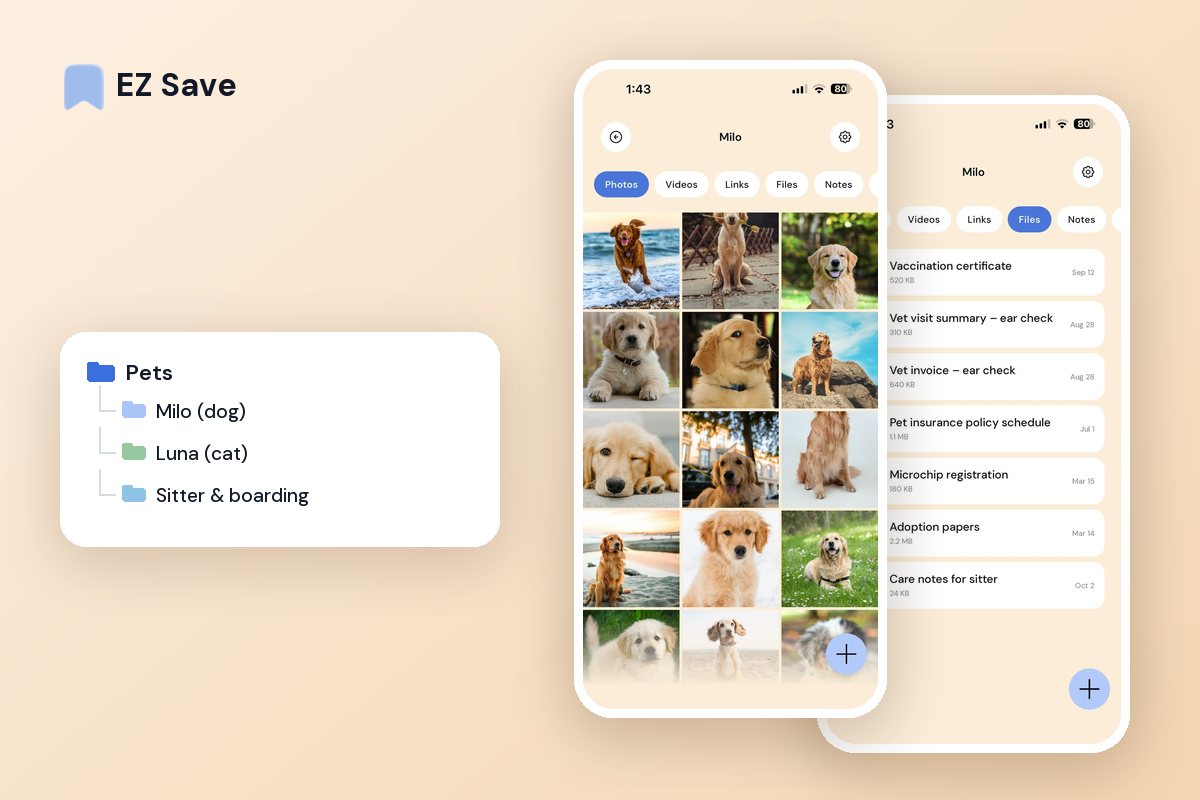
Keep each pet's records, receipts, insurance and photos in their own folder. When the vet, the groomer or the boarding kennel asks for paperwork, it is right there on your phone.
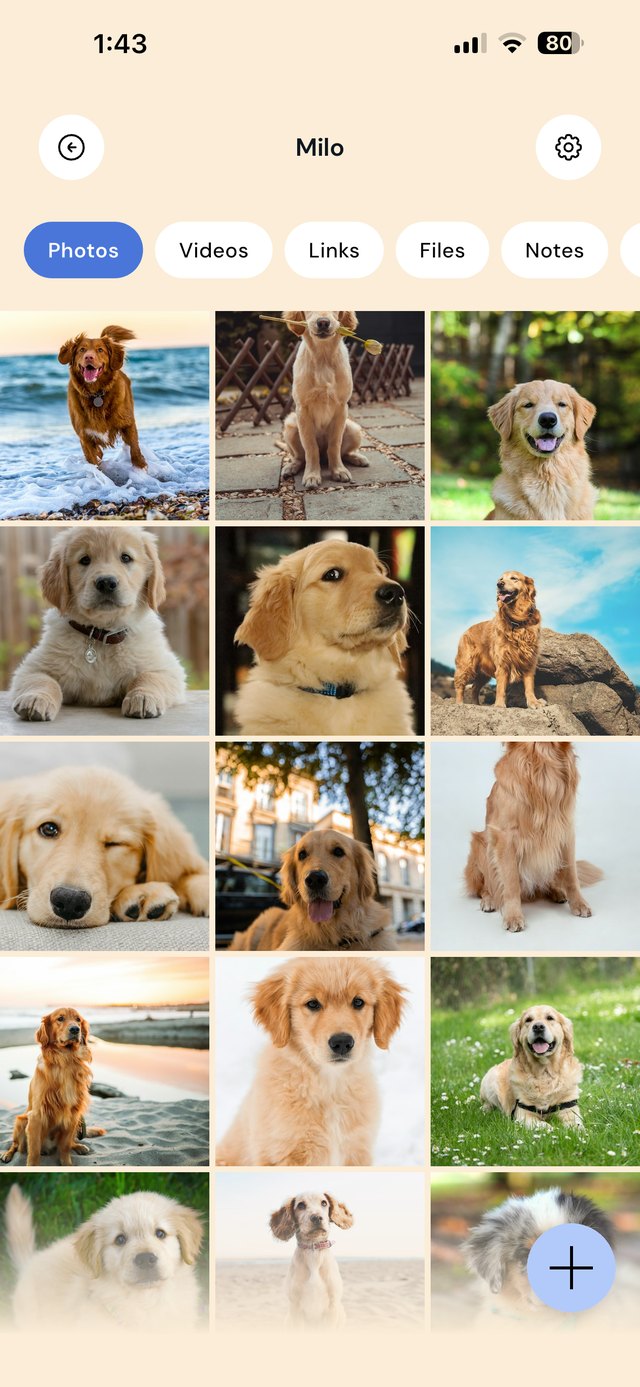
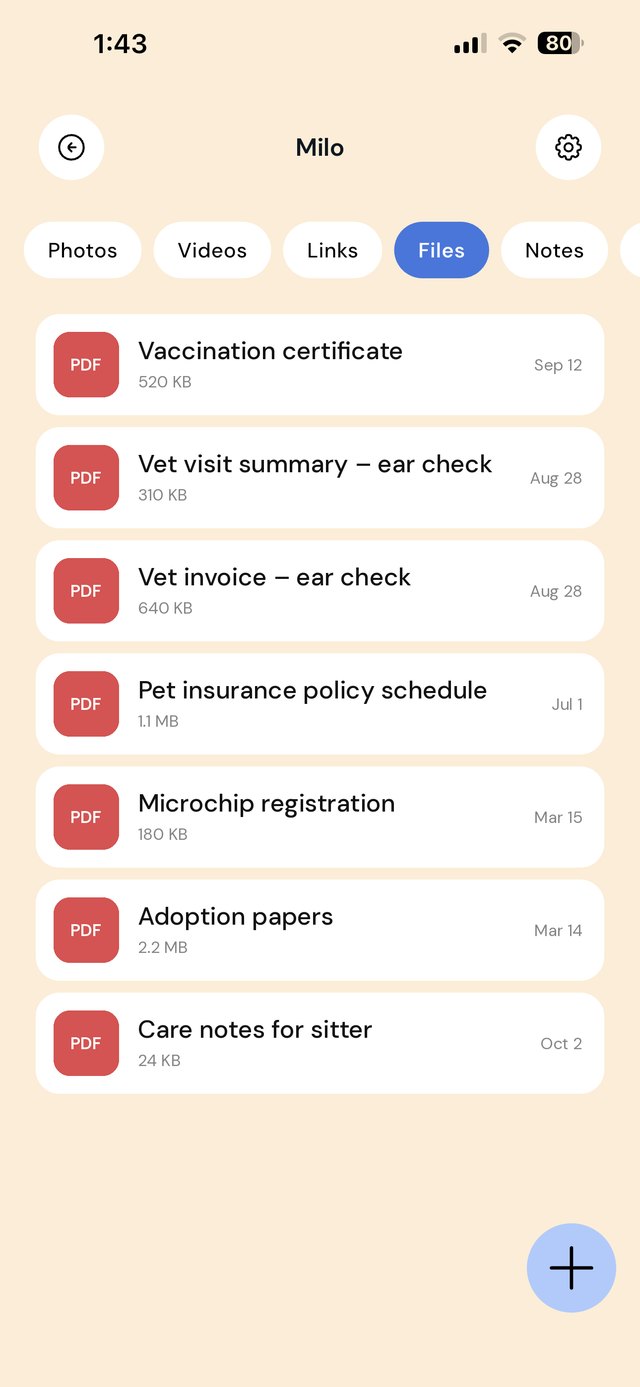
A folder per pet, with everything a vet or sitter will ask for
Pet paperwork arrives from everywhere: a vaccination certificate from the vet, an insurance schedule by email, a microchip registration letter, an adoption contract, a breeder's records. Give each pet its own folder so that when a boarding kennel, groomer or new vet asks "is she up to date?", the answer is three taps away.
The most useful single thing you can keep is a care note in the Sitter & boarding folder: feeding amounts, medication times, behavior quirks, your vet's phone number and the nearest after-hours clinic. Update it before each trip and send it to whoever is looking after your pets.
A workflow for a pet's paperwork
| When this happens | Do this in EZ Save |
|---|---|
| You leave the vet with an invoice or summary | Photograph it before you drive off and save it to Vet visits. Add the reason for the visit to the note. |
| A vaccination is given | Save the certificate to Vaccinations and write the next due date in the folder note. |
| You make an insurance claim | Save the claim form, invoice and claim reference to Insurance, so you can follow it up without hunting through email. |
| You find a useful training video | Share it from YouTube, Instagram or TikTok to Training, so it does not vanish in your feed. |
| You are going away | Update the care note in Sitter & boarding and share the vaccination certificate with the kennel ahead of time. |
| You get a new pet | Create its folder on day one and save the adoption or breeder papers and microchip details before they get lost. |
Not veterinary advice. EZ Save keeps your pet's records organized; it does not give health advice or reminders. Always follow your vet's guidance on vaccinations, medication and treatment.
Mistakes pet owners make with records
Relying on the vet to have everything. If you move, change vets or travel, you will need the records yourself. Keep your own copy of every certificate and summary.
No recent photos. If a pet goes missing, a clear, recent photo matters. Keep a few good ones in the pet's folder, separate from your main camera roll.
Losing microchip details. Microchip numbers and registration logins are needed when you move house or change phone number. Keep them in ID & registration.
Leaving sitters with verbal instructions. A written care note means nothing is forgotten, especially medication doses and the emergency vet's number.
On a MacBook? EZ Save has a native Mac app. Drag a vet invoice or vaccination record up to the notch, pick a folder from the panel that drops down, and it’s saved to the same library as your iPhone. Free, on MacBooks with a notch. See it in action →
Questions people ask
Will EZ Save remind me when vaccinations are due?
Can I give my pet sitter access to the folder?
How many pets can I keep on the free plan?
Is my pet's information private?
Why pet owners love EZ Save
- Save records, PDFs, photos and links together
- A folder per pet keeps everything straight
- Pull up vaccination papers at the vet in seconds
- Keep sensitive documents behind Face ID
- Stored in your own iCloud across your devices
Be ready at the vet
Keep every pet record in one private folder with EZ Save, free to start.