
Service records and papers, always to hand
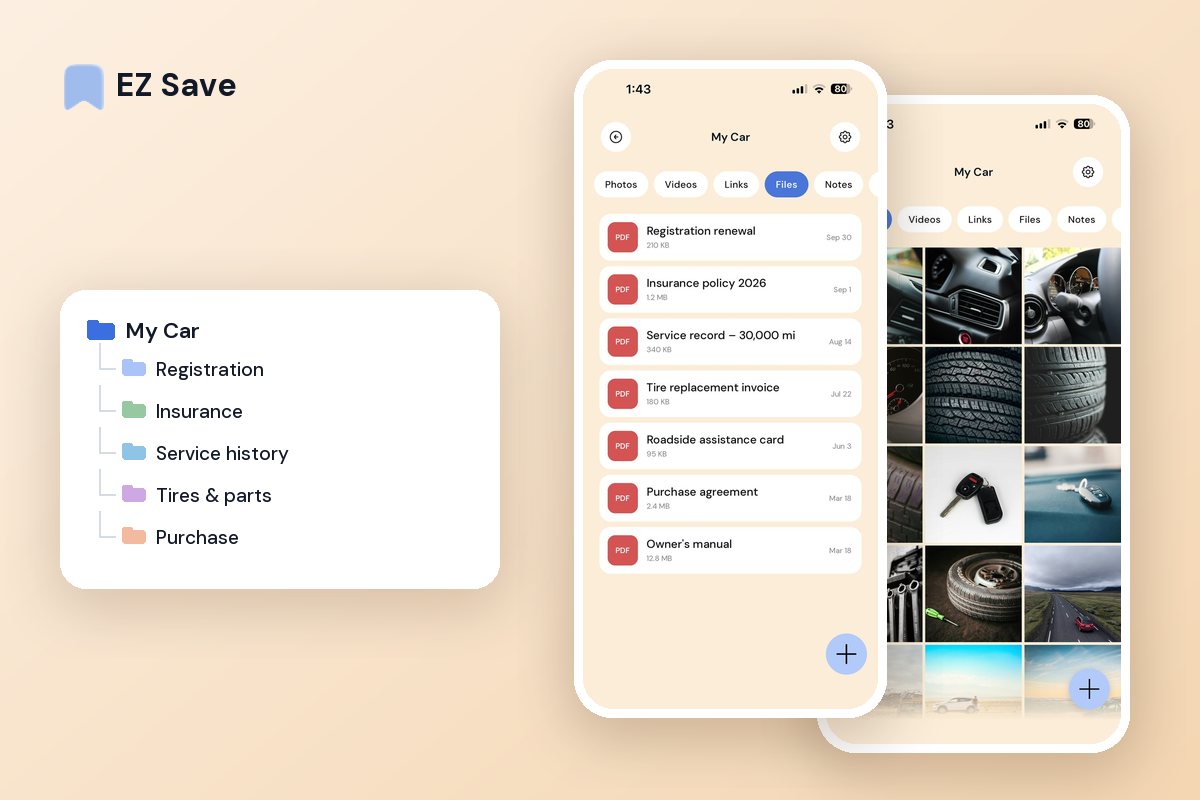
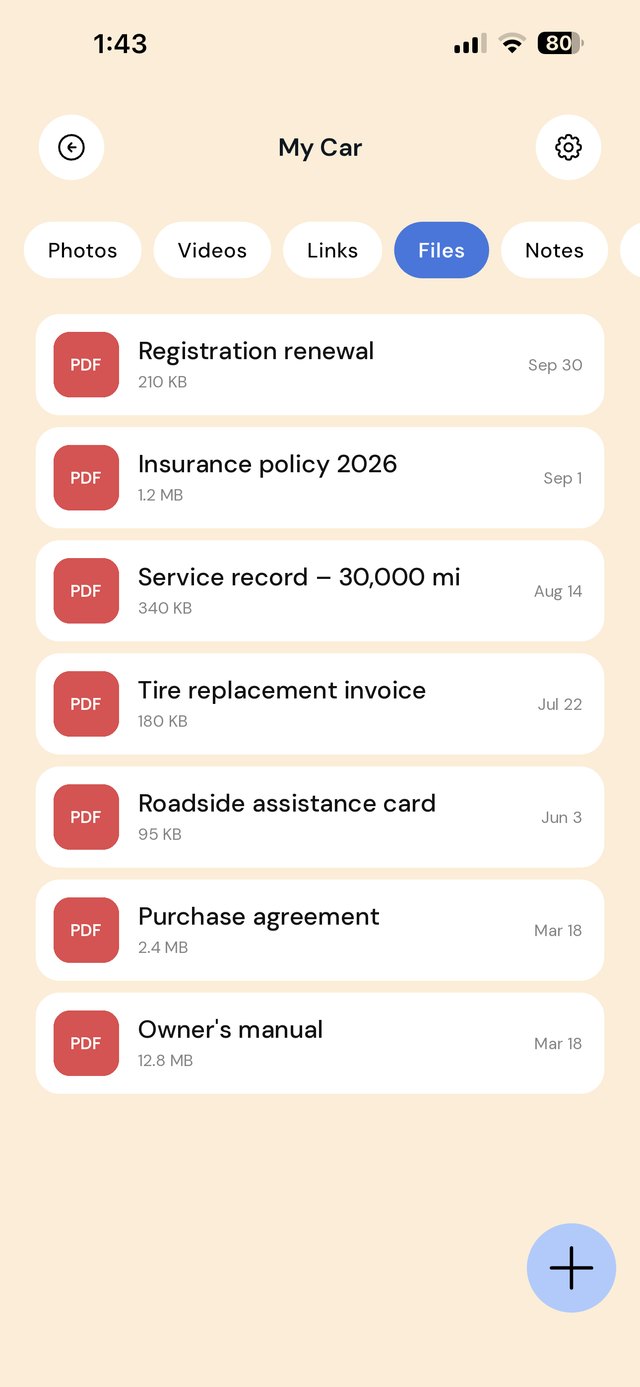
Insurance, registration, service history and receipts — keep every document for your car in one private folder, ready at the garage or the roadside.
Car paperwork is never where you need it
- Insurance and registration are buried in email
- Service history is a folder of loose receipts
- You cannot remember when the last service was
- Part numbers and tire sizes are hard to find
- Roadside and renewal details go missing
One folder, the whole history
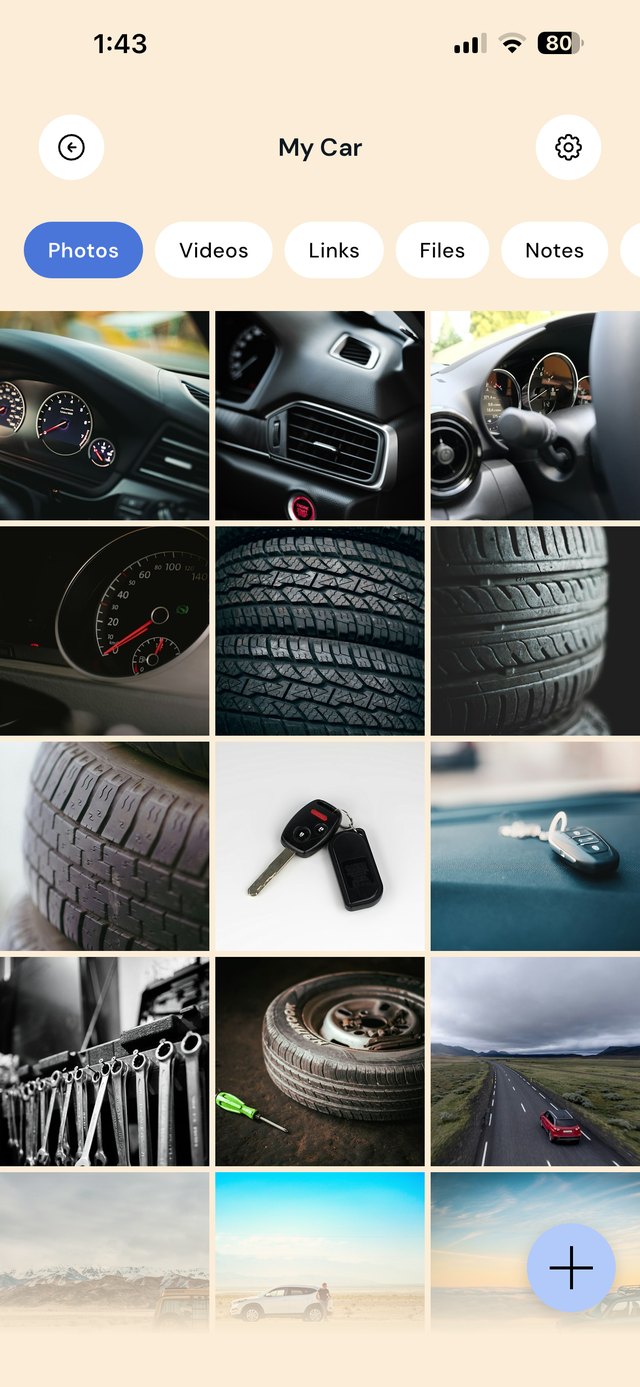
Keep insurance, registration, service invoices and receipts together, plus photos of tire sizes and part numbers. At the garage or at renewal time, the full history is on your phone.
One folder, the car's whole history
A car comes with paperwork that you need at awkward moments: insurance at the side of the road, registration at renewal time, service history when you sell. Keep every vehicle in its own folder so the answer is on your phone, not in a glovebox or an old email.
Pin a note with the details you are asked for most: plate number, VIN, tire size, oil type, insurer's claims number and the date of the next service. Write them once and stop looking under the hood for them.
A workflow for the life of the car
| When this happens | Do this in EZ Save |
|---|---|
| You get the car serviced | Photograph or save the invoice to Service history and update the note with the mileage and next service date. |
| Insurance or registration renews | Replace the old certificate with the new one and note the new expiry date. |
| You buy new tires or parts | Save the receipt and write the size or part number in the note. |
| You have a minor accident | Take photos of the damage and the scene, save them to Photos, and keep the insurer's claim number in the note. |
| You park somewhere unfamiliar | Snap the level and bay number. Delete it when you are back. |
| You sell the car | Share the service history with the buyer to show it has been looked after. |
Mistakes car owners make with paperwork
Keeping the only copy in the glovebox. If the car is stolen or written off, the papers go with it. Keep digital copies on your phone.
Losing service records. A full service history helps when you sell, and some warranties require proof of servicing.
Not photographing damage straight away. Photos taken at the scene support an insurance claim. Save them to the car's folder while you are still there.
Forgetting renewal dates. Write expiry dates in the folder note and add them to your calendar.
On a MacBook? EZ Save has a native Mac app. Drag a registration renewal or insurance PDF up to the notch, pick a folder from the panel that drops down, and it’s saved to the same library as your iPhone. Free, on MacBooks with a notch. See it in action →
Questions people ask
Does EZ Save remind me when registration or a service is due?
Can I show my insurance documents from my phone?
Can I keep records for more than one car?
Is my car information private?
Why car owners love EZ Save
- Save PDFs, receipts, photos and links together
- A folder per vehicle keeps records clean
- Find your policy or last service in seconds
- Keep documents locked behind Face ID
- Private and stored in your own iCloud
Keep the paperwork sorted
Give your car's documents one private home with EZ Save, free on the App Store.