
Run your business, not a filing cabinet
Receipts, invoices, contracts, brand assets and supplier links — keep the admin side of your business tidy and private, in one place.
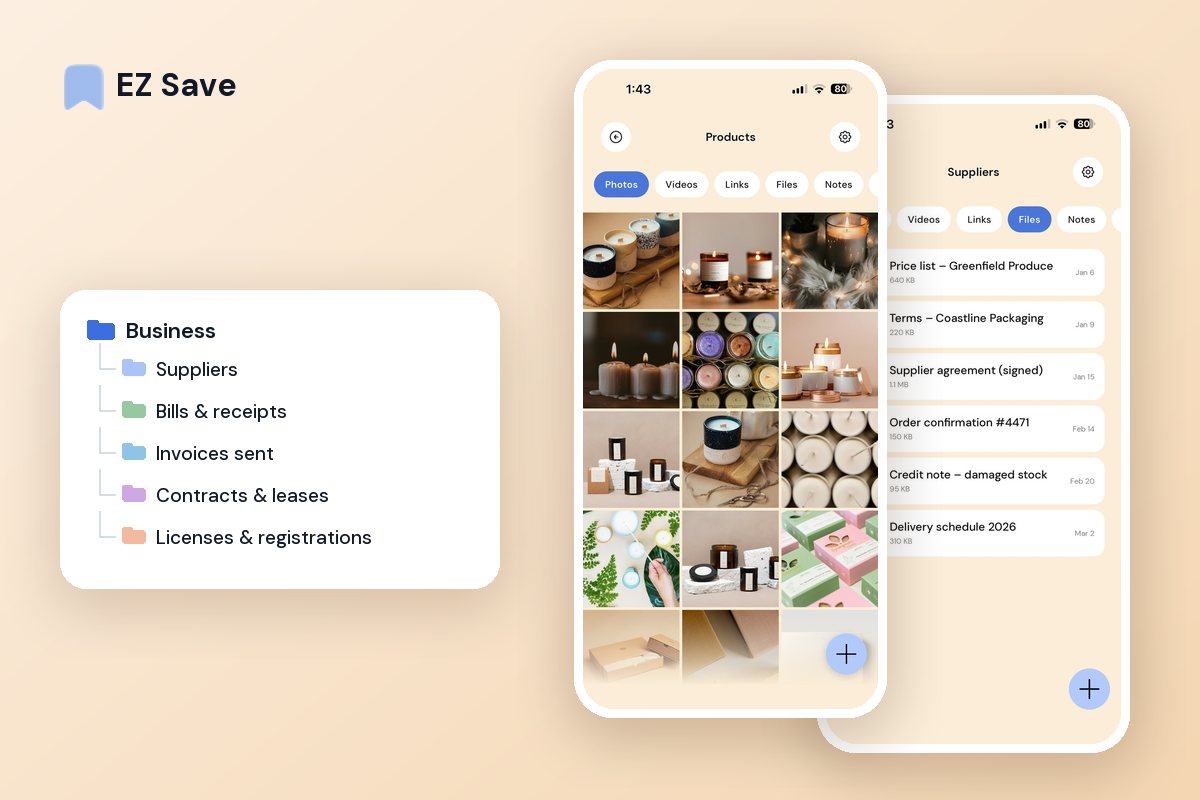
Running a business means endless paperwork
- Receipts and invoices are scattered across email and apps
- Contracts and agreements are hard to find when you need them
- Brand assets and logos live in five different folders
- Supplier links and quotes get lost in your browser
- Sensitive documents sit in your general photo library
A folder for every part of the business
Keep finances, contracts, brand assets and suppliers in tidy folders. Snap a receipt, save a supplier's site or file a contract the moment it arrives — and hand your accountant a clean set at year end.
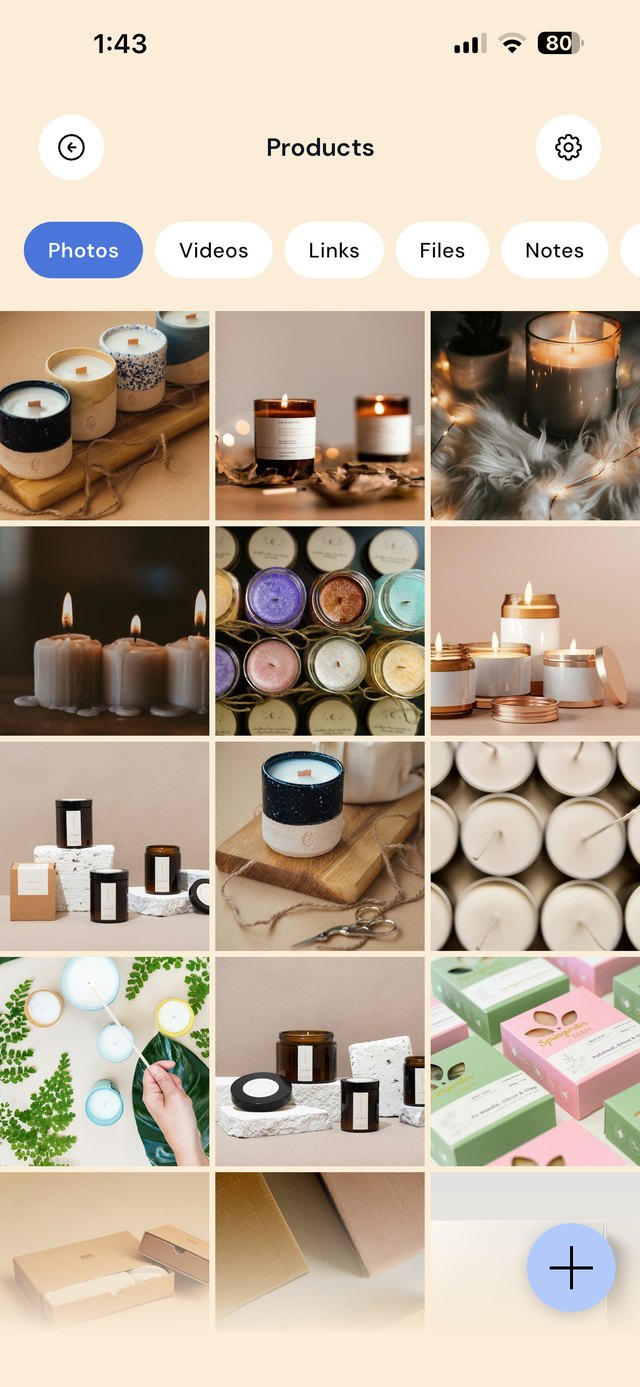
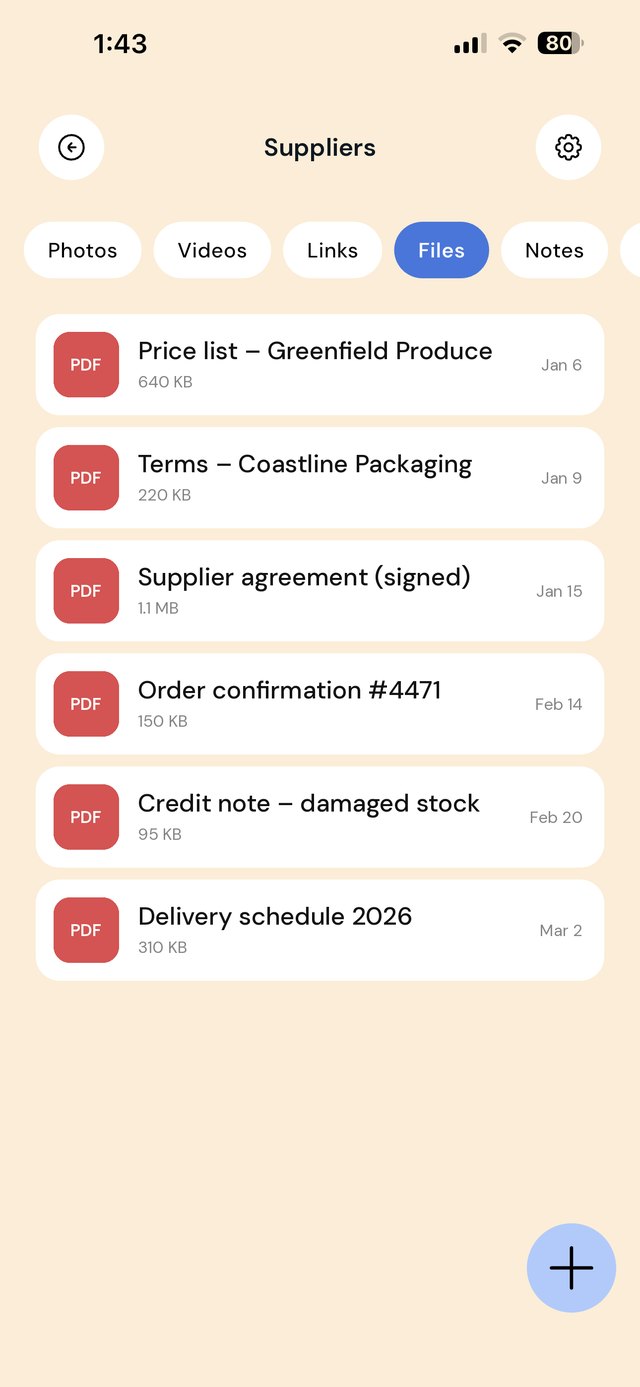
A folder structure for a small business
A café, a salon, an online store or a trade business does not need an enterprise document system. It needs one place on the owner's phone where the supplier price list, the insurance certificate and last week's receipts can be found in under ten seconds. Organize by the questions you actually get asked: "who supplies this?", "are we covered?", "where is that invoice?"
Use a folder note for the details you look up most: a supplier's account number and delivery days, a policy's renewal date, an equipment serial number. Notes live inside the folder they describe, so the context is never far from the document.
A workflow for the paperwork that never stops
| When this happens | Do this in EZ Save |
|---|---|
| A supplier emails an invoice or price list | Share the PDF from Mail into that supplier's folder. Note any price changes in the folder note. |
| You pay for something on the business card | Photograph the receipt at the counter and save it to this month's Bills & receipts folder. |
| A license, permit or registration certificate arrives | Save it to Licenses & registrations and write the expiry date in the folder note. |
| Insurance renews | Replace last year's schedule with the new one, and keep the certificate of currency handy for landlords and clients. |
| You see a competitor promotion or a post you want to copy | Share it to Marketing ideas. Review the folder once a month when you plan content. |
| A new machine or appliance is installed | Save the manual link, the warranty card photo and the installer's invoice to Equipment. |
| The quarter or financial year ends | Copy that period's receipts and invoices into For the accountant and share them in one go. |
Not tax, legal or financial advice. What records you must keep, in what format and for how long depends on where you operate and your business structure, and the rules change. Check with your accountant and the official guidance — in Australia business.gov.au and the ATO, in the US the SBA and the IRS, in the UK GOV.UK business guidance and HMRC. EZ Save keeps your documents organized; it is not accounting or bookkeeping software.
Mistakes small business owners make with paperwork
Mixing business and personal files. When your shop receipts sit in the same camera roll as your holiday photos, nothing is findable at tax time. Keep business in its own folder from day one.
Letting renewals sneak up. Licenses, permits and insurance lapse quietly. Write every expiry date in a folder note and check them once a quarter.
Brand files scattered across old emails. When a printer or sign-writer asks for your logo, you should not be searching a three-year-old email from the designer. Keep the master files in Brand assets.
Relying on one device. If the business phone is lost, so is everything on it. With Pro, EZ Save syncs through your own iCloud so the library is on your other Apple devices too.
On a MacBook? EZ Save has a native Mac app. Drag a supplier quote or license PDF up to the notch, pick a folder from the panel that drops down, and it’s saved to the same library as your iPhone. Free, on MacBooks with a notch. See it in action →
Questions people ask
Can my staff access the business folders?
Does EZ Save read receipts or do bookkeeping?
How is this different from the freelancer setup?
Where are my business documents stored?
Why small business owners love EZ Save
- Save receipts, invoices, contracts and assets together
- A folder for finances, clients, suppliers and brand
- Keep sensitive documents locked behind Face ID
- Smart folder suggestions keep things sorted (Pro)
- Private and stored in your own iCloud
Keep the admin under control
Bring order to your business paperwork with EZ Save, free to try.