
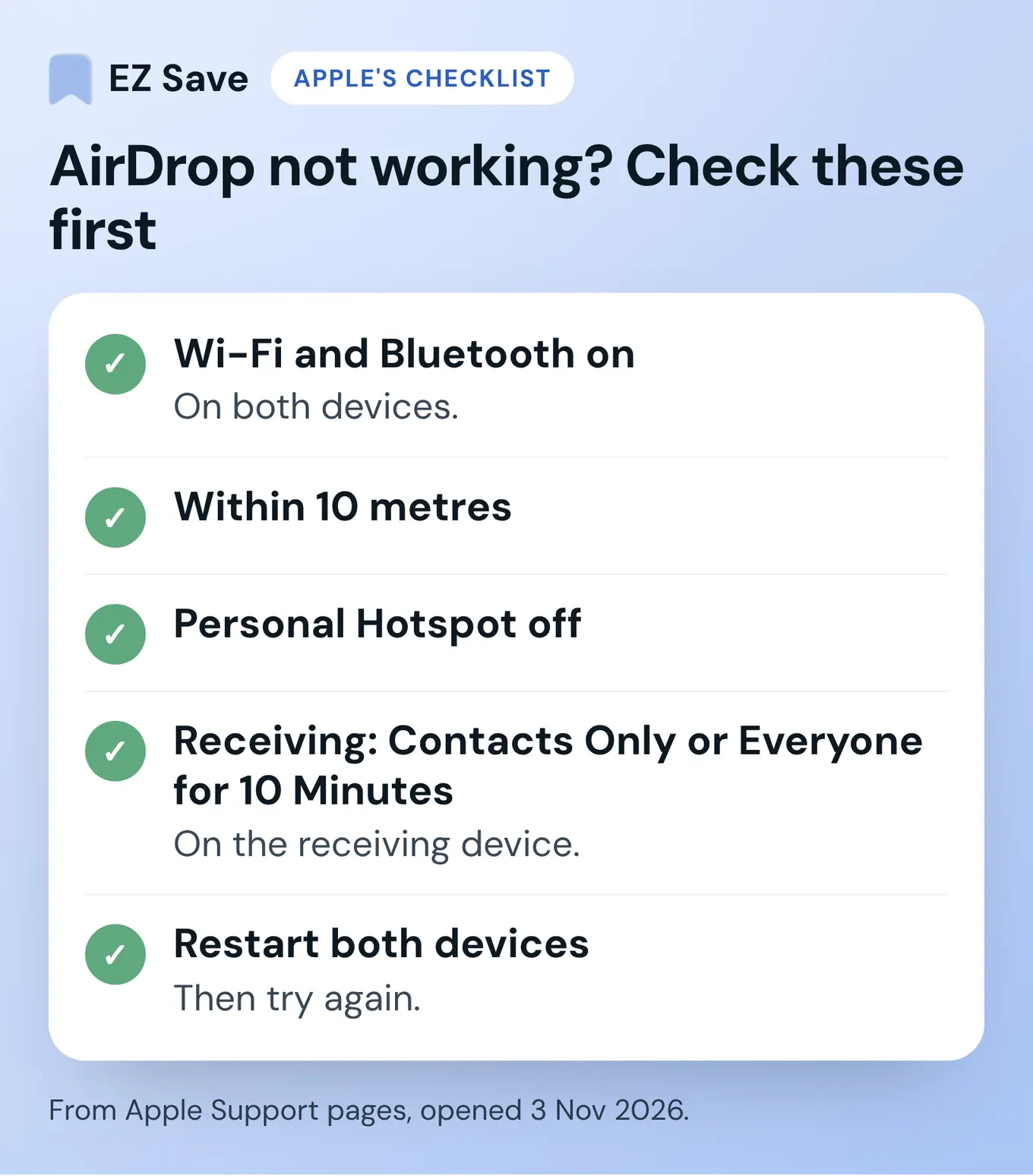
AirDrop not working? Start with Apple's own checklist: turn on Wi-Fi and Bluetooth on both devices, keep them within 10 metres, turn off Personal Hotspot, and set the receiving device to Contacts Only or Everyone for 10 Minutes. Then restart both devices. If it still fails, look for a VPN or security app, a Screen Time restriction, or a Mac firewall that blocks incoming connections.
I make EZ Save, which comes up at the end of this guide, so I'll be upfront about that. Every fix below comes from Apple's own support pages, which I opened on 3 November 2026 and link to in each step. I haven't invented any extra tricks, and I haven't tested every combination of devices and software versions, so if your setup is managed by work or school, check with whoever manages it first.
Why is AirDrop not working?
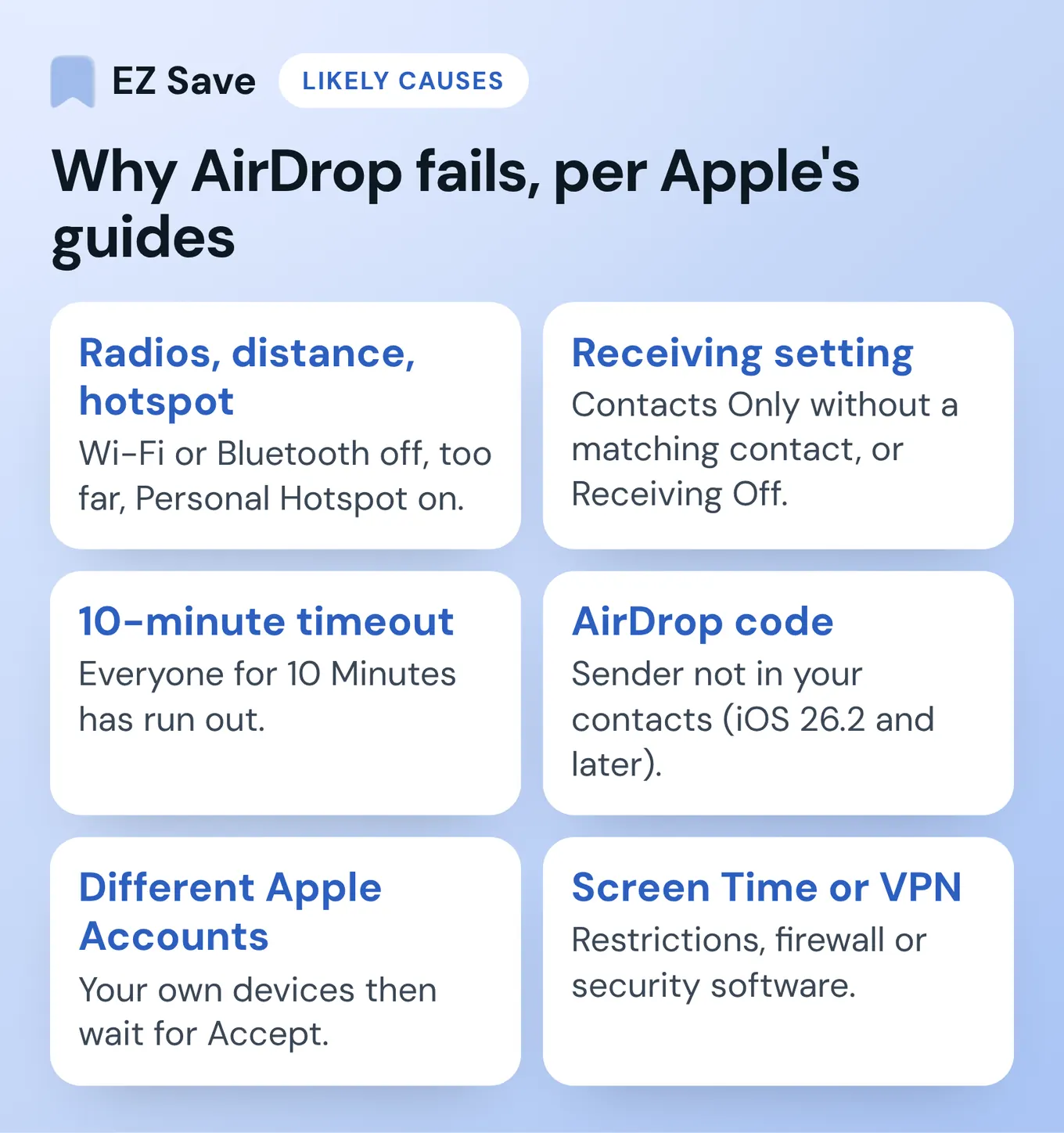
Most AirDrop problems come down to one of a handful of things Apple names in its guides. Use this table to jump to the likely cause.
| What you see | Likely cause | What Apple says to check |
|---|---|---|
| The other device doesn't appear at all | Radios off, too far apart, or Personal Hotspot on | Wi-Fi and Bluetooth on for both, within 10 metres, Personal Hotspot off |
| Items sent between your own devices wait for you to tap Accept | The devices are signed in to different Apple Accounts | Sign in to the same Apple Account so items are accepted and saved automatically |
| A friend can't see you | Receiving set to Contacts Only, and you're not a matching contact | Switch to Everyone for 10 Minutes, or check the contact card |
| You're asked for a code | The sender isn't in your contacts (iOS 26.2 and later) | Use the AirDrop code shown on the receiving device |
| It worked yesterday, not today | Everyone for 10 Minutes has timed out | Turn it on again from Control Centre |
| AirDrop seems blocked or unavailable | A Screen Time restriction | Content & Privacy Restrictions, Other Features, AirDrop |
| Nothing connects, even after a restart | VPN, firewall or security software | Check its settings allow local networking, or turn it off to test |
How do you fix AirDrop on iPhone and iPad?
Work through these in order. Each one is from Apple's iPhone AirDrop guide or its support article How to use AirDrop on iPhone and iPad unless I link a different page.
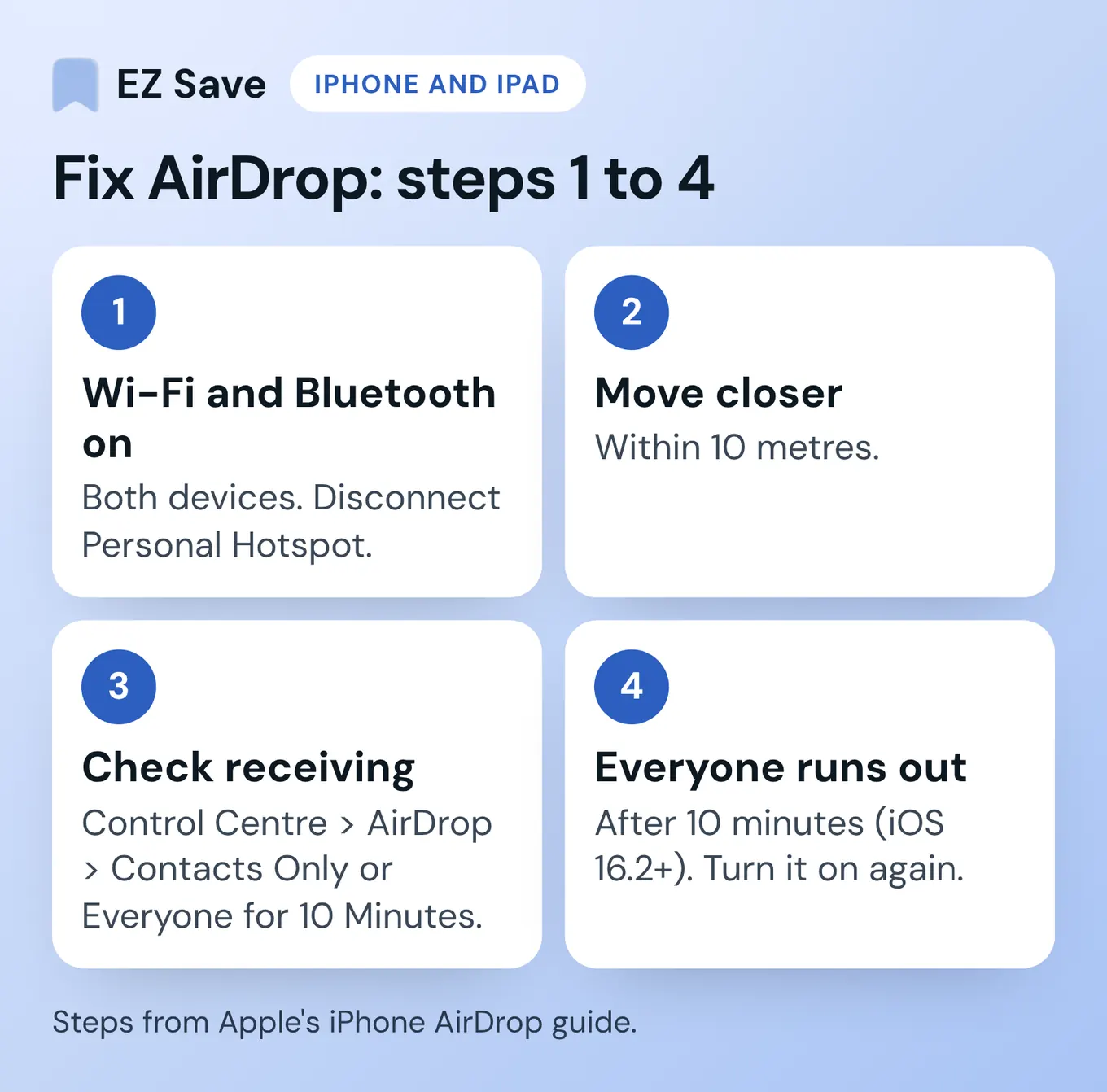
- Turn on Wi-Fi and Bluetooth on both devices. AirDrop needs both, on the sending and the receiving device. If either of you has Personal Hotspot on, Apple says to disconnect it.
- Move closer. Apple says the devices should be within 10 metres of each other.
- Check who you can receive from. Open Control Centre, touch and hold the top-left group of controls, tap AirDrop, then choose Contacts Only or Everyone for 10 Minutes. If it says Receiving Off, nothing will come through.
- Remember that Everyone for 10 Minutes runs out. In iOS 16.2 and later, it switches back to Contacts Only after 10 minutes if you're signed in to your Apple Account, or to Receiving Off if you're not. That's why AirDrop can seem to "stop working" between one try and the next.
- If you use Contacts Only, check the contact card. To send to someone who only accepts contacts, you must be in their contacts, and your card in their contacts needs your Apple Account email address or phone number.
- Use the AirDrop code if you're asked for one. With iOS 26.2, iPadOS 26.2 or macOS 26.2 or later, someone who isn't in your contacts has to use an AirDrop code. The receiver taps Get AirDrop Code and tells the sender, who enters it. After that you can AirDrop each other for 30 days without a new code.
- Sending between your own devices? Use the same Apple Account. Apple says that when you're signed in to the same Apple Account on both, items are accepted and saved automatically, with no Accept tap needed.
- Restart both devices and try again. This is the step Apple lists in every AirDrop troubleshooting section.
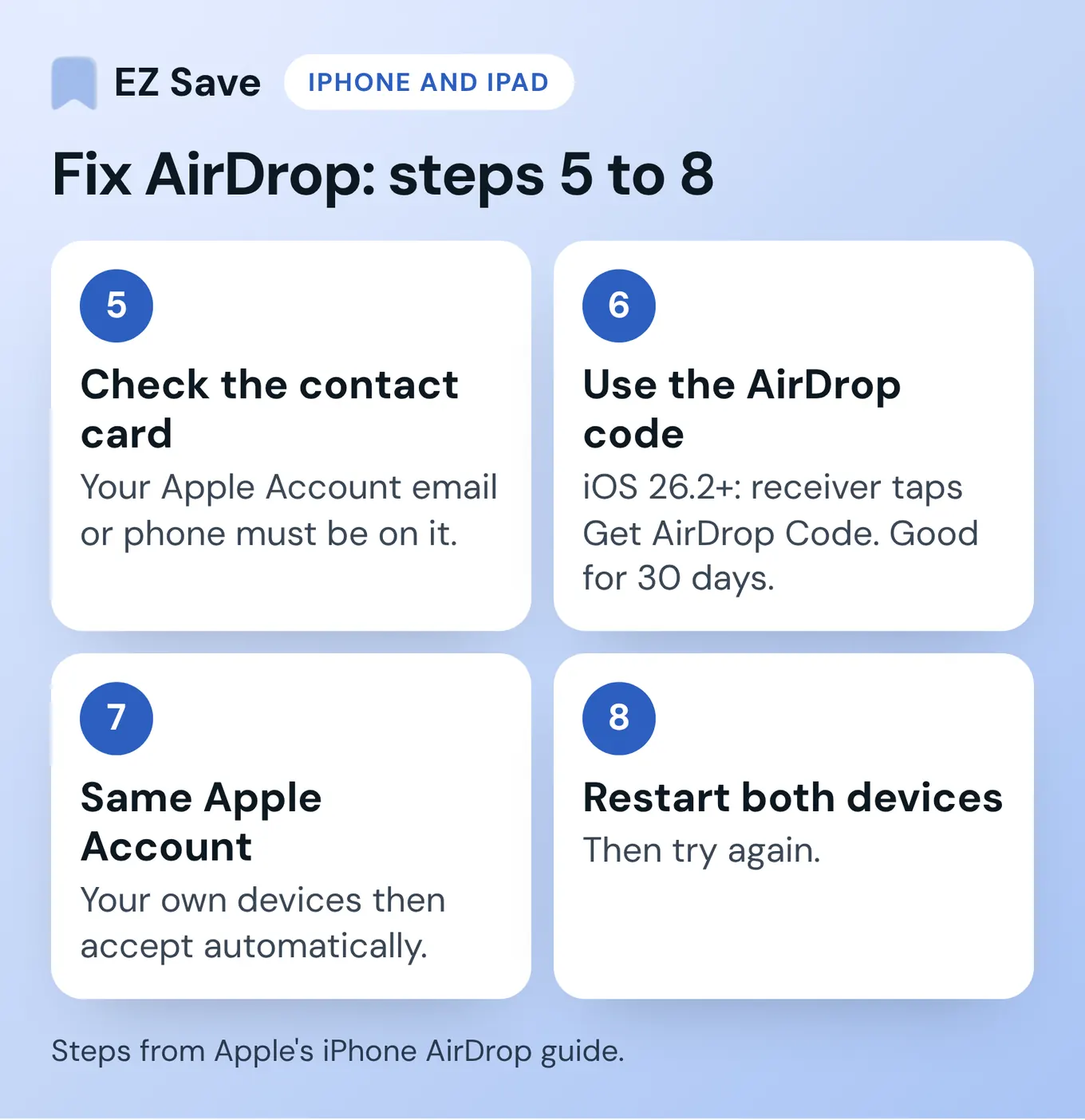
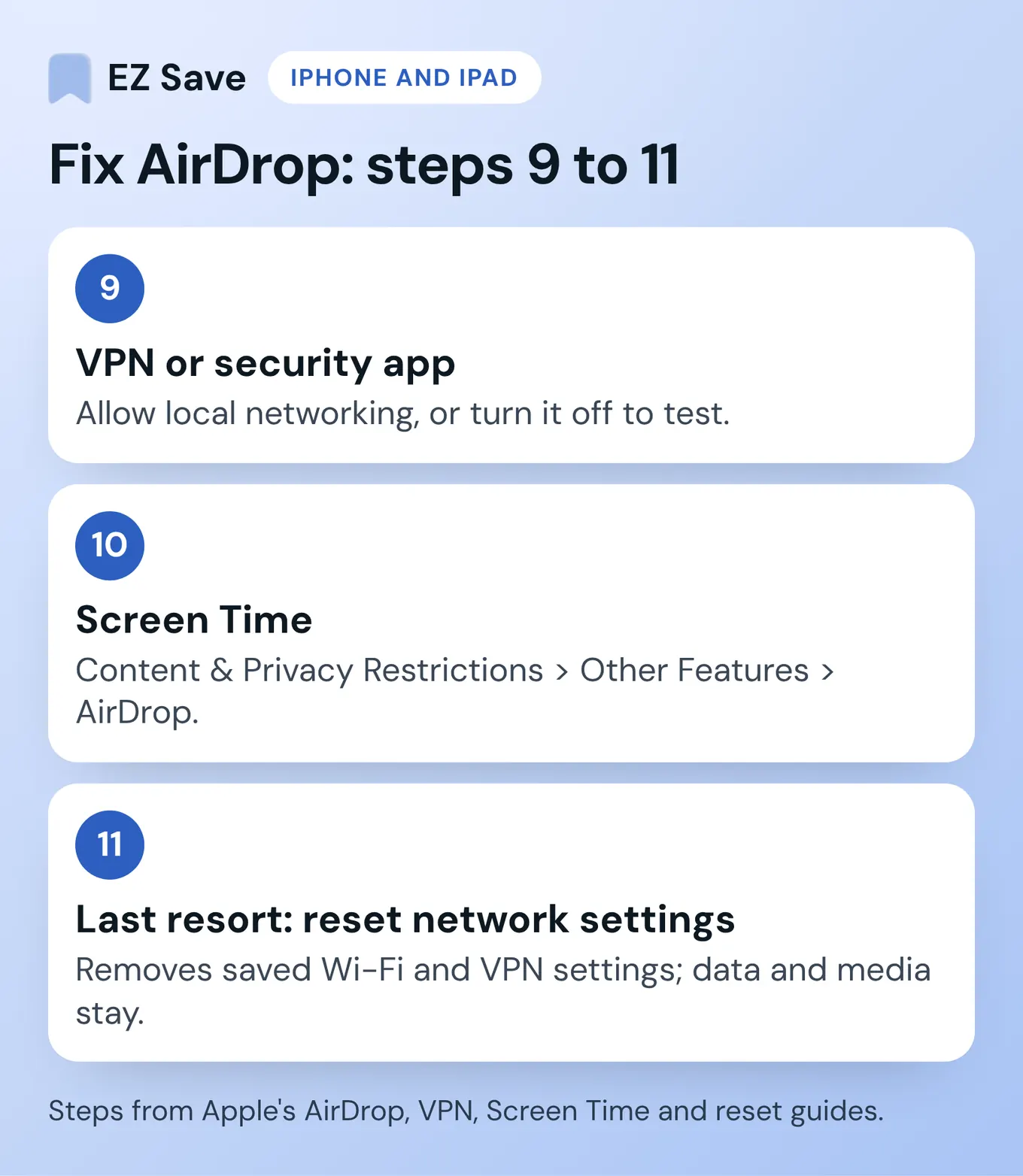
- Check any VPN or security app. Apple's AirDrop guide says to make sure a VPN's configuration doesn't prevent local networking. Its page on VPN and third-party security software adds that VPN, firewall, antivirus, parental-control apps and content blockers can stop devices on your network talking to each other, including Continuity features. Try turning the app off, then test AirDrop.
- Check Screen Time. AirDrop can be blocked as a feature. On current iOS, go to Settings > Screen Time > Content & Privacy Restrictions > Other Features and make sure AirDrop is allowed (Apple: Block features or content with Screen Time).
- Last resort: reset network settings. Apple's VPN page suggests this if problems continue. Go to Settings > General > Transfer or Reset iPhone > Reset > Reset Network Settings. According to Apple's reset guide, this removes saved networks and VPN settings you added yourself, renames the device back to "iPhone" and makes manually trusted certificates untrusted. Your data and media aren't deleted, but you'll need to re-enter Wi-Fi passwords.
One more thing worth knowing: if you walk out of Bluetooth or Wi-Fi range after a transfer starts, Apple says the transfer continues over the internet, and mobile data charges may apply. You can stop that in Settings > General > AirDrop by turning off the mobile data option (Apple's page calls it Use Cellular Data).
How do you fix AirDrop on a Mac?
The Mac checks are similar, with two Mac-only places to look. These come from Apple's Mac AirDrop guide and AirDrop & Continuity settings page.
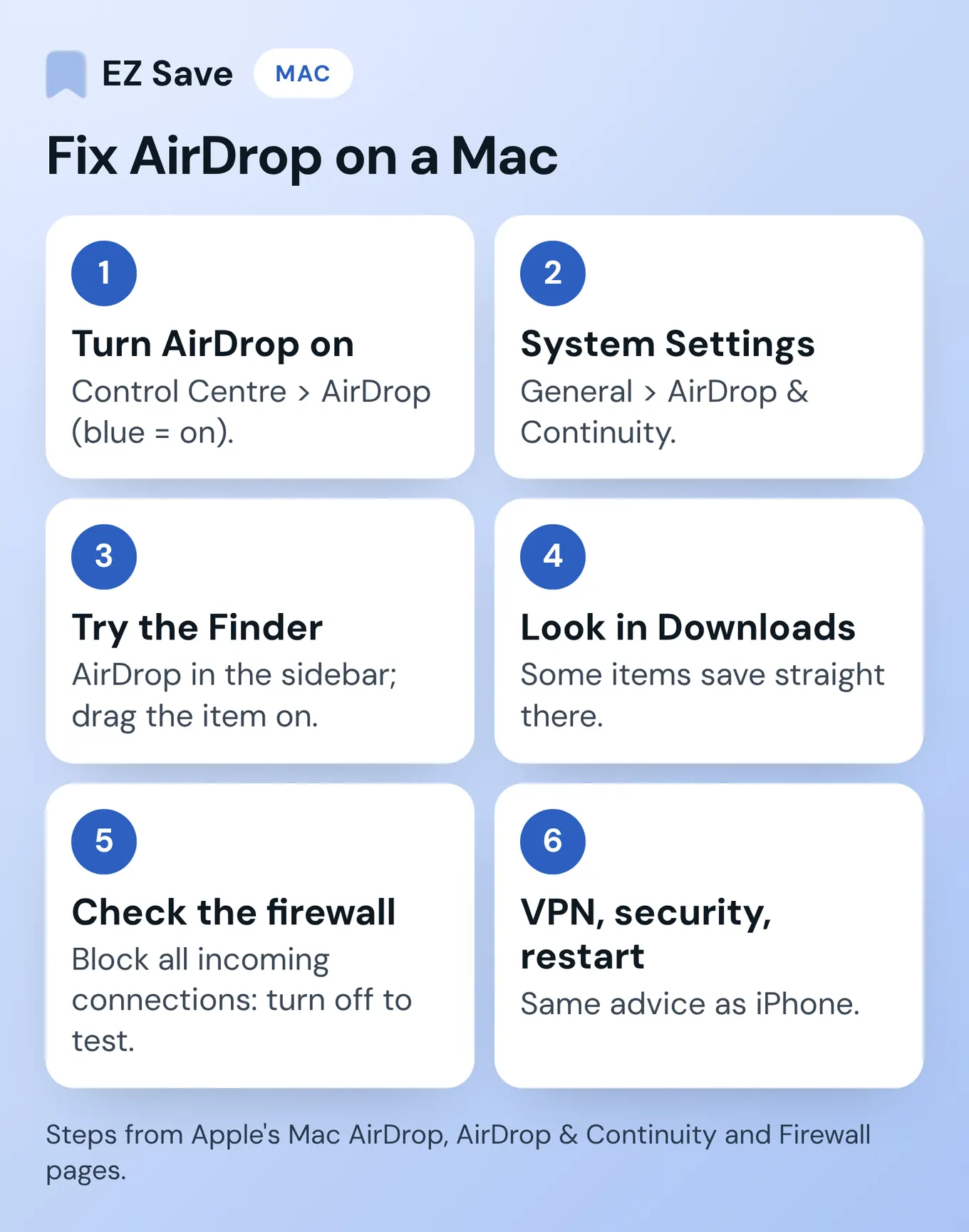
- Turn AirDrop on. Click Control Centre in the menu bar, then click AirDrop. When it's blue, it's on. Click the arrow next to it to choose Contacts Only or Everyone.
- Check the setting in System Settings. Go to System Settings > General > AirDrop & Continuity and check who can send files to you.
- Try the Finder. Open a Finder window, click AirDrop in the sidebar, and drag the item onto the person or device. If you opened AirDrop in the Finder, the Accept notification appears there instead of in Notification Centre.
- Look in Downloads. Apple says some items sent to a Mac are saved straight to the Downloads folder, so a "missing" file may already be there.
- Check the firewall. In System Settings > Network > Firewall > Options, Apple describes Block all incoming connections as preventing connections to non-essential services and apps, including "all other sharing services" (Apple: Change Firewall settings on Mac). Apple doesn't name AirDrop on that page, so treat this as something to check rather than a guaranteed fix: if it's on, turn it off and try again.
- Check VPN and security software, then restart. The same VPN and security software advice applies on a Mac. Restart and try again.
What can you use instead of AirDrop between your own Apple devices?
Apple itself says AirDrop is best for sharing a small selection of files. If AirDrop still won't connect, or you're moving something between your own iPhone, iPad and Mac rather than to a friend, Apple has other built-in options.
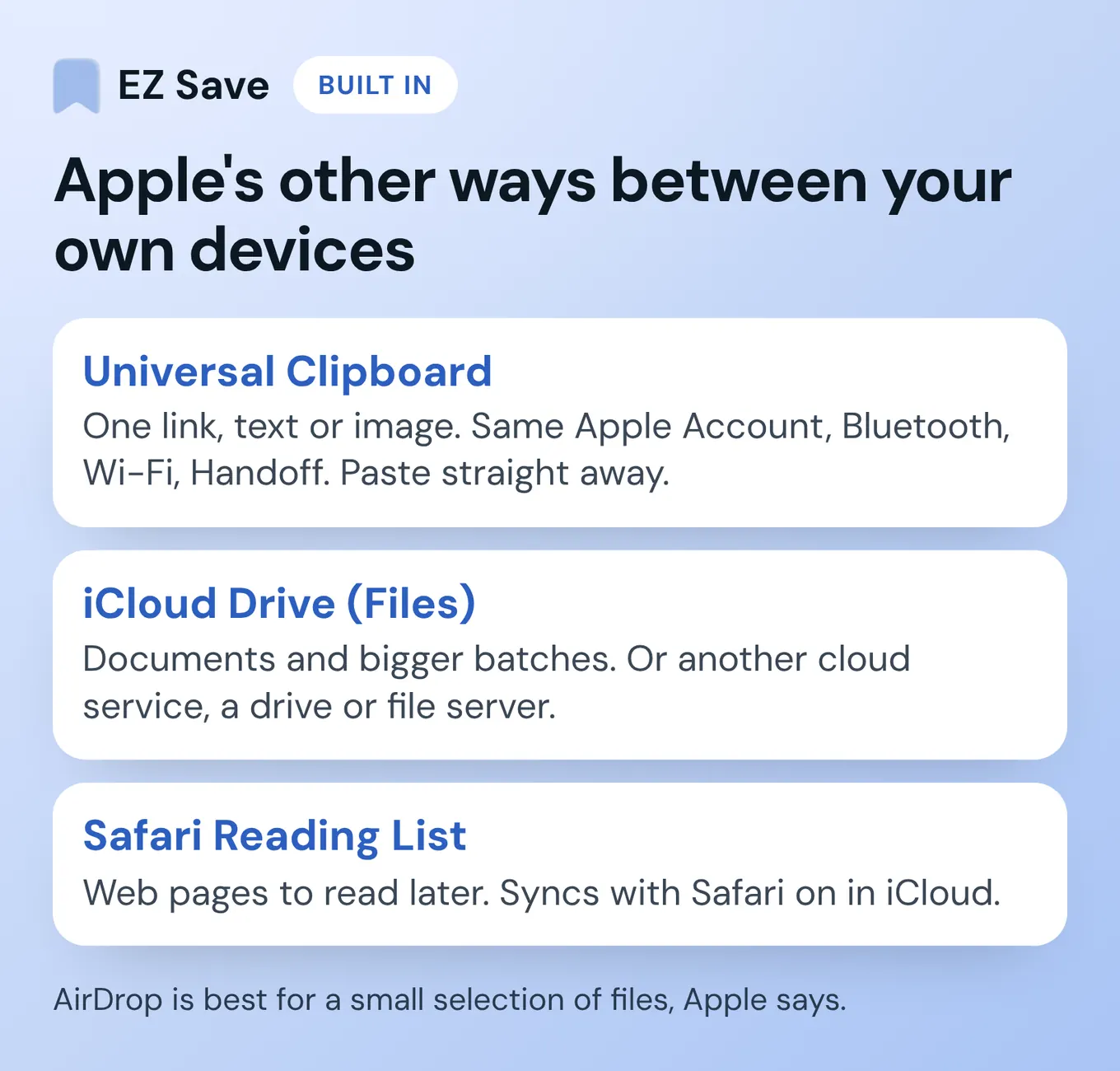
- Universal Clipboard for a link, some text or an image. Copy on one device and paste on the other. Apple's Universal Clipboard article says it works when the devices are near each other, signed in to the same Apple Account, with Bluetooth, Wi-Fi and Handoff turned on. The copied item only stays on the clipboard briefly, so paste it straight away. Its troubleshooting steps are to update, restart and check that setup.
- iCloud Drive in the Files app for documents. Apple's file transfer guide lists iCloud and other cloud storage services, an external drive, or a file server for moving files between an iPhone and a computer. It's the better route for many files at once.
- Safari Reading List for web pages. If it's an article you want to read later on another device, add it to Reading List from Safari's share button (Apple: Reading List). It syncs across iPhone, iPad and Mac when Safari is turned on in iCloud settings for the same Apple Account.
| Option | Best for | Needs | Watch out for |
|---|---|---|---|
| AirDrop | A few files to a nearby device, yours or someone else's | Wi-Fi and Bluetooth on, within 10 metres | Receiving settings, codes, VPNs and Screen Time |
| Universal Clipboard | One link, some text or an image | Same Apple Account, Wi-Fi, Bluetooth and Handoff on, nearby | Only stays on the clipboard briefly |
| iCloud Drive (Files) | Documents and bigger batches | iCloud (or another cloud service) on both devices | Apple notes subscription fees might apply |
| Safari Reading List | Web pages to read later | Safari turned on in iCloud settings | Links from Safari only |
| EZ Save (Pro) | Links, screenshots, photos, files and notes you want to keep and find later | EZ Save on each device, Pro for iCloud sync | For your own devices only (sharing is coming soon); the free plan doesn't sync |
Steps and requirements from Apple Support pages opened on 3 November 2026. Menu names can change between iOS and macOS versions.
How can EZ Save help when AirDrop doesn't work?
Sometimes my AirDrop doesn't work, and EZ Save is very helpful then too. It doesn't fix AirDrop, and right now it's for your own devices only: you can't send things to other people with it yet. A sharing option is coming soon. It's a private library for your own links, photos, videos, files and notes, and with Pro it syncs across your iPhone, iPad and Mac through your own iCloud. Here's how that works.
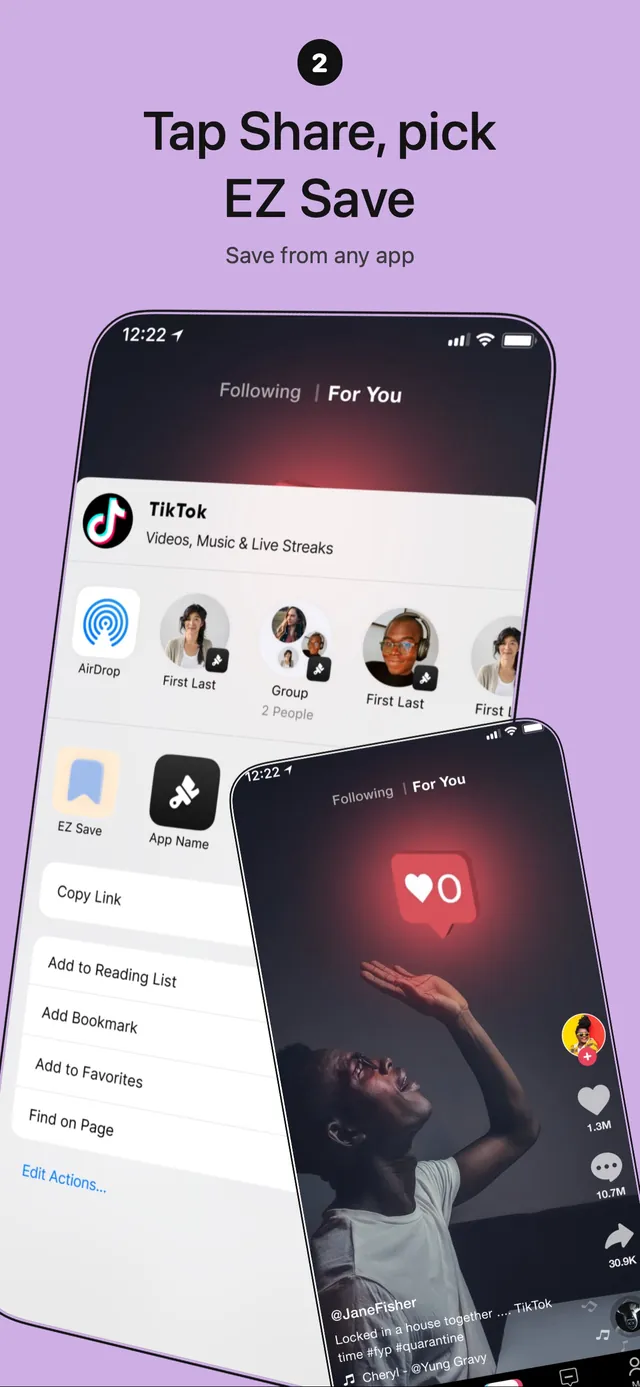
- Save it from the share sheet. In Safari, Photos, Files, Mail, Instagram, TikTok or YouTube, tap Share, pick EZ Save and choose a folder. That's two taps.
- Turn on iCloud sync (Pro). With Pro, your library syncs through your own iCloud, Apple's private CloudKit database, and it's encrypted on your device. There's no Digital Sauce server holding your saves.
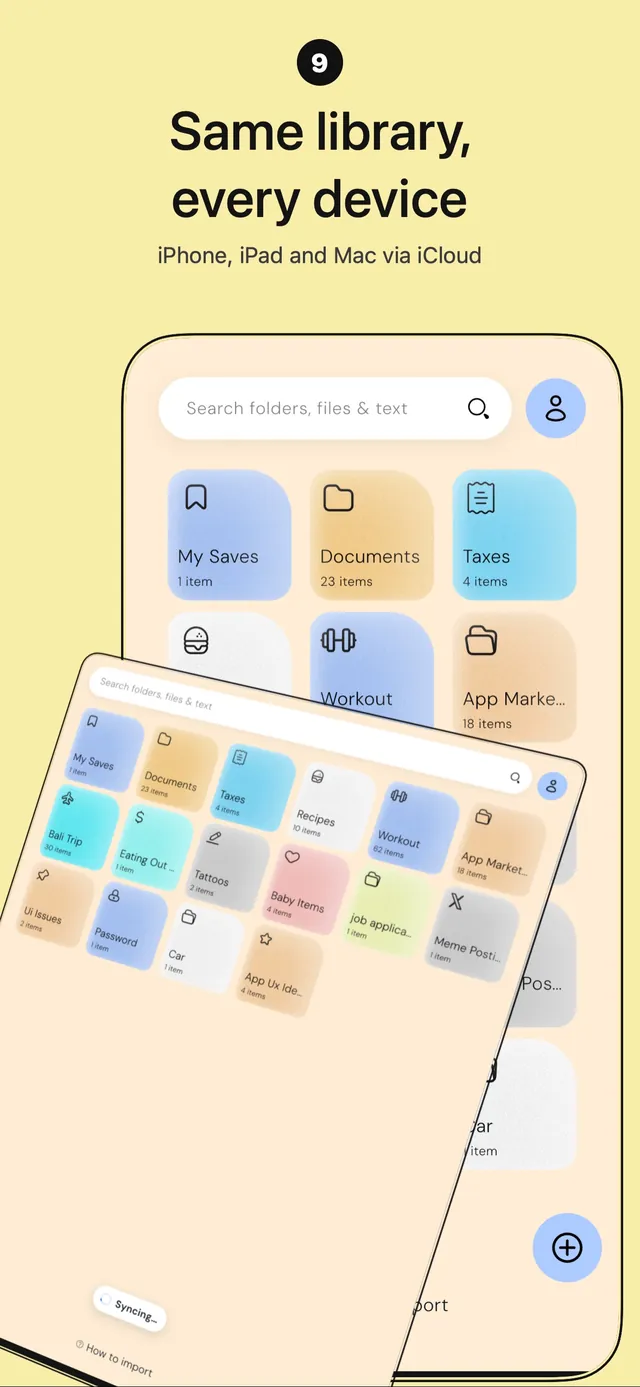
- Open the same folder on your other device. EZ Save runs on iPhone, iPad and Mac from the same App Store listing. How fast a new save shows up depends on iCloud.
- Find it later. Each folder has tabs for Photos, Videos, Links, Files and Notes, and search finds words inside photos, screenshots and PDFs using on-device text recognition.
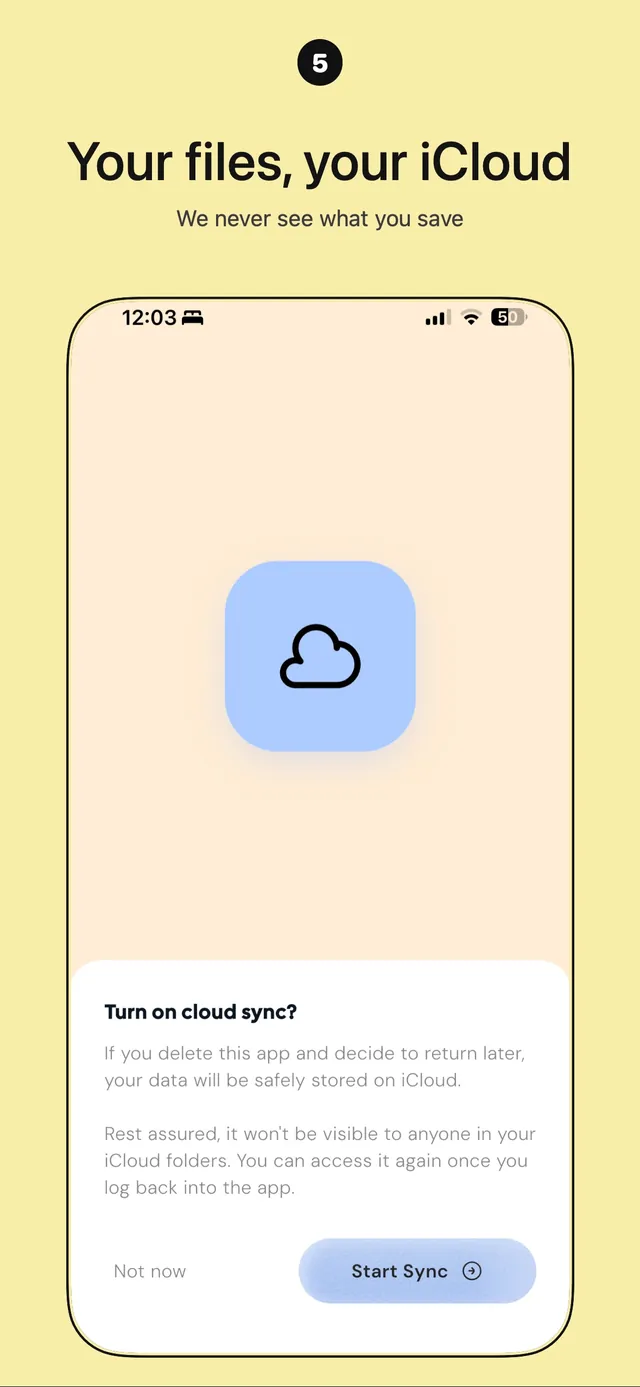
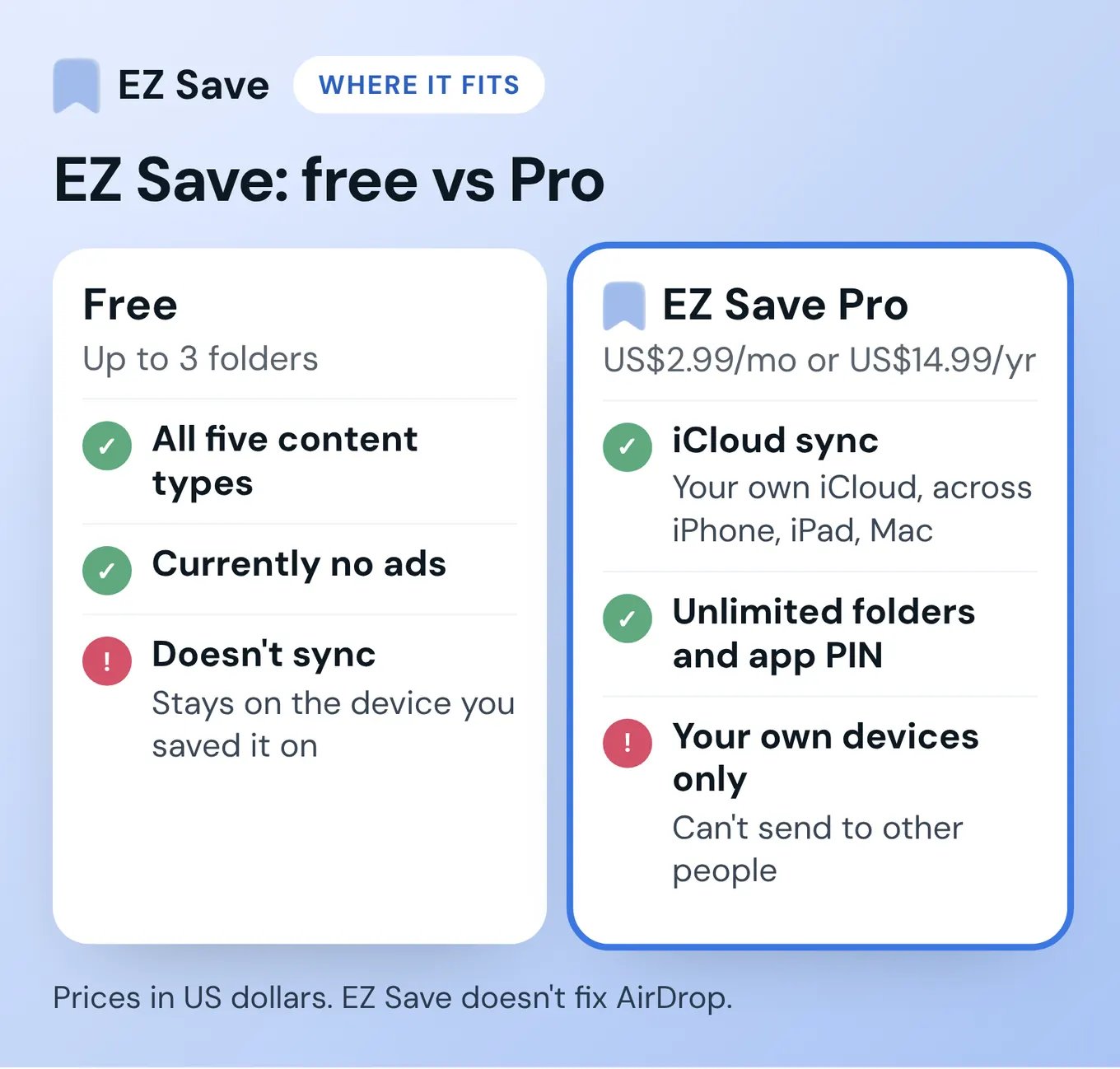
Where it doesn't fit: the free plan doesn't sync, so your library stays on the device you saved it on and won't move anything between devices. It's for your own devices only, so you can't send to friends or family yet (a sharing option is coming soon). For moving lots of files at once, iCloud Drive or an external drive is the route Apple documents. The free plan covers all five content types and up to 3 folders, and there are currently no ads on the free version. Pro is a paid upgrade at US$2.99 a month or US$14.99 a year (prices in US dollars), and adds unlimited folders, iCloud sync and an app PIN.
If you're also replacing a read-later app, I wrote about why I built EZ Save, and how it compares with Instapaper, Readwise Reader and Safari, in my Pocket app alternative guide.
Which option should you use?
- Sending to someone nearby: AirDrop, after working through Apple's checklist above.
- One link or a bit of text to your own Mac or iPad: Universal Clipboard.
- Lots of documents: iCloud Drive in the Files app, or an external drive.
- Articles to read later in Safari: Safari Reading List.
- Links, screenshots and files you want to keep, sorted and synced across your own Apple devices: EZ Save with Pro.
What do people ask about AirDrop not working?
Why can't my iPhone see my Mac in AirDrop?
Why does AirDrop keep switching back to Contacts Only?
What is an AirDrop code?
Where do AirDropped files go?
Does AirDrop use mobile data?
Can EZ Save replace AirDrop?
Save it once, find it on every device
EZ Save keeps your links, photos, videos, files and notes in folders on your device, with iCloud sync across iPhone, iPad and Mac on Pro. Free to start, no account needed.
Questions or corrections? Email development@digitalsauce.io.