
Short answer
For links on a Mac, Anybox or Raindrop.io. For writing notes and managing documents, Keep It. For reading articles, GoodLinks. For AI that organizes for you, mymind. For one private place to file links, photos, videos, documents and notes into folders and sub-folders from your phone’s share sheet or your MacBook’s notch, EZ Save. Apple Notes and Files are free and good enough for light use.
How we compared them
We looked at what most people ask for: it works on iPhone, iPad and Mac; it saves more than one kind of thing; it supports folders (and ideally sub-folders); it saves from the share sheet; and you can tell where your data is stored. We are the makers of EZ Save, so we have kept competitor descriptions to what each app says on its own website, and been clear about where EZ Save falls short.
| App | Best for | Folders / sub-folders | Notes | Platforms | Where data lives |
|---|---|---|---|---|---|
| EZ Save | Mixed saves from your phone: links, photos, videos, files, notes | ✓ / ✓ | Per-folder notes | iPhone, iPad, Mac, Android | Your own iCloud, encrypted on device |
| Anybox | Bookmarks, especially on Mac | ✓ / ✓ plus tags | Notes supported | iPhone, iPad, Mac | iCloud |
| Keep It | Writing notes and managing documents | ✓ / ✓ plus tags | Rich editor, Markdown | Mac, iPhone, iPad | iCloud |
| Raindrop.io | Cross-platform bookmarking with tags | Collections, nested | Notes on bookmarks | Web, iOS, Android, Mac, Windows, browsers | Raindrop.io servers |
| GoodLinks | Reading saved articles | Tags and lists | Notes on highlights | iPhone, iPad, Mac | iCloud |
| mymind | AI organizing, no filing | AI Smart Spaces | ✓ | iPhone, Android, Mac, browsers | mymind account |
| Apple Notes + Files | Free, built-in basics | Folders in each | ✓ | Apple devices | iCloud |
Competitor details are taken from each app's own website in October 2026 and may have changed. Check their current App Store listing before you decide.
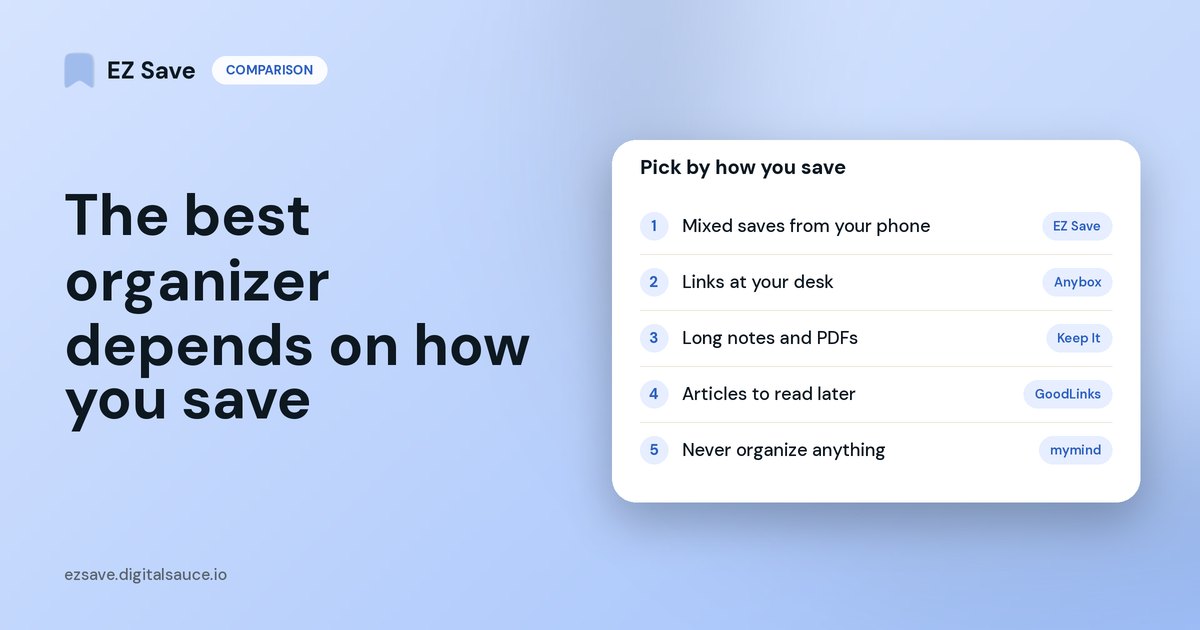
Pick by how you save
- "I save from Instagram, TikTok, Safari and Photos, and want it filed by topic." EZ Save: share sheet into folders and sub-folders, with photos, videos, links, files and notes side by side.
- "I collect hundreds of links at my desk." Anybox (Apple-only) or Raindrop.io (everywhere, including a web app).
- "I write long notes and keep PDFs I need to search." Keep It.
- "I save articles to read later." GoodLinks, or another reader app.
- "I never want to organize anything." mymind's AI does it for you.
- "I only save a few things." Apple Notes and Files are free and already on your phone.
Pick another app if you need
- A web app or browser extension
- Tags or saved searches
- A reader view for articles
- Shared or team folders
EZ Save is strongest at
- Every kind of save in one folder
- Folders inside folders
- Search that reads text in photos and PDFs
- Two-tap saving, or drag to the MacBook notch
- A library in your own iCloud
Where EZ Save is not the best choice
EZ Save has no web app or browser extension, no tags, no reader view, and no shared folders. If any of those matter most, one of the apps above will suit you better. Its strengths are one folder for every kind of thing you save, sub-folders, search that finds words inside your photos, screenshots and PDFs, two-tap saving from any app, and a library kept in your own iCloud.
Frequently asked questions
Which app can organize links, photos, files and notes in the same folder?
Which of these apps support sub-folders?
Which apps keep my data in my own iCloud?
Is there a Pinterest-style app for all kinds of media?
Which one works on Android too?
One place for everything you save
Folders and sub-folders for links, photos, videos, files and notes, saved from any app and kept in your own iCloud.