
Short answer
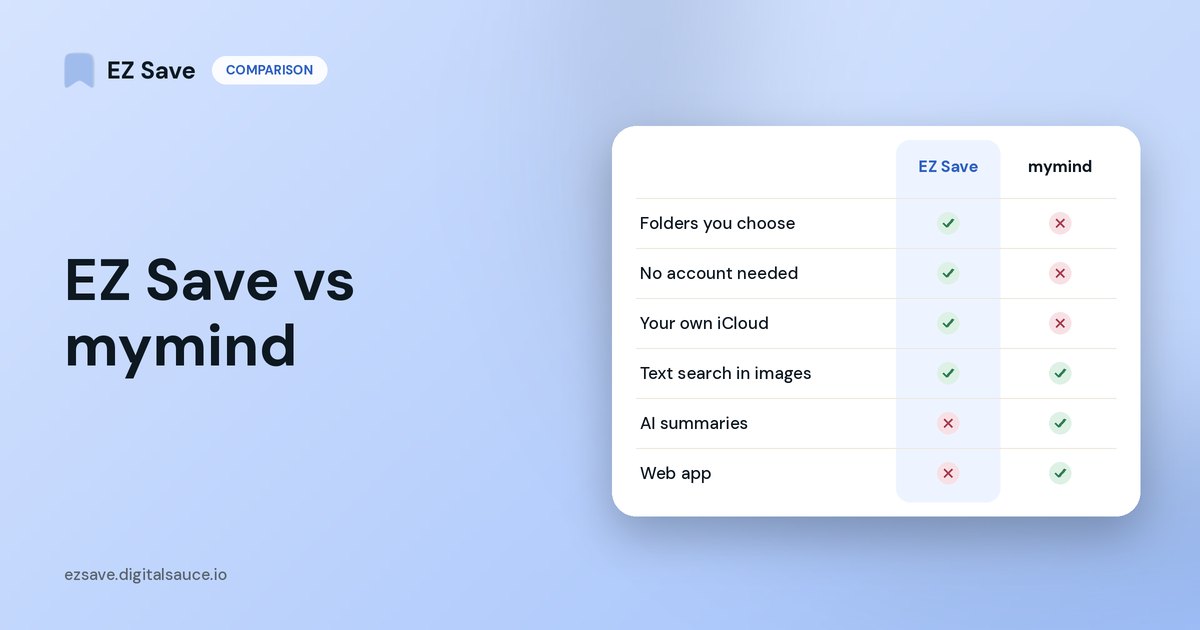
Choose mymind if you never want to file anything: its AI tags and sorts what you save, and it adds a reader view, AI summaries and browser extensions. Choose EZ Save if you prefer your own folders and sub-folders, and want your library kept in your own iCloud rather than in an account with another service.
What mymind does well
mymind's tagline is "Remember everything. Organize nothing." From its website:
- AI organizing: it recognizes whether a link is an article, product, book or recipe, tags it, and builds Smart Spaces that auto-sort what you save. It says plainly that "folders are dead".
- Search: find things by color, keyword, brand or date.
- Reading and notes: a distraction-free reader, highlights, AI summaries and linked notes.
- Everywhere: iPhone, Android, Mac and browser extensions, with an account you sign in to.
- Privacy stance: no ads, no social features and no invasive tracking.
Where EZ Save is different
- You choose where things go. Folders and sub-folders you name yourself, such as Japan Trip › Bookings. Many people find manual folders easier to trust than automatic sorting.
- No account, no developer server. Your library lives in your own iCloud and is encrypted on your device before it syncs; Digital Sauce cannot see it.
- Files and documents too. PDFs, tickets and receipts sit in a Files tab beside the photos and links.
- No AI reading your saves. Optional smart folder suggestions are off by default and only ever see a link's title, description and URL.
mymind: AI organizes for you
- AI tags on everything
- Smart Spaces instead of folders
- Reader view and AI summaries
- Web app with a mymind account
EZ Save: you choose where things go
- Folders and sub-folders you name
- Your own iCloud, no account
- Optional suggestions, off by default
- Search that reads text in images
Side by side
| mymind | EZ Save | |
|---|---|---|
| How things are organized | AI tags and Smart Spaces | Your own folders and sub-folders |
| Where your data lives | mymind account and service | Your own iCloud, encrypted on device |
| Account needed | ✓ | ✗ |
| Reader view and AI summaries | ✓ | ✗ |
| Browser extensions | ✓ | ✗ (share sheet instead) |
| Documents and PDFs in folders | Saves many content types | ✓ with a Files tab per folder |
| iPhone, Mac, Android | ✓ | ✓ native Mac app, plus drag-to-notch saving |
| Lock with Face ID | Check current listing | ✓ |
Competitor details are taken from each app's own website in October 2026 and may have changed. Check their current App Store listing before you decide.
Which should you pick?
- You hate filing and love search? mymind.
- You like knowing exactly which folder something is in? EZ Save.
- You want nothing stored with a third-party service? EZ Save keeps it in your own iCloud.
- You read a lot of articles inside the app? mymind has a reader view; EZ Save opens links in your browser.
Frequently asked questions
Is there a mymind alternative without AI?
Yes. EZ Save is a private visual library where you organize with your own folders and sub-folders. Its optional smart folder suggestions are off by default.
Is there a mymind alternative that uses iCloud?
EZ Save stores your library in your own iCloud through Apple's CloudKit private database, encrypted on your device, with no developer server for your content.
Does mymind use folders?
mymind is built around AI tags, search and Smart Spaces rather than manual folders; its website says "folders are dead". EZ Save is the opposite: folders first.
Can EZ Save save images and notes like mymind?
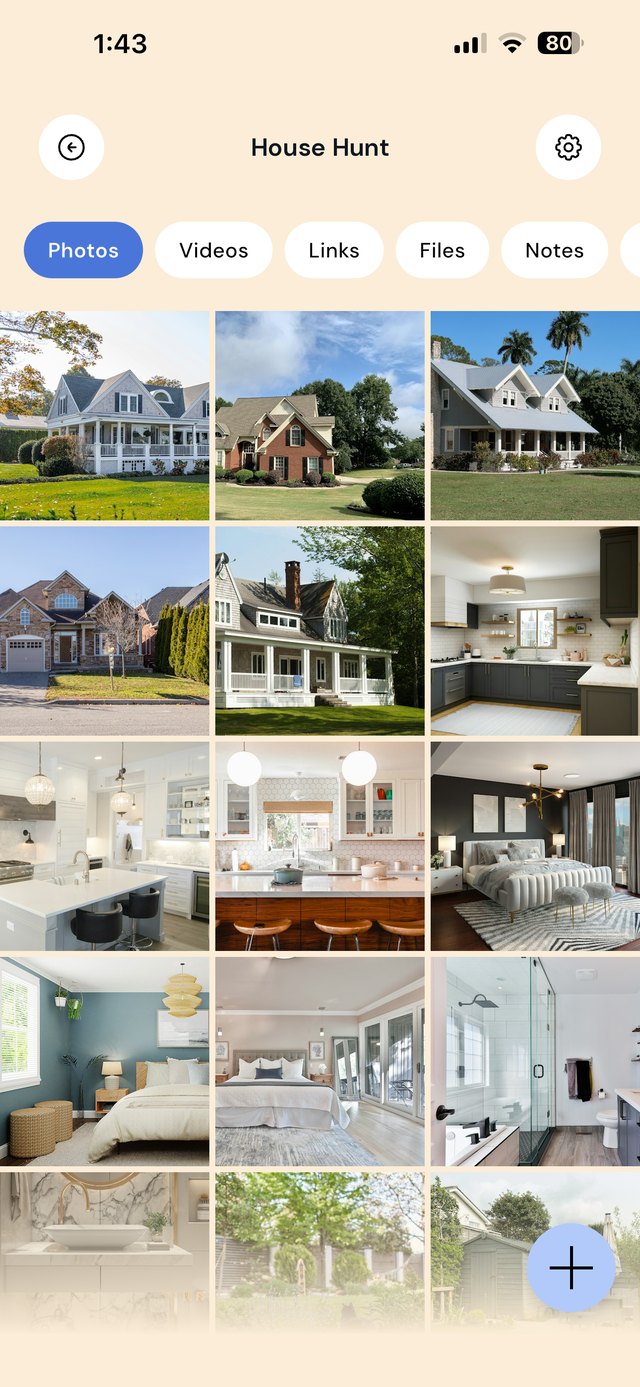
Yes. EZ Save saves links, photos, videos, documents and notes into folders from any app's share sheet, and shows photos and videos as a grid.
A private board you organize yourself
Folders and sub-folders for links, photos, videos, files and notes, kept in your own iCloud.