
Short answer
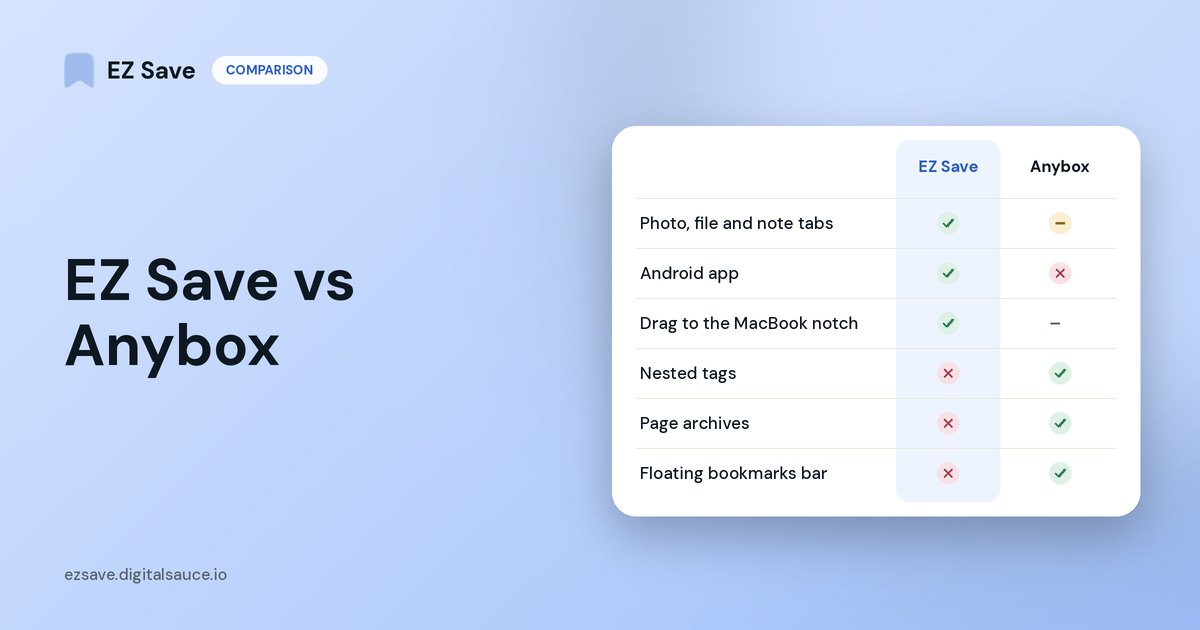
Choose Anybox if your saves are mostly web links on a Mac and you want power-user tools such as a floating bookmarks bar, Quick Find, web archives, AppleScript and browser extensions. Choose EZ Save if you want photos, videos, documents, links and notes in the same folders, saved from your phone's share sheet, with an Android app as well.
What Anybox does well
Anybox describes itself as a bookmark manager for Mac and iPhone, and it is built natively for both. Its strengths, from its own website:
- Mac power tools: a floating bookmarks bar (Anydock), Quick Find search, Quick Save from the current browser tab, AppleScript and a Migration Assistant for browser bookmarks.
- Organization: nested tags and folders, plus Smart Lists that sort by URL or date.
- Archives: saves a page as a PDF, web archive or screenshot so it survives if the site goes away.
- Privacy: syncs through iCloud and says it collects no personal data.
- Price: free for up to 50 links; Pro is listed at $1.99 a month, $14.99 a year or $39.99 lifetime (USD).
Where EZ Save is different
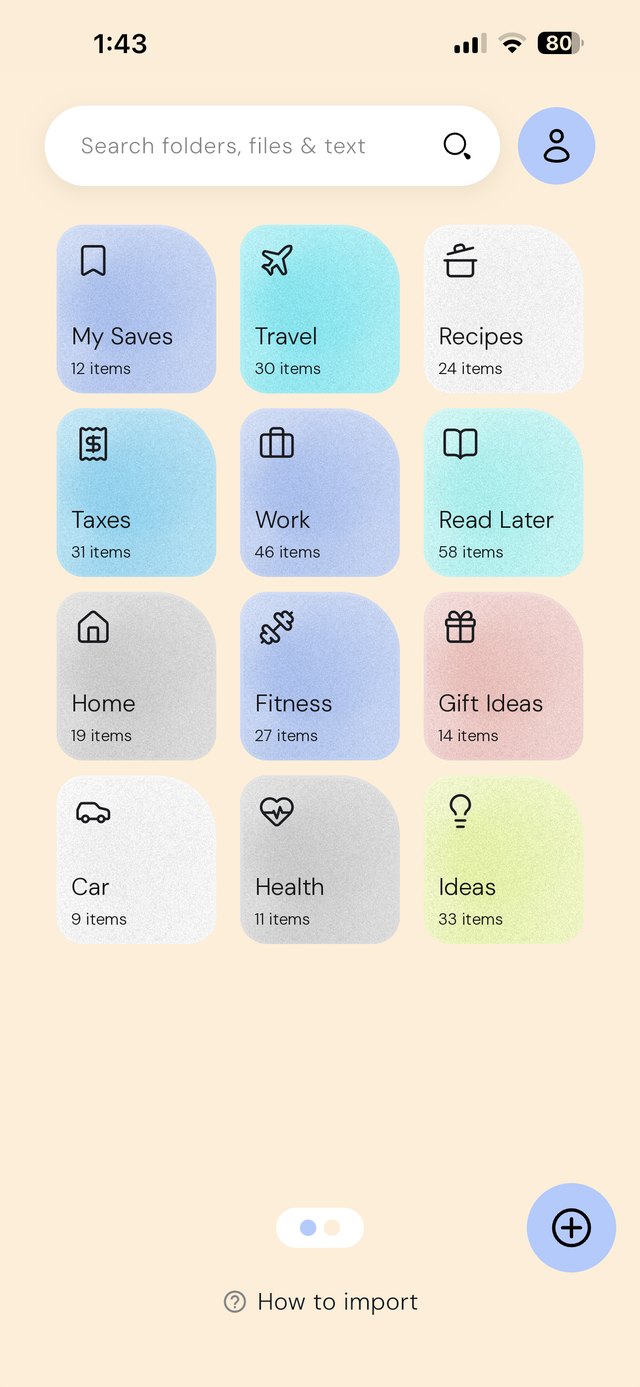
- Built around folders, not bookmarks. Every folder (and sub-folder) has tabs for Photos, Videos, Links, Files and Notes, so a trip, a renovation or a tax year lives in one place.
- Phone-first saving. Everything comes in through the iOS and Android share sheet in two taps, including reels and screenshots. On a MacBook, you drag things to the notch instead.
- Android too. EZ Save is on Google Play; Anybox is Apple-only.
- Encrypted in your own iCloud. Content is encrypted on your device before it syncs, and the app locks with Face ID.
Anybox: built for bookmarks on the Mac
- Floating bookmarks bar (Anydock)
- Quick Find and Quick Save
- Nested tags and Smart Lists
- Page archives
- AppleScript and Shortcuts
EZ Save: built for everything you save
- Photos, Videos, Links, Files and Notes tabs
- Share sheet on iPhone, iPad and Android
- Drag to the MacBook notch
- Encrypted in your own iCloud
Side by side
| Anybox | EZ Save | |
|---|---|---|
| Best for | Bookmarks and links, especially on Mac | Mixed saves: links, photos, videos, files, notes |
| Folders and sub-folders | ✓ (plus nested tags) | ✓ |
| Tags | ✓ | ✗ (folders only) |
| Photos, videos and documents | Images, files and notes supported | ✓ with their own tabs in every folder |
| Page archives (PDF / web archive) | ✓ | ✗ |
| Browser extensions | ✓ | ✗ (share sheet instead) |
| iPhone, iPad, Mac | ✓ native apps | ✓ native Mac app, plus drag-to-notch saving |
| Android | ✗ | ✓ |
| Sync | iCloud | Your own iCloud, encrypted on device (Pro) |
| Free plan | Up to 50 links | All content types, up to 3 folders |
Competitor details are taken from each app's own website in October 2026 and may have changed. Check their current App Store listing before you decide.
Which should you pick?
- Mostly a Mac user saving articles and tools? Anybox will feel more at home.
- Saving from your phone, and not just links? EZ Save keeps the photos, PDFs and notes for a topic beside its links.
- Need Android, or switch between Android and iPhone? EZ Save.
- Want tags, archives and automation? Anybox.
- Want to drag files, photos and links straight into folders on a MacBook? EZ Save’s notch drop does that.
Frequently asked questions
Is Anybox better than EZ Save?
Does EZ Save have sub-folders?
Do both apps sync through iCloud?
Does EZ Save work on Mac?
Everything in folders, on every device
Save links, photos, videos, files and notes into folders and sub-folders, stored in your own iCloud.