
Short answer
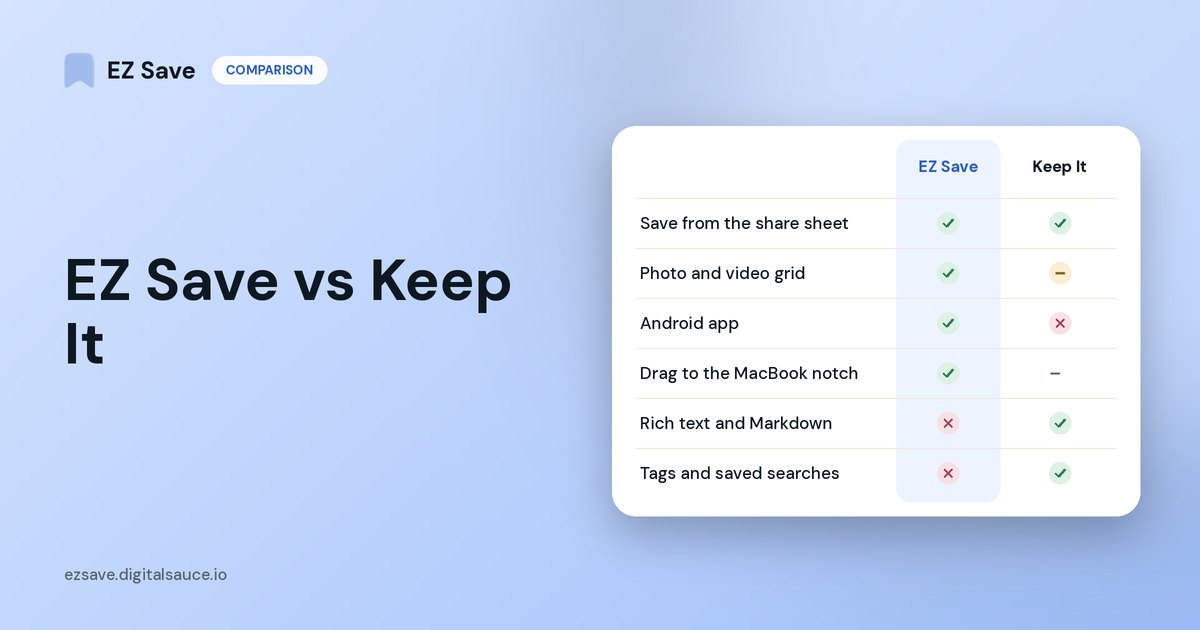
Choose Keep It if you write long notes and manage documents on a Mac: it has a rich text editor, Markdown, PDF editing, document scanning, text search inside files and Finder integration. Choose EZ Save if you mostly collect things on your phone and want them filed into folders in two taps, with photos and videos in their own tabs and an Android app too.
What Keep It does well
Keep It, from Reinvented Software, calls itself a "powerful notebook and document organizer". From its website:
- Writing: rich notes with checklists, tables and attachments, plus rich text, plain text and Markdown files.
- Documents: scan documents, edit PDFs, and save web links as PDFs or web archives for offline reading.
- Search: searches inside most files and recognizes text in scanned PDFs and images.
- Organizing: hierarchical folders, tags that match Finder tags, bundles and saved searches.
- Mac integration: everything appears as files and folders in the Finder; iCloud sync to iPhone and iPad; top-level folders can be shared with other Keep It users.
Where EZ Save is different
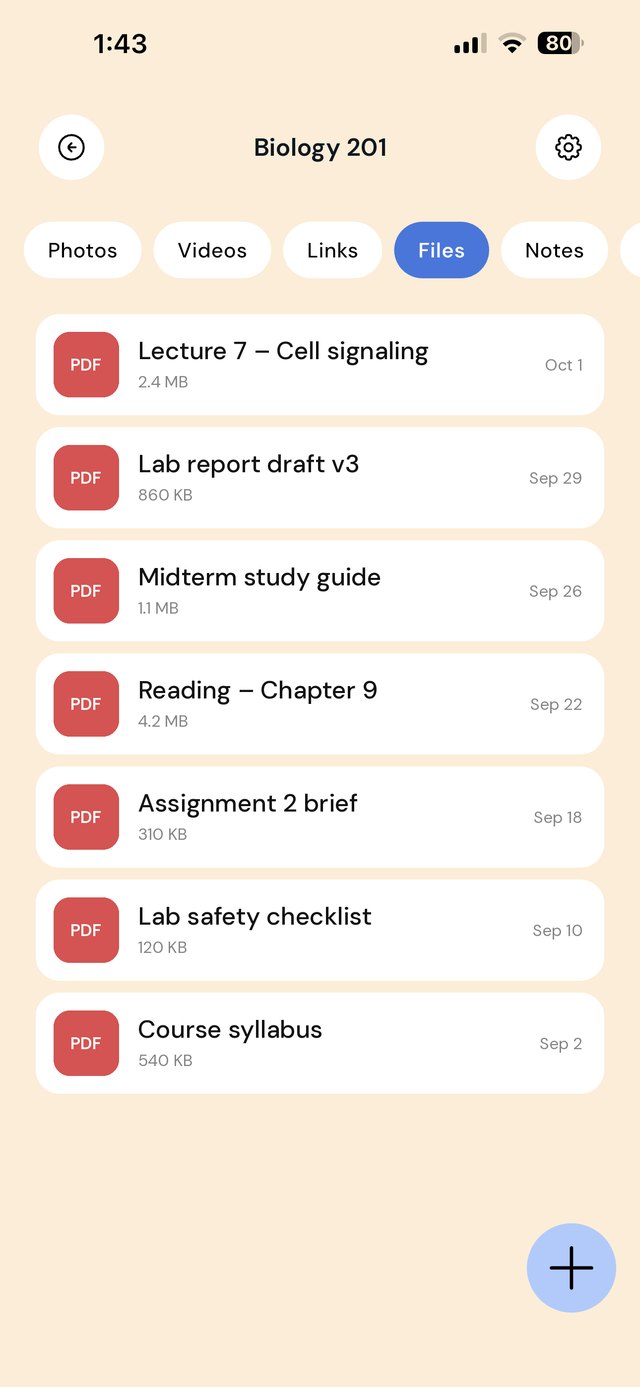
- Less to learn. No editor, tags or saved searches: just folders and sub-folders, each with Photos, Videos, Links, Files and Notes tabs.
- Made for saving from your phone. Share a reel, a screenshot, a PDF from Mail or a web page from any app in two taps.
- Visual. Photos and videos show as a grid in each folder, closer to a private Pinterest board than a document list.
- Android. EZ Save is also on Google Play.
Keep It: a notebook and document organizer
- Rich notes and Markdown
- PDF editing and document scanning
- Tags, labels and bundles
- Finder and Files app integration
EZ Save: where things land when you tap Share
- Five tabs in every folder
- Photo and video grid
- Android app
- Drag to the MacBook notch
Side by side
| Keep It | EZ Save | |
|---|---|---|
| Best for | Writing notes and managing documents, Mac-first | Collecting links, media, files and notes from your phone |
| Folders and sub-folders | ✓ | ✓ |
| Tags | ✓ | ✗ |
| Rich note editor and Markdown | ✓ | Simple folder notes |
| Search text inside PDFs and images | ✓ | ✓ (recognized on device) |
| Photo and video grid per folder | Icon view and previews | ✓ |
| Shared folders | ✓ with other Keep It users | ✗ |
| iPhone, iPad, Mac | ✓ | ✓ native Mac app, plus drag-to-notch saving |
| Android | ✗ | ✓ |
| Sync | iCloud | Your own iCloud, encrypted on device (Pro) |
Competitor details are taken from each app's own website in October 2026 and may have changed. Check their current App Store listing before you decide.
Which should you pick?
- You write a lot and live in the Finder? Keep It.
- You need to edit PDFs or write in Markdown? Keep It.
- You save from Instagram, TikTok, Safari and Photos and just want it filed? EZ Save.
- You use Android, or both platforms? EZ Save.
Frequently asked questions
Is Keep It better than EZ Save for notes?
Can EZ Save search the text inside PDFs?
Does EZ Save support folders inside folders?
Can I share a folder with someone?
File it in two taps
Save from any app into folders and sub-folders for links, photos, videos, files and notes.