
Short answer
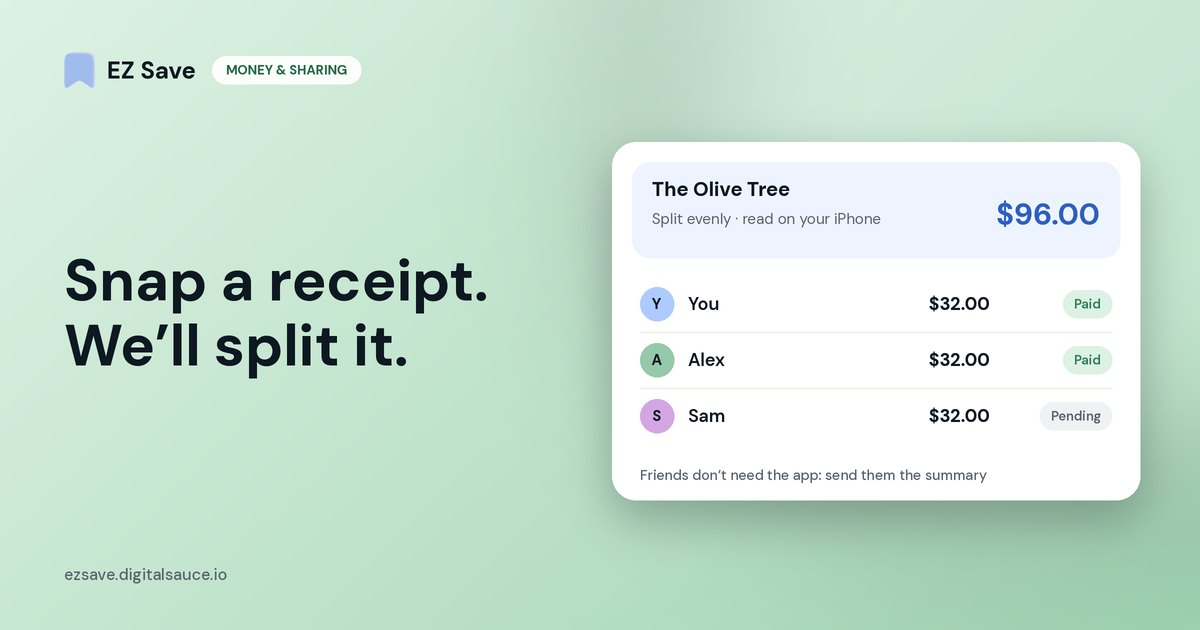
Share a photo of the bill to EZ Save on your iPhone or iPad. It automatically recognizes that it is a bill or receipt, reads the total on your device, and creates a bill split (evenly, by percentage or by custom amounts) that tracks who has paid. Your friends do not need the app: share the summary by message, then tick people off as they pay. It is free.
Step by step
- Take a photo of the receipt, or open one you already have.
- Tap Share and choose EZ Save, then pick a folder such as Lake Weekend or Dinners.
- EZ Save automatically detects that the photo is a bill or receipt and reads the total and the place you paid.
- Add the people you are splitting with and choose an even split, percentages or custom amounts. A Bill split note appears in the folder's Notes tab with everyone's share.
- Send the summary to the group from the share sheet, and tick each person off as they pay you back.
From photo to paid back
- 1Share the photoPick a folder like Lake Weekend
- 2It spots the billAnd reads the total on your device
- 3Choose the splitEvenly, by percentage or custom
- 4Send the summaryTick people off as they pay
Settling up several bills at once
On a trip, there is rarely just one bill. When a folder has several splits, a Settle up card at the top of the Notes tab works out who pays whom across all of them, counting shares you have already ticked off as paid. Save the result as a note and send it to the group in one message.
EZ Save or a dedicated bill-splitting app?
| EZ Save | Splitwise | |
|---|---|---|
| Split a bill from a receipt photo | ✓ free, read on your device | ✓ receipt scanning is part of Splitwise Pro |
| Even, percentage or custom split | ✓ | ✓ |
| Assigns receipt items for you | ✗ (type custom amounts) | ✓ (Pro itemization) |
| Friends need an account | No, you send them the summary | Splitwise is account-based |
| Running balances with the same group over months | Per folder, by settling up | ✓ |
| Keeps the receipt with the trip's bookings, photos and links | ✓ | ✗ |
| Platforms | iPhone and iPad | Web, iPhone, Android |
Splitwise details are from its own website in October 2026 and may have changed.
If you share costs with the same housemates every week, a dedicated app like Splitwise is built for that. If you just want the dinner bill sorted without anyone signing up, and the receipt filed with the rest of the trip, EZ Save does it in a few taps.
What it does not do
- It does not send or collect money. Pay each other however you normally do.
- It does not assign receipt items for you; for item-by-item splits, type each person's amount.
- It does not send reminders to friends. You share the summary yourself.
- Bill splitting is on iPhone and iPad only for now; it is not in the Android or Mac versions yet.
Frequently asked questions
Is there an app that splits a bill from a photo of the receipt?
Do my friends need EZ Save?
Is my receipt uploaded anywhere?
Can I split a bill unevenly?
Does bill splitting work on Android?
Snap a receipt. We'll split it.
Free bill splitting from a photo, read on your device, with the receipt kept in your trip folder.