
Workouts and wellness, all in one place
Workout plans, healthy recipes, form videos and progress notes — keep everything that keeps you on track in one tidy, private library.
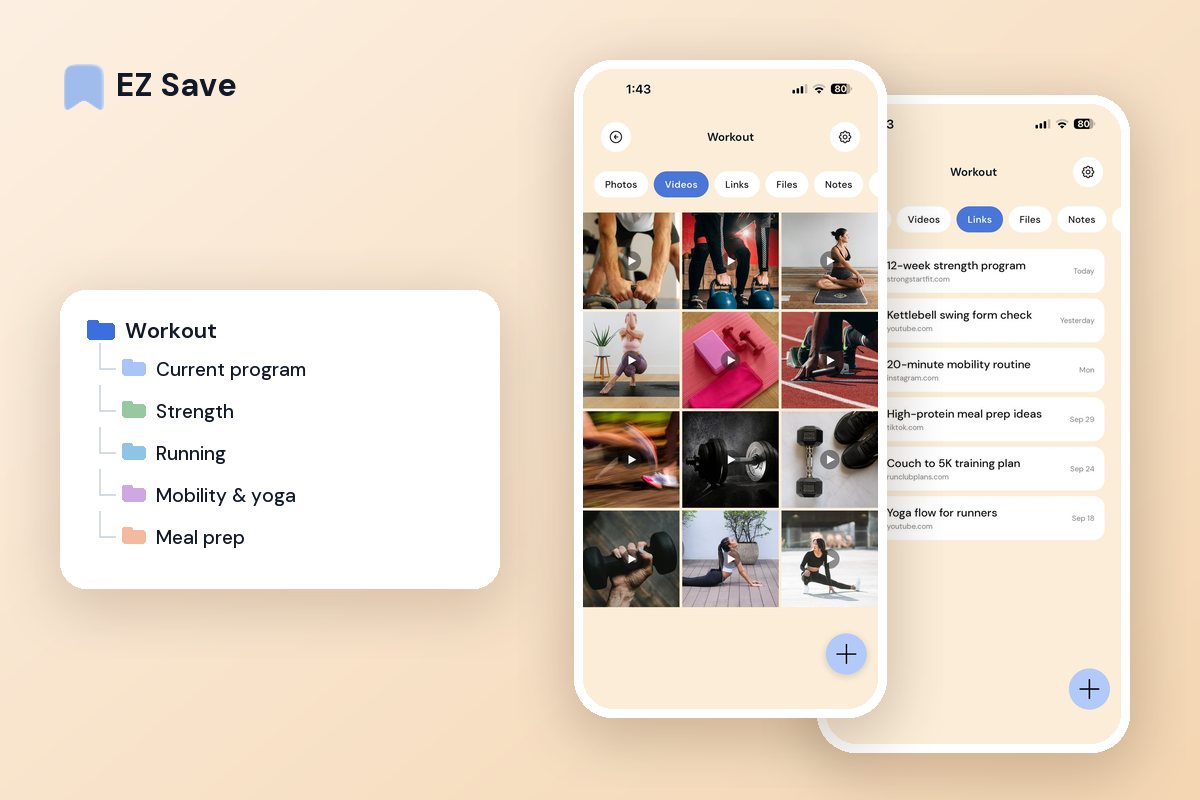
Your fitness plan is scattered everywhere
- Saved workout reels vanish into your feed
- Healthy recipes are lost among a hundred tabs
- Progress photos sit in your general camera roll
- Your routine is spread across notes, apps and screenshots
- You cannot find that one stretch or exercise again
A folder for every goal
Keep workouts, recipes, routines and progress in their own folders. Save a form video, a meal idea or a plan straight from any app, and have it ready at the gym or in the kitchen.
A folder for every goal
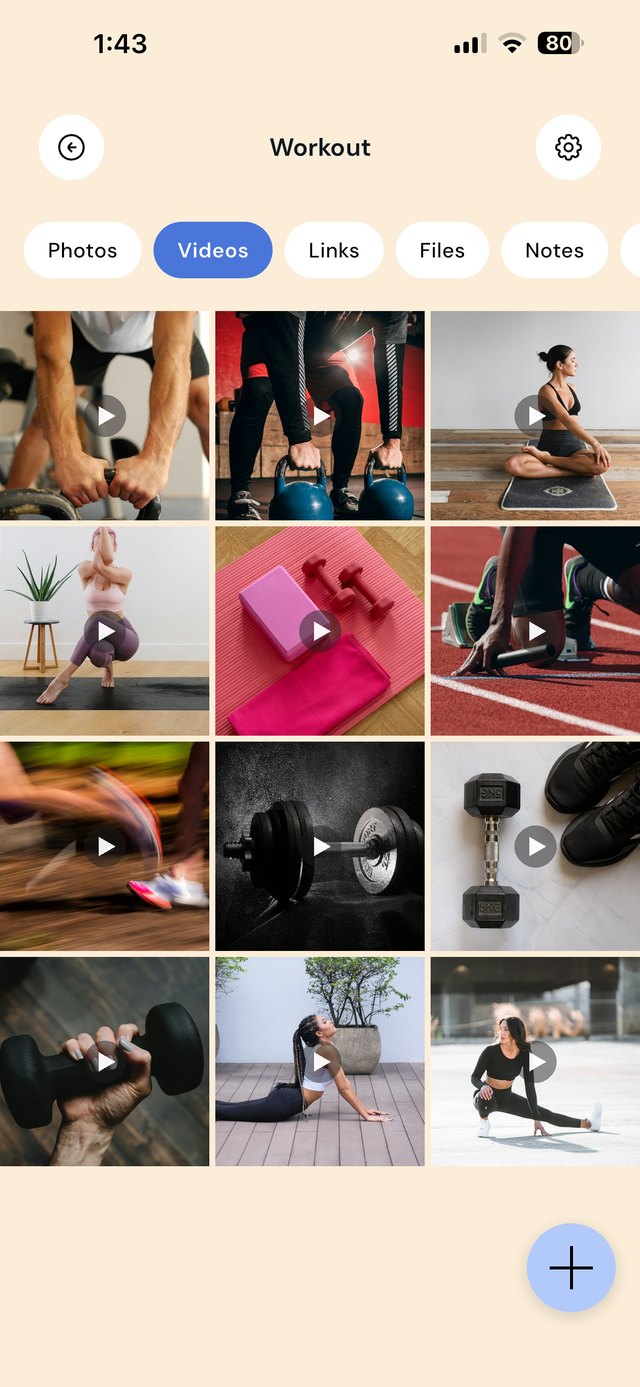
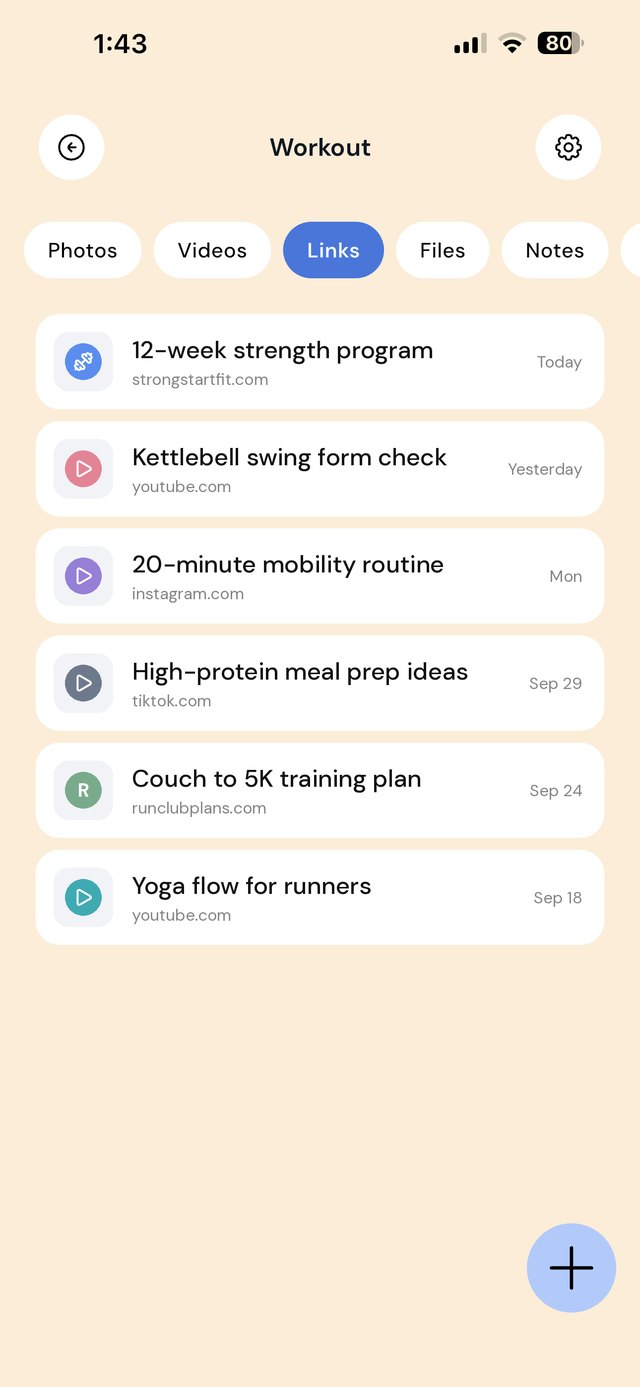
Workout ideas arrive as reels, programs arrive as PDFs, and recipes arrive as links. When they are scattered, you end up redoing the same three exercises because you cannot find the rest. Organize by goal or training block, and keep the things you check mid-workout one tap away.
Keep a note in Current program with the week you are on and the weights you used last time. It is quicker to open than scrolling through an app history.
A workflow that keeps training simple
| When this happens | Do this in EZ Save |
|---|---|
| A coach or creator posts a useful exercise | Share the video link to the matching folder, such as Strength or Mobility & yoga. |
| You start a new program | Save the program PDF or link to Current program and move the old one to an archive folder. |
| You finish a session | Update the folder note with the weights, reps or distances you managed. |
| You find a recipe that fits your plan | Share it to Meal prep, so it is with your shopping list on Sunday. |
| You take a progress photo | Save it to Progress, a locked folder separate from your main camera roll. |
Not medical or fitness advice. EZ Save organizes your plans; it does not tell you what to do. Talk to a doctor before starting a new program, especially if you have a health condition or have not exercised for a while. For general guidance, see the CDC's activity guidelines for adults or the NHS physical activity guidelines. If you have chest pain or feel faint while exercising, stop and call emergency services (911 in the US, 000 in Australia, 999 in the UK).
Mistakes that stall progress
Saving more workouts than you will ever do. A folder of 300 reels is a to-do list you will never finish. Keep the ones that fit your current goal.
Losing the program halfway through. If the plan lives in an email or a screenshot, it is gone when you need week 5. Keep it in Current program.
Progress photos in your main camera roll. They show up in shared albums and memories. Keep them in a locked folder instead.
Not writing anything down. A two-line note after each session shows progress you would otherwise forget.
Questions people ask
Can EZ Save track my workouts?
Can I watch saved workout videos offline?
Are my progress photos private?
Can I save workouts from Instagram and YouTube?
Why fit folks love EZ Save
- Save workout videos, recipes and plans together
- Organize by goal, muscle group or meal
- Keep progress photos private behind Face ID
- Works on iPhone, iPad and Mac, at home or the gym
- Stored in your own iCloud, not our servers
Stay on track, stay organized
Keep your fitness and wellness in one place with EZ Save, free to start.