
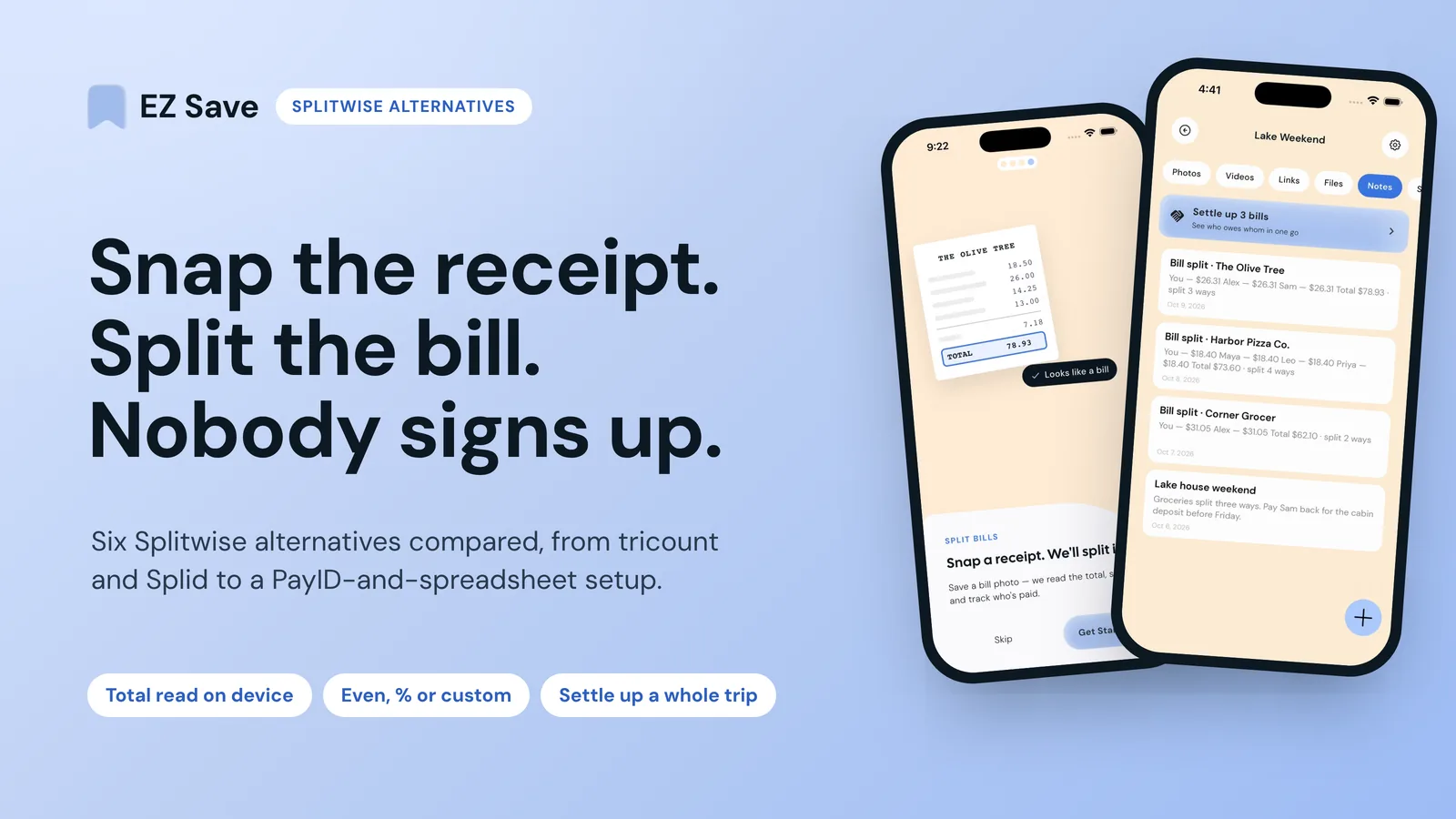
Of the best Splitwise alternatives, tricount is the pick for an ongoing group: it says it's free, with no ads and no limits. For splitting one bill from a receipt photo without making anyone sign up, EZ Save (which I build) reads the total on your iPhone and splits it in a few taps. Splid and Settle Up are solid middle options, and PayID or a shared spreadsheet still works if your group likes to keep things simple.
I make EZ Save, so this is a builder's view, not a neutral review. I haven't run a side-by-side test of every app, and I won't pretend I have. Everything about the others comes from their own websites, help pages and App Store listings, opened on 3 November 2026. Plans change, so check before you rely on a free tier.
Why are people looking for a Splitwise alternative?
Mostly because of the free-plan limits. Splitwise's own help page, "Why am I seeing an expense limit?", says it "has introduced a daily expense limit for our free tier". To remove it you subscribe to Pro, wait for the limit to reset, or ask a friend to add expenses for you. The page doesn't say what the daily number is, and I couldn't find it published anywhere else on Splitwise's site, so I'm not going to guess.
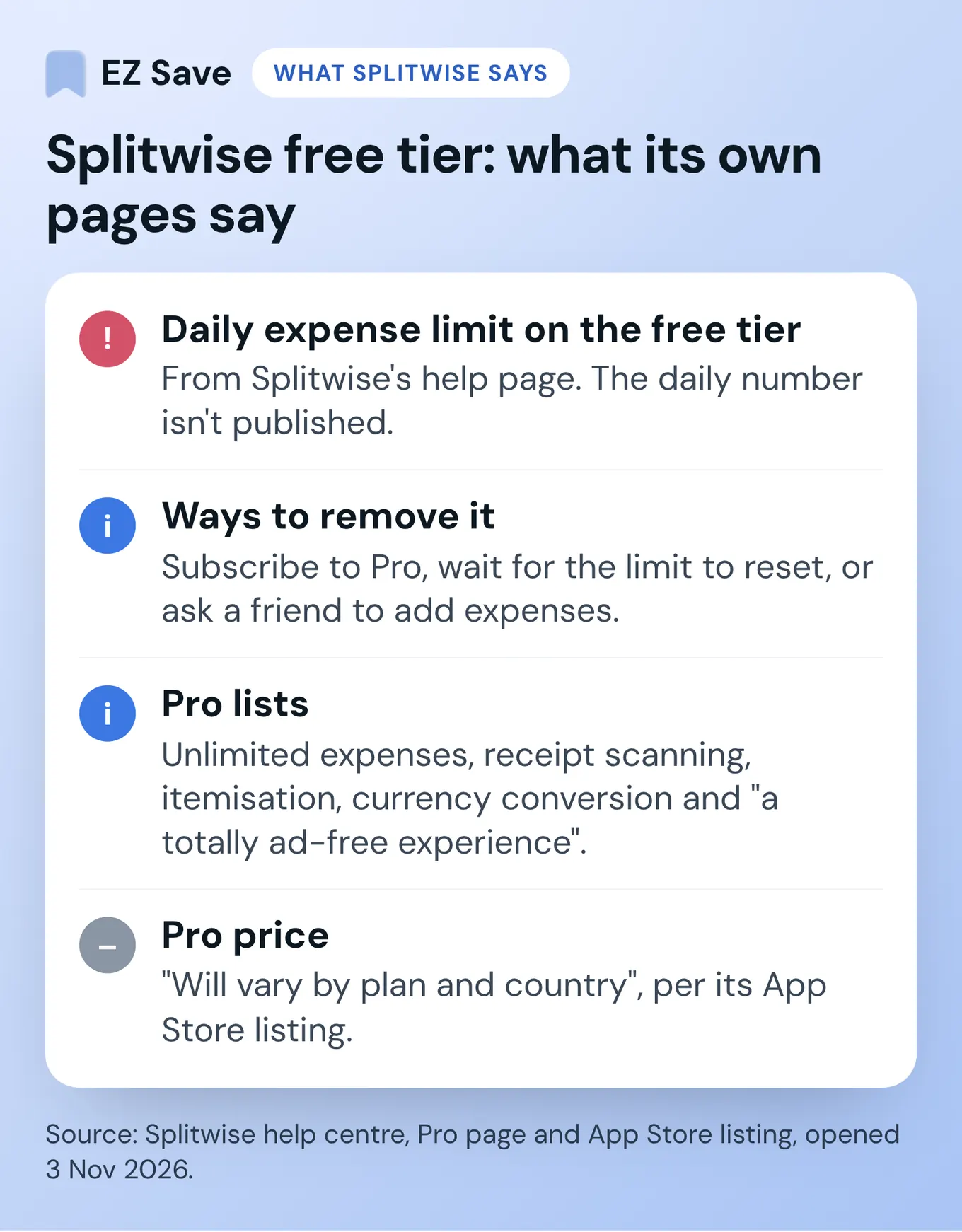
The Splitwise Pro page lists unlimited expenses, receipt scanning, itemisation, currency conversion, charts, expense search, default splits and "a totally ad-free experience". That suggests the free app shows ads. Splitwise's App Store listing says Pro renews monthly or yearly and that the price "will vary by plan and country", so I can't give you one Australian or UK figure.
To be fair to Splitwise, it's still very good at long-running balances, and Pro's item-by-item receipt splitting beats everything below. But a busy day on a trip is exactly when you'll hit the daily limit.
What does a good bill-splitting app need?
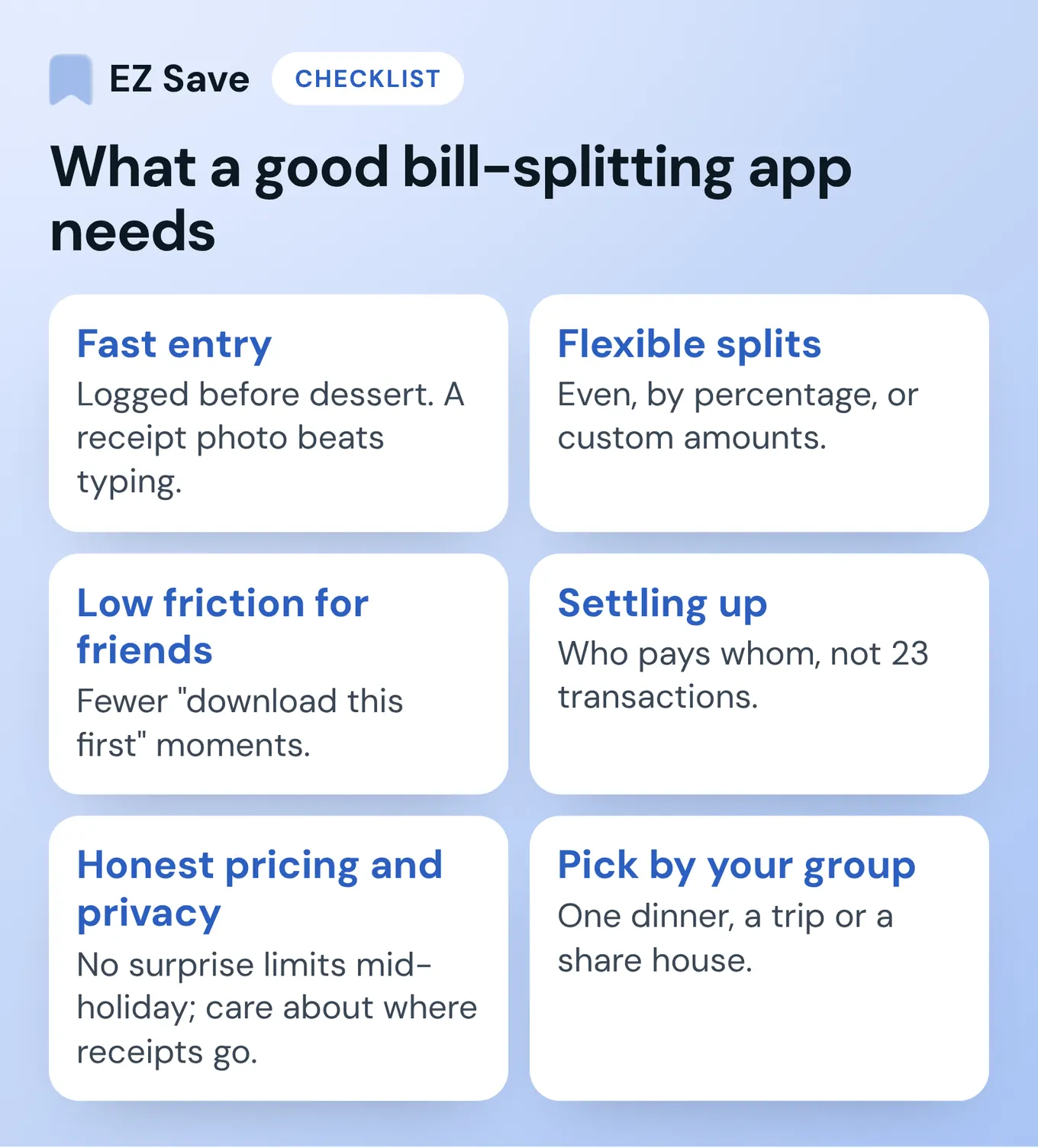
- Fast entry. Logged before dessert. A receipt photo beats typing.
- Flexible splits. Even, by percentage, or custom for the person who only had soup.
- Low friction for friends. Every "download this first" costs you a friend's patience.
- Settling up. "Who pays whom", not a list of 23 transactions.
- Honest pricing and privacy. No surprise limits mid-holiday, and some thought about where your receipts end up.
What are the best Splitwise alternatives in 2026?
1. tricount: best free option for groups that add a lot
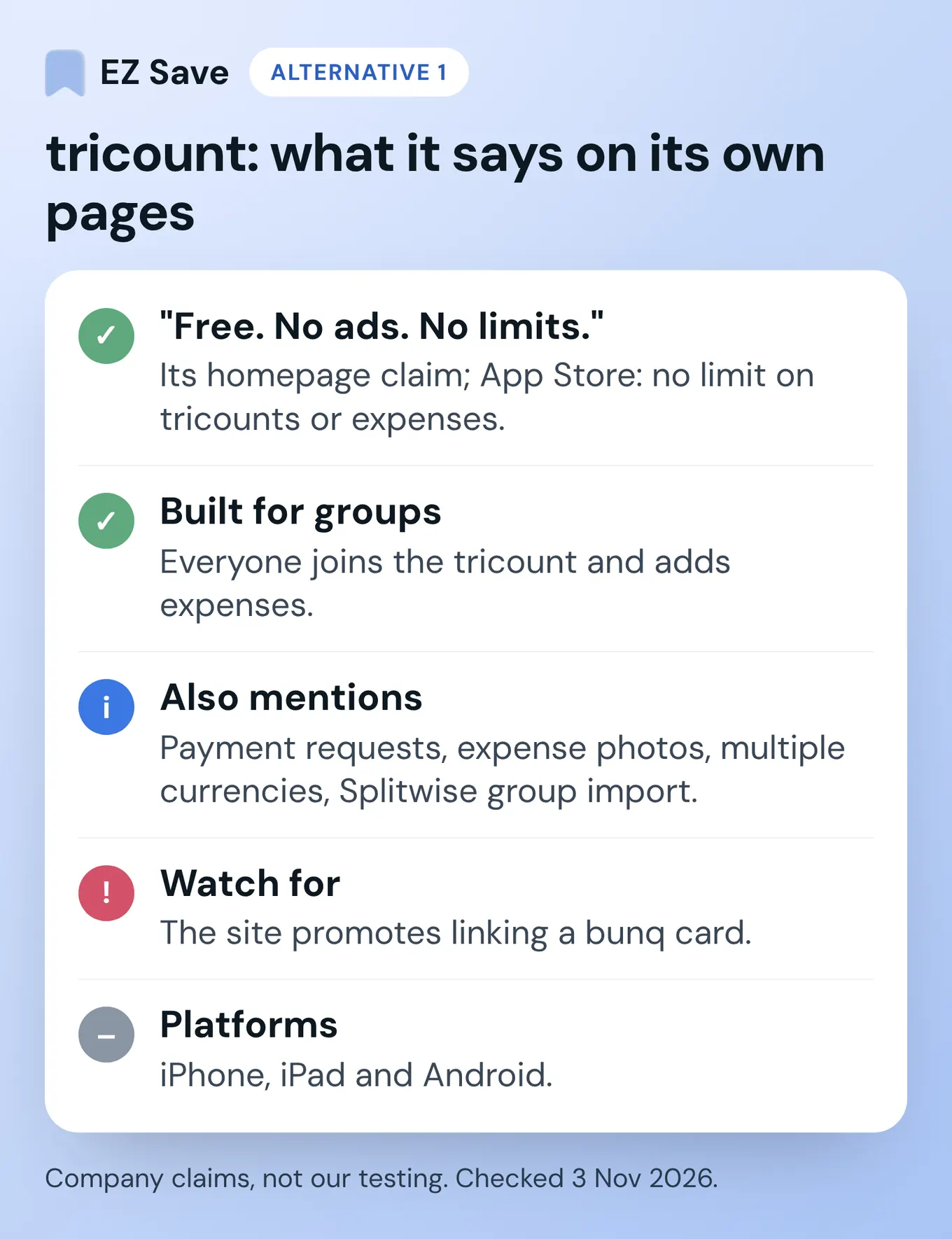
tricount's homepage leads with "Free. No ads. No limits.", and its App Store listing says there's "no limit on tricounts or expenses". You start a tricount for the trip or the house, everyone adds expenses, and it shows who owes what. Its site also mentions payment requests, expense photos, multiple currencies and importing a Splitwise group.
- Good for: share houses and trips where everyone logs their own spending.
- Watch for: it's built for a group that joins the tricount, and the site promotes linking a bunq card, so expect some banking upsell.
- Platforms: iPhone, iPad and Android.
2. Settle Up: best if half the group won't install anything
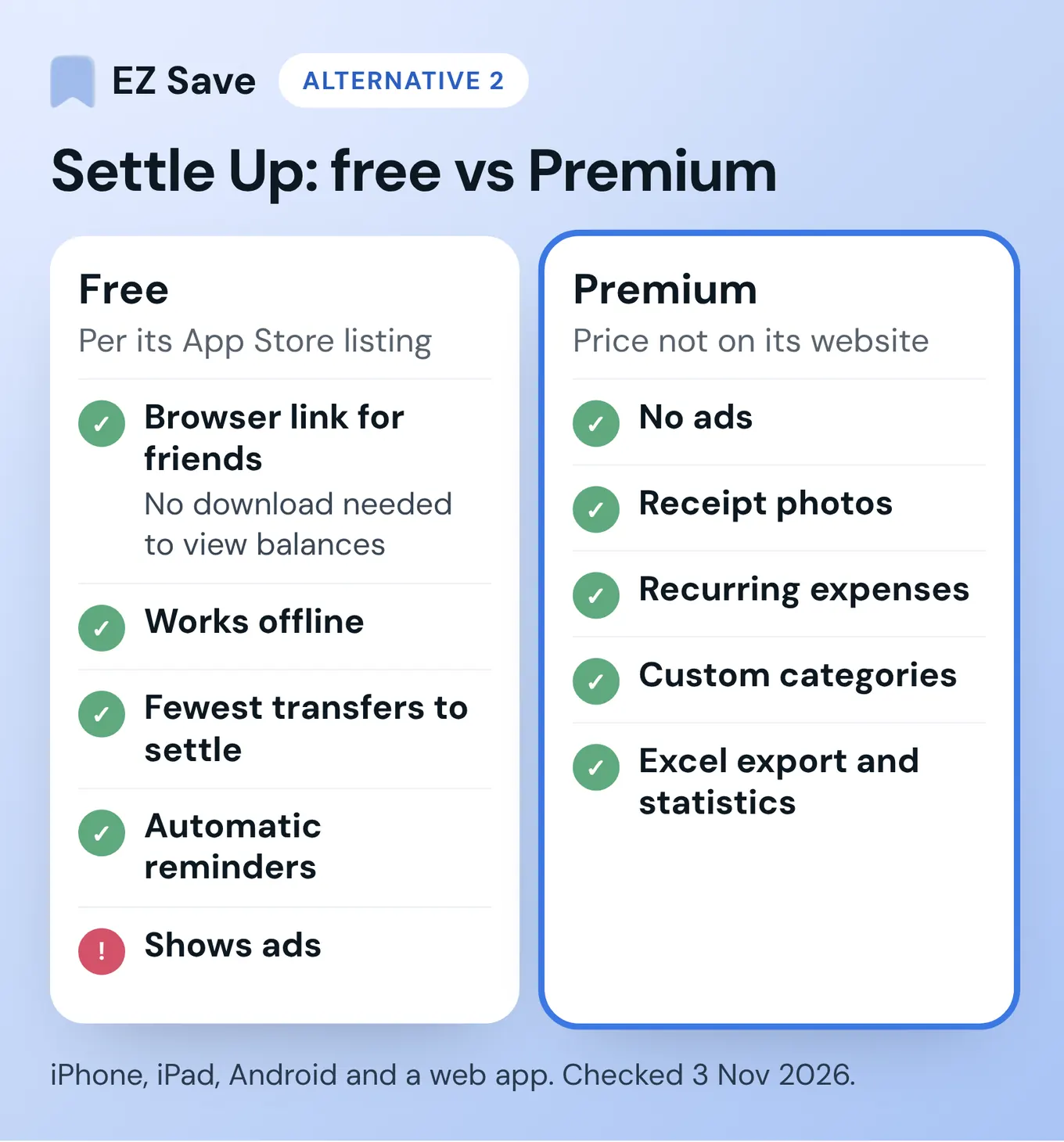
Settle Up's App Store listing says you can "share a group link so friends can view the balance in their browser without downloading anything". It works offline, works out the fewest transfers needed to settle, and sends automatic reminders. Premium adds no ads, receipt photos, recurring expenses, custom categories, Excel export and statistics. I couldn't find a Premium price on Settle Up's website, so check it in the app.
- Good for: multi-currency trips with mixed-up groups.
- Watch for: receipt photos are Premium, and the free version has ads.
- Platforms: iPhone, iPad, Android and a web app.
3. Splid: best for a quick, no-sign-up group
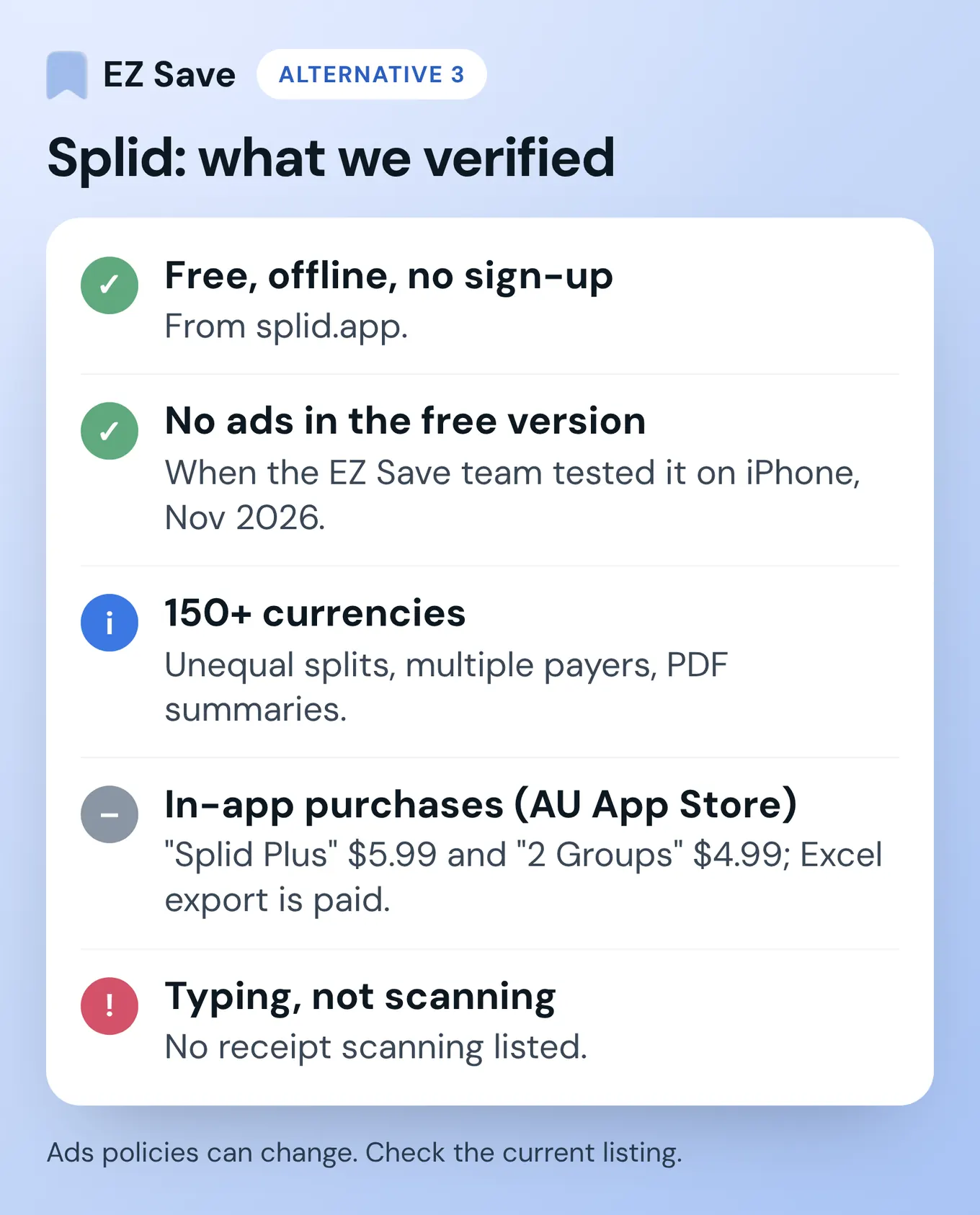
Splid says it's free, works offline, and needs no sign-up. You create a group on your phone and turn on sync if others want to add expenses too. It handles more than 150 currencies, unequal splits and multiple payers, and exports summaries as PDF. Excel export is an in-app purchase, and the Australian App Store lists two purchases, "Splid Plus" ($5.99) and "2 Groups" ($4.99), without saying exactly what each unlocks. Splid's free version showed no ads when the EZ Save team tested it on iPhone in November 2026, but ads policies can change, so check the current listing.
- Good for: a weekend away where you want the maths done and nobody wants an account.
- Watch for: you type each expense; I didn't see receipt scanning listed.
- Platforms: iPhone and Android.
4. PayID or a bank transfer: best if you only need to pay, not track
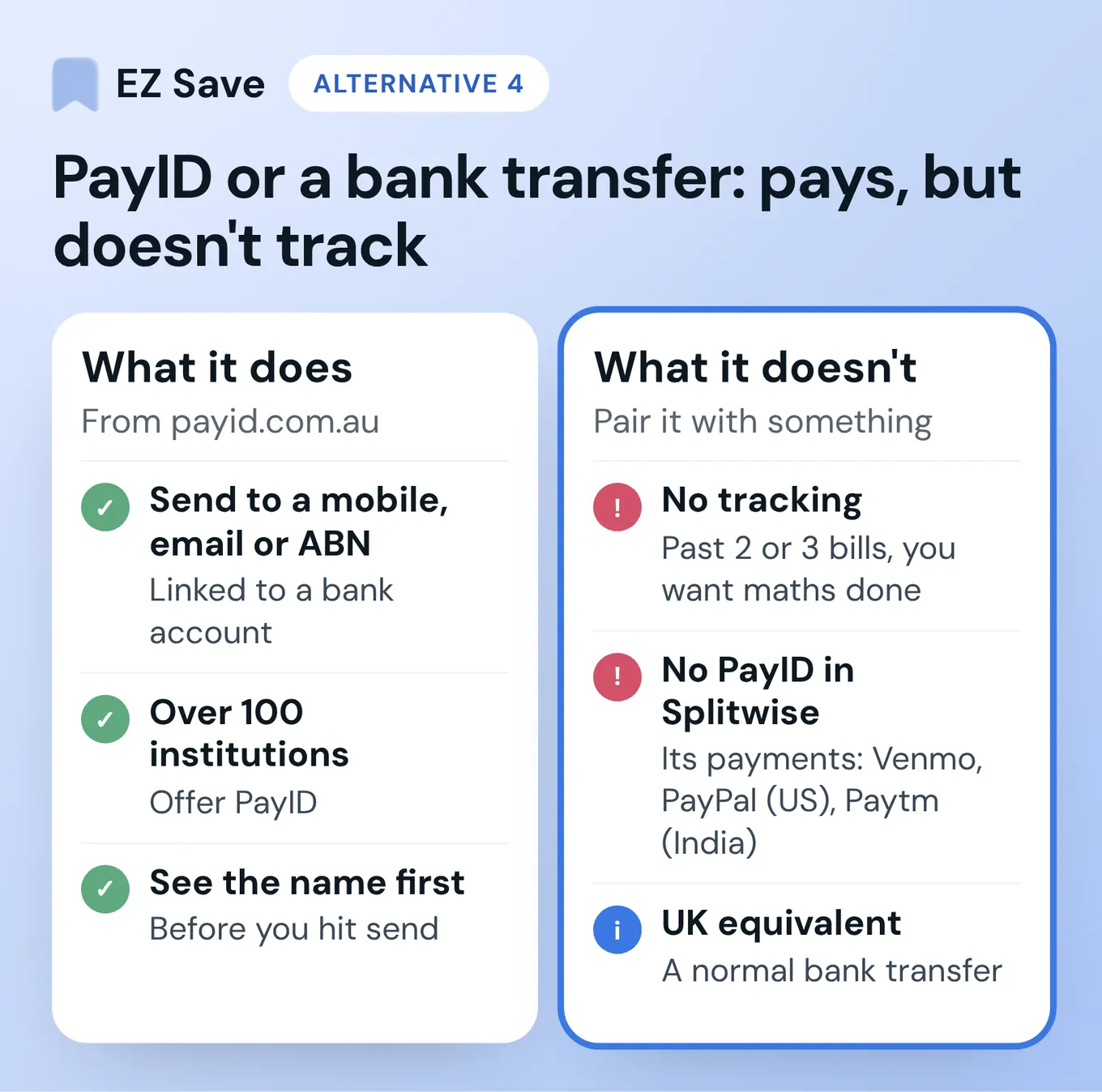
In Australia a lot of groups skip the app entirely. One person pays, posts the total in the group chat, and everyone sends their share by PayID. PayID's site says a PayID is a mobile number, email address or ABN linked to a bank account, that it's offered by over 100 financial institutions, and that you see the name linked to the PayID before you hit send. In the UK the equivalent is a normal bank transfer from your banking app.
- Good for: one dinner, one transfer each, done.
- Watch for: it moves money but doesn't track anything. Past two or three bills, you'll want something doing the maths. Splitwise's built-in payments are listed as Venmo and PayPal (US only) and Paytm (India only), so there's no PayID button there either.
5. Google Sheets: best for the spreadsheet person in every group
A shared sheet with date, item, who paid, amount and who's in costs nothing and has no daily limit. It suits a share house with a spreadsheet person (every house has one). It's slow on a phone at the table, there's no receipt reading, and one bad formula can quietly be wrong for months.
6. EZ Save: best for splitting one bill from a receipt photo
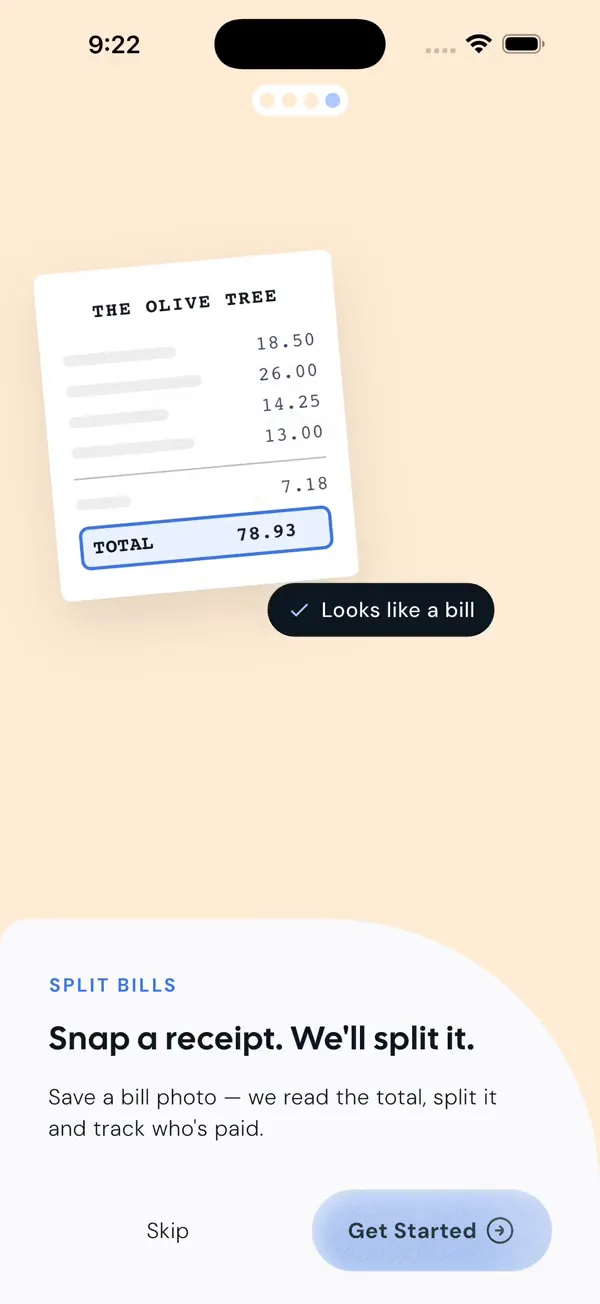
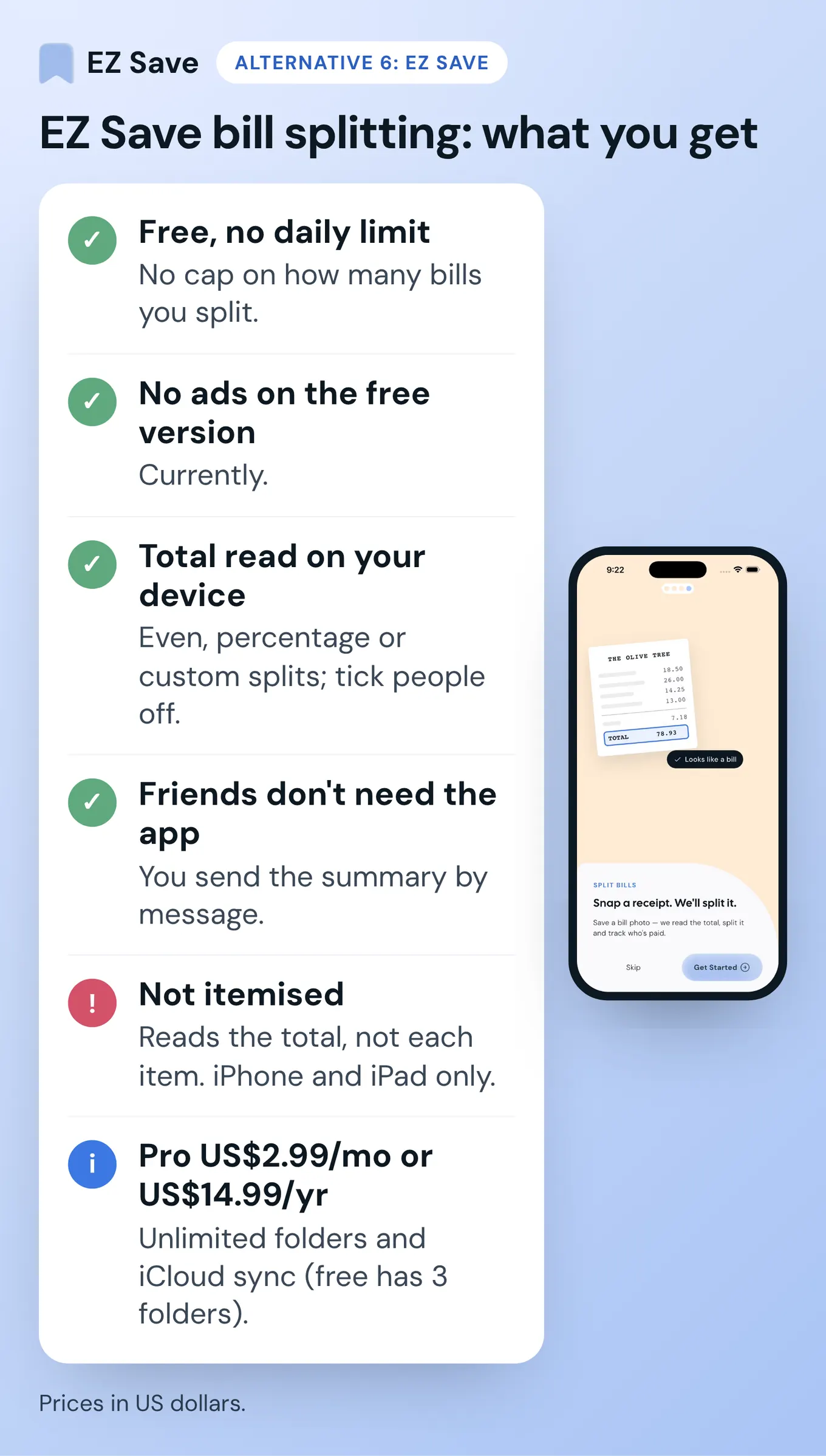
This is mine, so weigh it accordingly. EZ Save is a private organiser for links, photos, videos, files and notes, and bill splitting is a free feature on iPhone and iPad. Share a photo of a bill to EZ Save and it recognises that it looks like a bill, reads the total on your device, and splits it evenly, by percentage or by custom amounts. You tick people off as they pay. Your friends don't need the app, because you send them the summary by message.
- Good for: the dinner where you paid and want everyone's share sorted before you leave.
- Watch for: it reads the total, not individual items, so for "I only had the salad" you type custom amounts. It doesn't move money or send reminders, and there are no running balances across months like Splitwise has. Bill splitting isn't in the Android or Mac versions yet.
- Price: bill splitting is free, with no daily limit and no cap on how many bills you split (unlike Splitwise's free tier, which its help centre says has a daily expense limit, as of Nov 2026). There are currently no ads on the free version. The free plan has up to 3 folders. Pro is a paid upgrade at US$2.99 a month or US$14.99 a year (prices in US dollars) and adds unlimited folders and iCloud sync, so your receipts are also saved in your own iCloud.
How do the Splitwise alternatives compare side by side?
| App | Free plan (Nov 2026) | Reads a receipt photo | Friends need it | Ads on free | Platforms |
|---|---|---|---|---|---|
| Splitwise | Daily expense limit | Pro only, with items | Yes, account-based | Pro is "ad-free" | iOS, Android, web |
| tricount | "No limits" (its claim) | Attach photos | They join the tricount | "No ads" (its claim) | iOS, Android |
| Settle Up | Free, with Premium extras | Photos are Premium | No, link in a browser | Yes; Premium removes | iOS, Android, web |
| Splid | Free; Excel export paid | Not listed | No sign-up needed | None when we tested on iPhone (Nov 2026) | iPhone, Android |
| PayID / transfer | Free in your bank app | ✗ | Need a bank account | None | Your banking app |
| EZ Save | Bill splitting free, no limit | ✓ Total, on device | No, summary by message | None currently | iPhone, iPad (splitting) |
Taken from each app's own website, help pages or App Store listing on 3 November 2026. Quotes are each company's own wording, not my testing. "Not listed" means I couldn't find it on their pages, not that it doesn't exist. Spotted something out of date? Email development@digitalsauce.io.
How do you split a receipt from a photo in EZ Save?
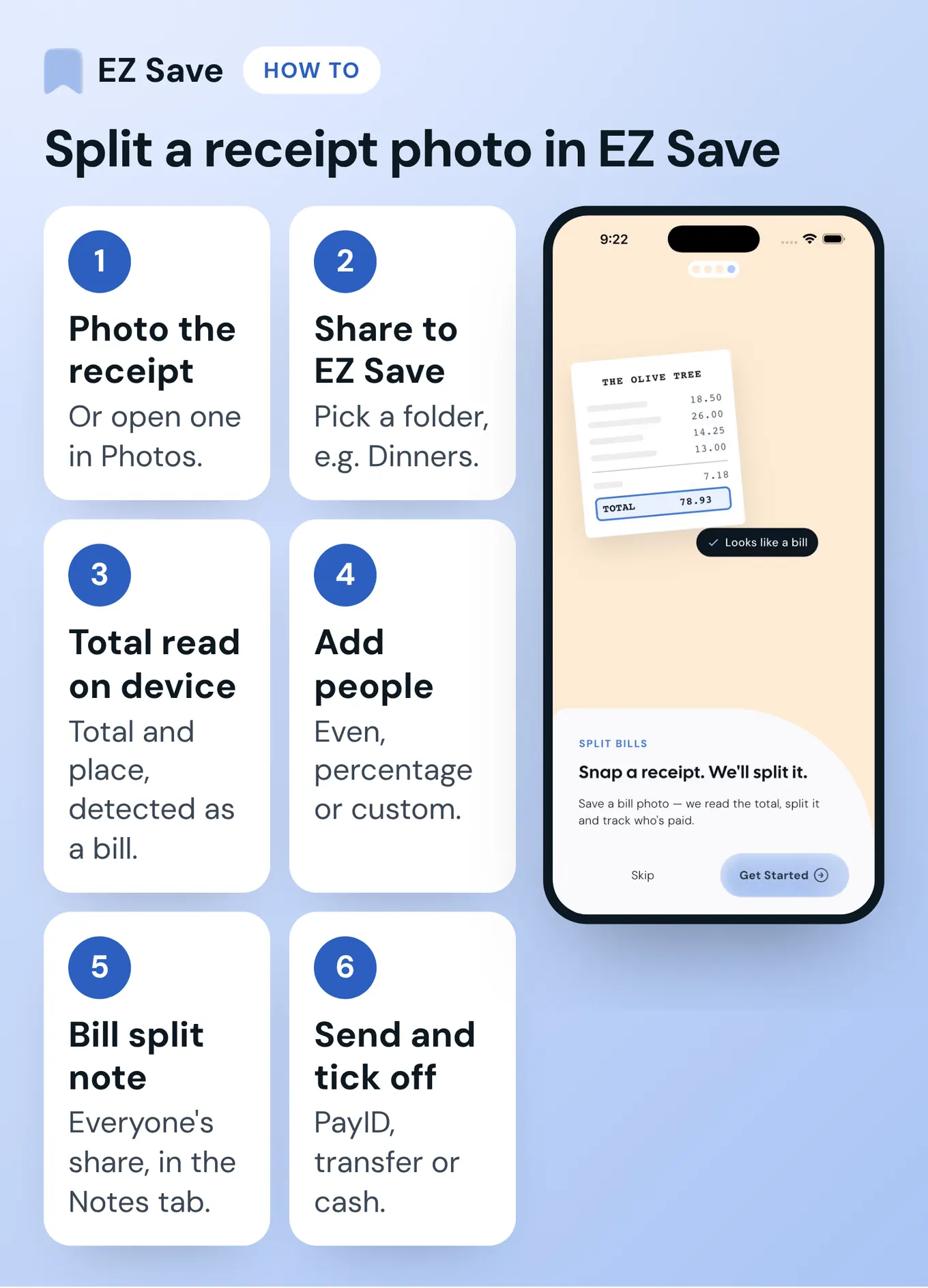
- Take a photo of the receipt, or open one you already have in Photos.
- Tap Share, choose EZ Save, and pick a folder such as Dinners or Lake Weekend.
- EZ Save recognises the photo as a bill and reads the total and the place you paid, on your device.
- Add the people you're splitting with and choose an even split, percentages or custom amounts.
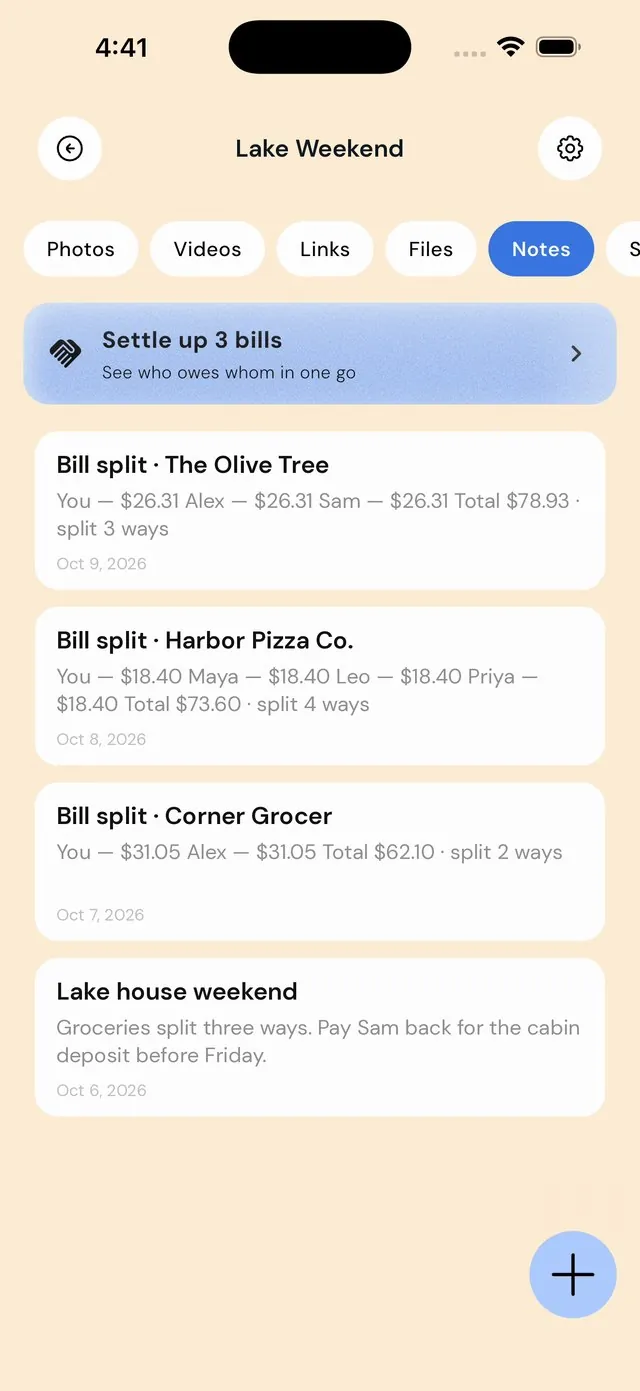
- A Bill split note appears in the folder's Notes tab with everyone's share.
- Send the summary to the group chat from the share sheet, and tick people off as they pay you. They pay however they like: PayID, a bank transfer, cash.
Worked examples with tax and tip are in how to split a restaurant bill fairly.
Should you keep one folder per trip?
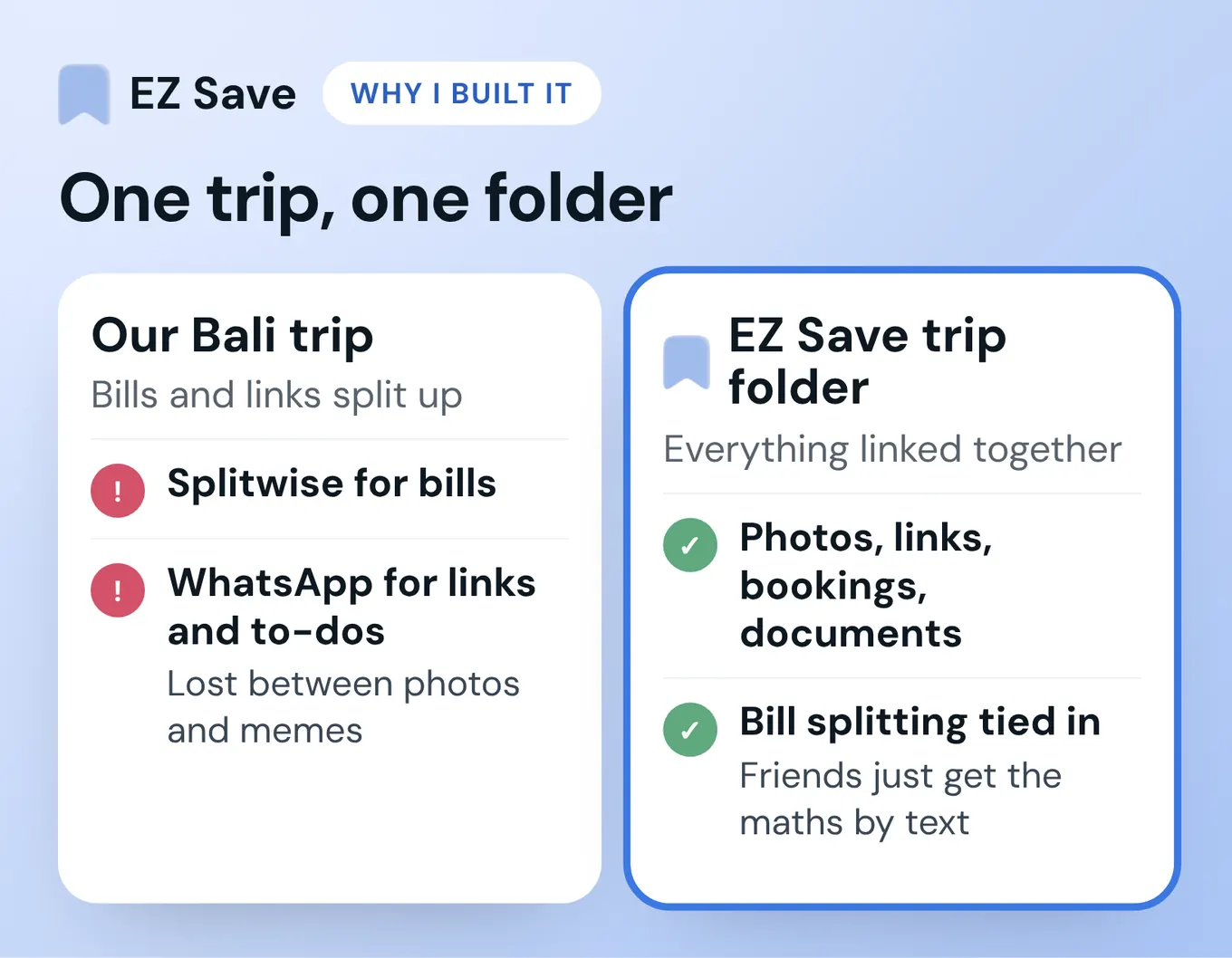
This is the bit I actually use most. Make one folder for the trip, say Lake Weekend, and everything goes in it: the booking confirmation, the screenshots of the Airbnb check-in instructions, the photos, and every receipt you split. When a folder has more than one bill split, a Settle up card at the top of the Notes tab works out who pays whom across all of them, counting anyone you've already ticked off. Save it as a note and send it to the group in one message.
On the free plan you get up to 3 folders, so a trip folder fits, but if you travel a lot you'll bump into that. Planning tips for the rest of the trip are in how to organise travel plans in one app and how to split costs on a group trip.
Why shouldn't your receipts live on someone else's server?
A pile of receipts is a detailed diary: where you ate, when, how much, and often who with. Most bill-splitting apps sync through their own servers so the group sees one balance. That's a fair trade for a share house, but know what you're agreeing to.
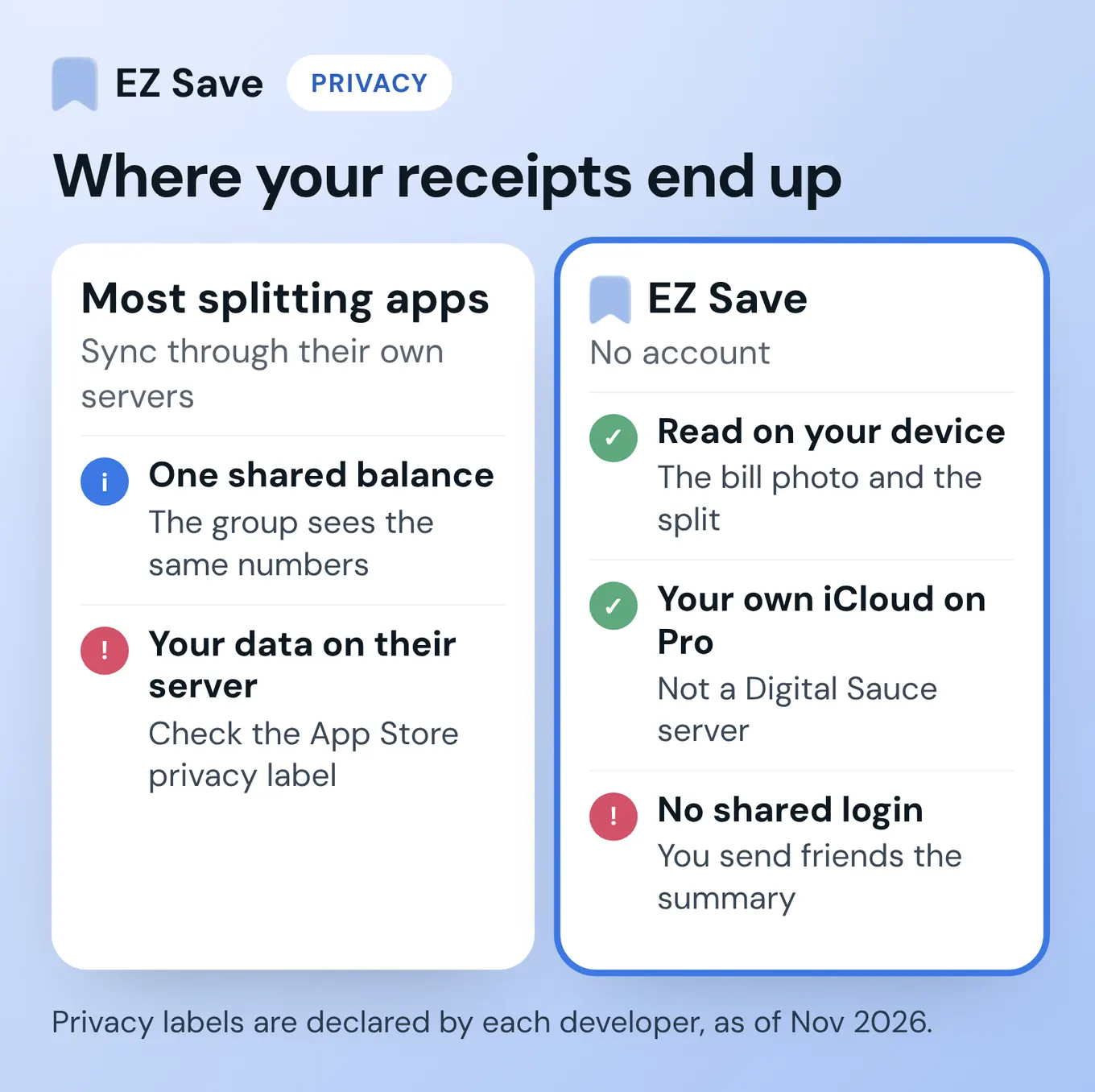
Apple's App Store privacy labels are the quickest check. They're declared by each developer, not audited by me. As of November 2026, Splitwise's label lists location, contact info, user content, identifiers, usage data and diagnostics as data that may be linked to you, the tricount and Settle Up labels list identifiers as data that may be used to track you, and Splid's lists financial info and user content among data linked to you.
EZ Save works the other way round. There's no account. The bill is read on your device, and the photo and split are stored in your library on your device, and if you're on Pro they're also saved in your own iCloud through iCloud sync. None of it sits on a Digital Sauce server. The catch is the flip side of the same choice: your friends can't log in and see a shared balance. You send them the summary.
Why did I add bill splitting to an organiser app?
When my friends and I went on trips, we managed the bookings, the places to visit and the bill photos all separately. On a trip to Bali we used Splitwise for the bills and WhatsApp groups for links and to-dos, and those links and to-dos got lost in the chat between a thousand useless photos and memes. EZ Save was my alternative: keep the trip's photos, links, booking confirmations, documents and places to visit linked in one folder, with bill splitting naturally tied into it, so nobody has to download another app just to split bills. Your friends don't need EZ Save at all. You just text them the math, and because it's mostly close friends, it's easy to manage.
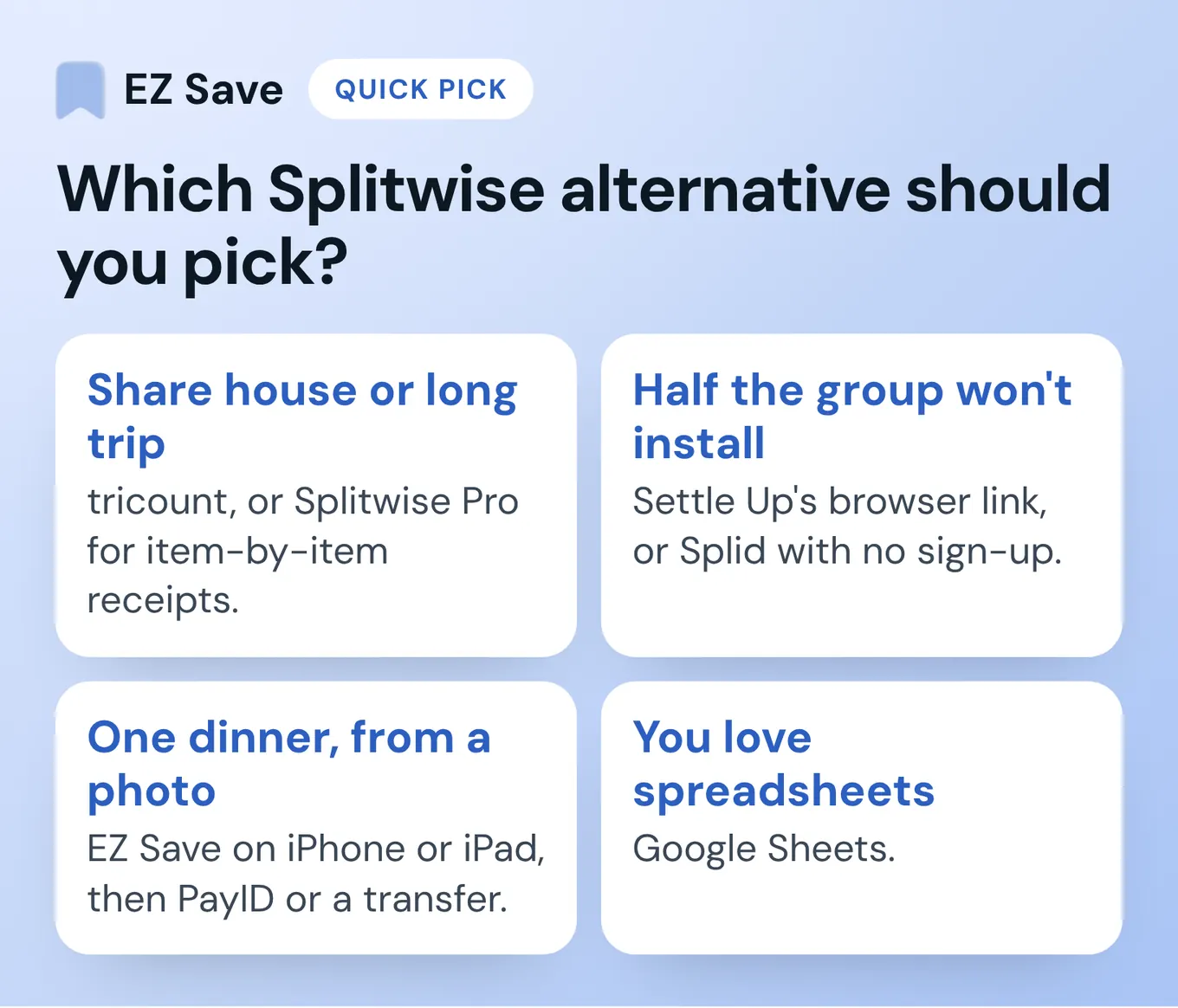
Which Splitwise alternative should you pick?
- A share house or a long trip where everyone adds expenses: tricount, or stay on Splitwise and pay for Pro if you need item-by-item receipts.
- Half the group won't install anything: Settle Up's browser link, or Splid with no sign-up.
- One dinner, from a receipt photo, sorted before you leave: EZ Save on iPhone or iPad, then PayID or a bank transfer to pay.
- You love spreadsheets: Google Sheets. You know who you are.
What do people ask about Splitwise alternatives?
Is there a free Splitwise alternative with no limits?
What is Splitwise's daily expense limit?
Do my friends need the app to split a bill?
Which app can split individual items on a receipt?
Can I split a bill with PayID?
Does EZ Save bill splitting work on Android?
Snap a receipt. We'll split it.
Free bill splitting on iPhone and iPad: the total is read on your device, and the receipt is kept in your trip folder. Your friends don't need the app.
Questions or corrections? Email development@digitalsauce.io.