
Short answer
Share the reel's link to a recipes folder instead of relying on in-app saves, and grab the ingredients at the same time: screenshot the caption or copy them into a note. If you want ingredient lists and steps pulled out for you automatically, a dedicated recipe app is the better tool; if you want recipes kept alongside everything else you save, use an organizer such as EZ Save.
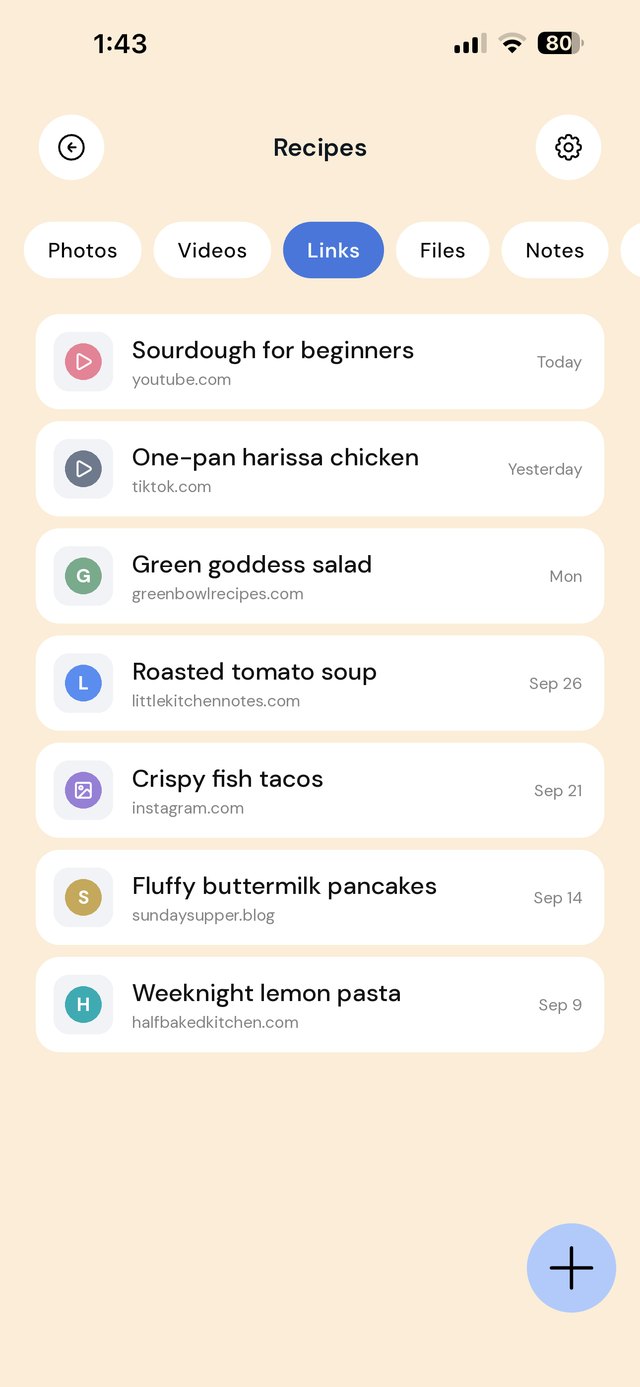
Why saved recipe reels are hard to cook from
- The ingredients are in the caption or the video, so you end up pausing and scrubbing with floury hands.
- Saves are split by app. TikTok favorites and Instagram collections never sit side by side.
- Posts disappear. If the creator deletes the video, it vanishes from your saves.
Step by step: save a recipe so it stays useful
- In TikTok or Instagram, tap Share and choose EZ Save, then pick your Recipes folder (or a sub-folder such as Weeknight).
- If the ingredients are in the caption, screenshot the caption and save it to the same folder.
- If the creator links a full recipe on their website, save that link too. Website recipes have the exact quantities.
- After you cook it, add a line to the folder note: "less chili, double the garlic, 25 min not 20".
A folder setup that works in the kitchen
The To try and Tried & loved split is the one that matters. It turns a pile of saves into a short list you trust.
Recipe app or general organizer?
| You want… | Better fit |
|---|---|
| Ingredients and steps extracted automatically, scaling, meal plans, shopping lists | A dedicated recipe app such as Paprika or Mela, which can import from many recipe websites. Some apps also try to import from social video links; check each app's current listing. |
| Recipe reels, recipe sites, photos and notes kept together with the rest of your saves | EZ Save: one private library for recipes, travel ideas, receipts and everything else |
| Just a few favorites | Instagram collections or TikTok favorites may be enough |
We would rather you pick the right tool than the wrong one. If cooking is the main thing you save for, a recipe app is worth trying. If recipes are one of many things you save, keeping them in one library is simpler.
A note on downloading videos
Saving the link rather than downloading the video keeps you within each platform's terms and still credits the creator. Your own cooking videos are yours to save as files.
Frequently asked questions
What is the best way to save TikTok recipes?
Can I save the ingredients from an Instagram recipe reel?
Does EZ Save turn reels into recipe cards?
What happens if the recipe video gets deleted?
Can I keep recipes offline for cooking?
Your recipes, in one place
Save recipe reels, recipe sites, screenshots and notes into folders you can actually cook from.