Every project plan, in one place
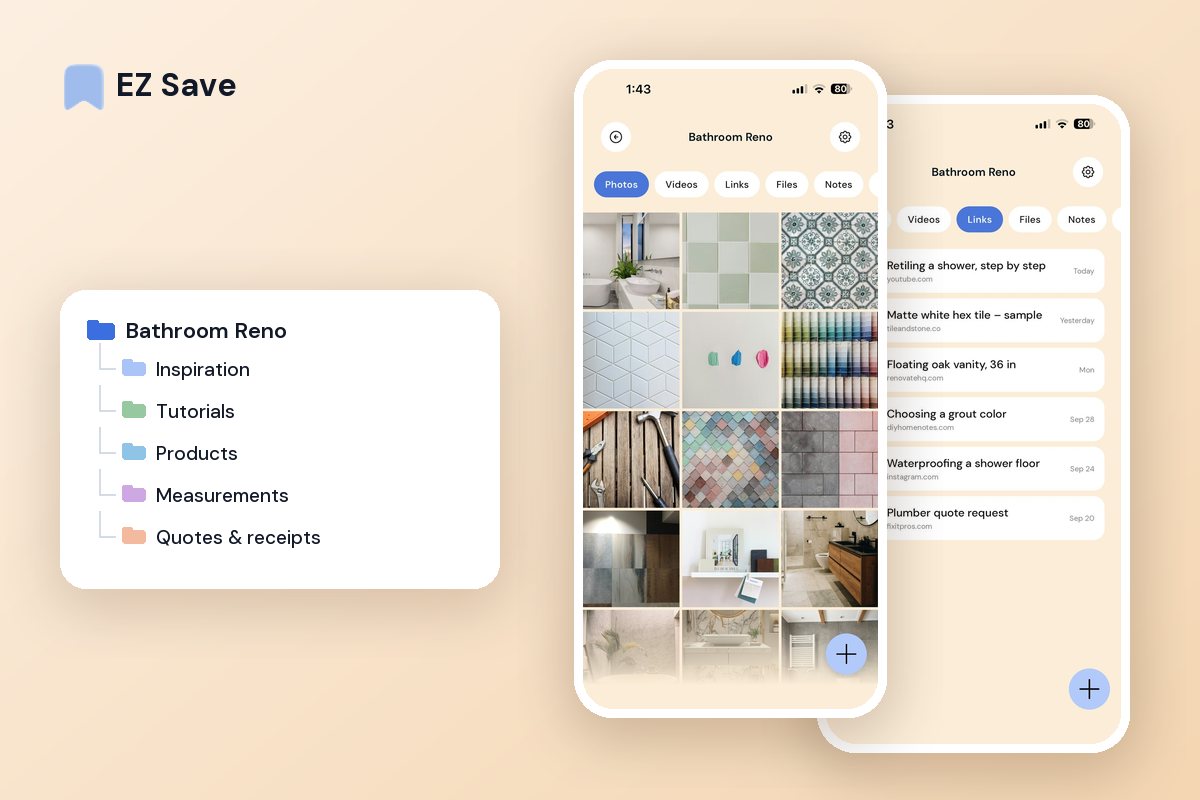
Tutorials, measurements, paint codes and product links — keep everything for a project together, so you are not searching mid-job with dusty hands.
DIY research ends up everywhere
- Tutorial videos vanish into your saved feed
- Measurements are on a scrap of paper somewhere
- Paint codes and part numbers are lost in photos
- Product links are spread across a dozen tabs
- You start each project by hunting for what you found
A folder per room or project
Keep the how-to videos, your measurements, the paint code photo and the shopping list in one folder. When you are standing in the hardware aisle, everything you need is one tap away.
A folder per room or project
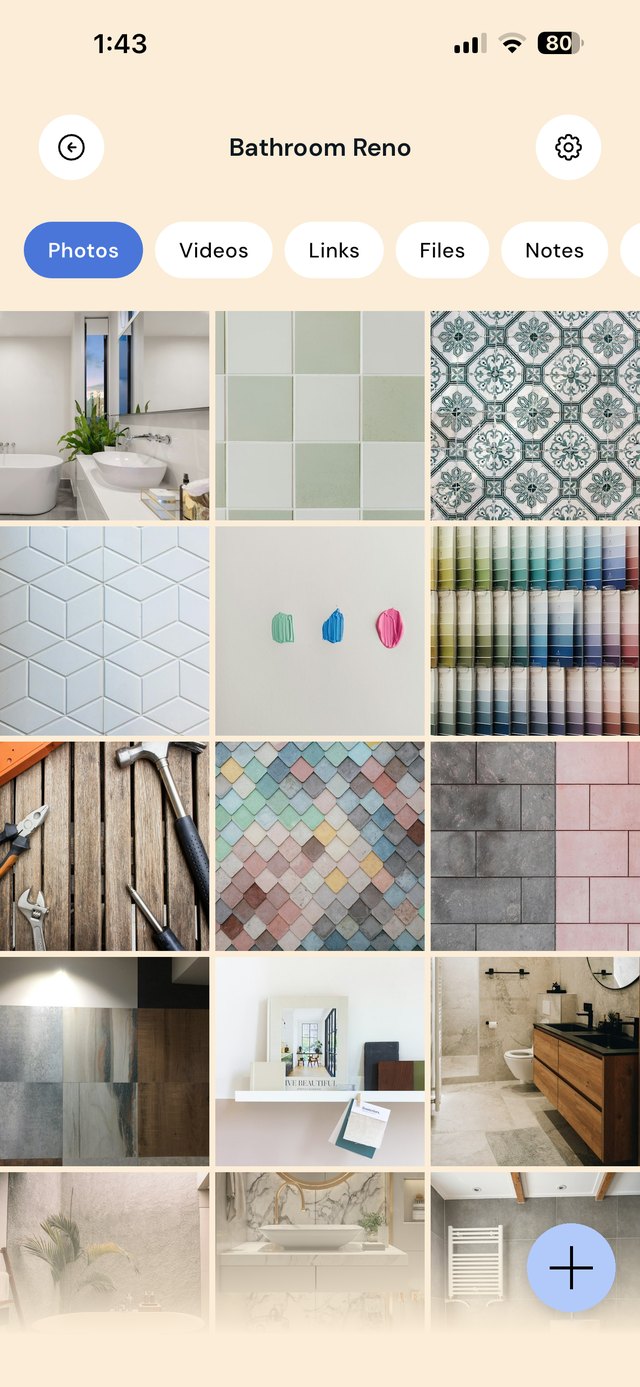
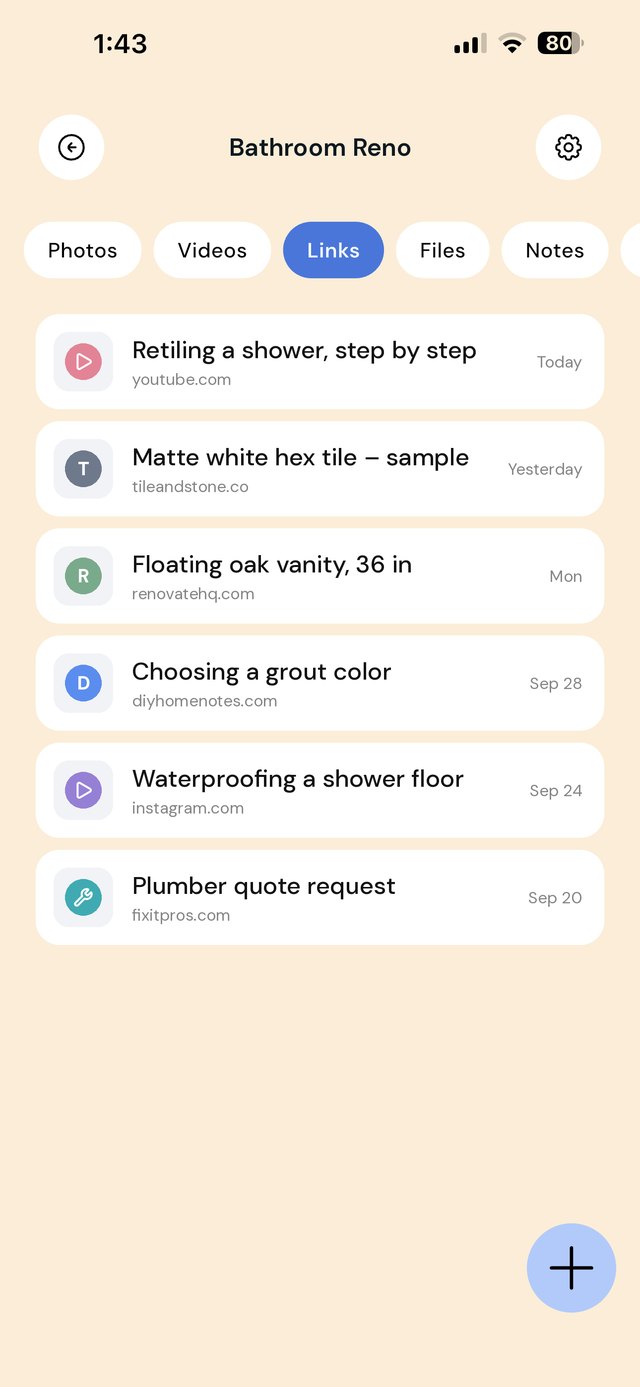
A DIY project lives across tutorials, product pages, photos of the space, paint codes and quotes. When you finally have a free Saturday, you should not spend the first hour finding what you saved. One folder per project keeps the plan, the parts and the proof in one place.
The most useful note in any project folder is a parts list: product name, size, quantity and the paint or color code. Take it to the store instead of guessing in the aisle.
A workflow from idea to finished room
| When this happens | Do this in EZ Save |
|---|---|
| You find a tutorial on YouTube or Instagram | Share it to the project's Tutorials folder. |
| You measure the space | Photograph each wall, write the dimensions on the photo or in a note, and save it to Measurements. |
| You pick a product | Share the product page to Products and note the size, price and quantity. |
| A tradesperson sends a quote | Save the PDF to Quotes & receipts and compare them side by side in the note. |
| You buy supplies | Photograph the receipt for returns and warranty claims. |
| You finish a stage | Save before-and-after photos, which are useful for insurance and resale too. |
Know when to call a professional. Electrical, gas and many plumbing and structural jobs require a licensed tradesperson and sometimes a permit, depending on where you live. Check your local rules before you start.
Mistakes that make projects drag on
Losing the paint code. Touch-ups years later need the exact brand, color and finish. Save a photo of the can lid.
Measuring twice, recording once. Measurements on a scrap of paper disappear. Save them with a photo of the space.
Throwing away receipts. Returns and warranties need proof of purchase. Keep receipts until the warranty ends.
Skipping before photos. Before photos help with insurance claims, resale and showing what you achieved.
On a MacBook? EZ Save has a native Mac app. Drag a tutorial link or paint-color photo up to the notch, pick a folder from the panel that drops down, and it’s saved to the same library as your iPhone. Free, on MacBooks with a notch. See it in action →
Questions people ask
Can I save DIY videos from YouTube and TikTok?
Can I write measurements on photos?
Can I share my project folder with a contractor?
Can I keep appliance manuals in EZ Save?
Why DIYers love EZ Save
- Save tutorials, photos, PDFs and product links together
- A folder per room, project or job
- Find measurements and part numbers in seconds
- Works on iPhone and iPad, in the shed or the shop
- Private and stored in your own iCloud
Get the job done
Keep every project plan in one tidy place with EZ Save, free on the App Store.